Introdução
This is a step by step process for the replacement or repair of the LCD screen on your Asus ROG Strix GL702VS laptop. If you are experiencing dead pixels or a cracked screen, follow these steps to remove the screen and replace it.
Before fully reassembling, try powering on the computer to ensure all cable connections are working.
O que você precisa
-
-
Remove the two screw stickers at the bottom corners of the screen.
-
Remove the two 4mm JIS #0 screws beneath the stickers.
 Pergunte ao FixBot
-
-
-
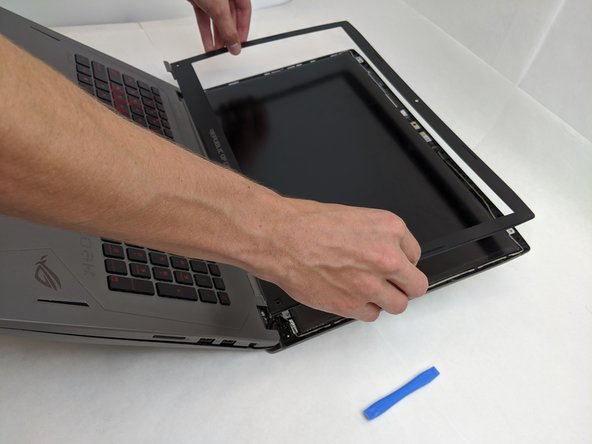
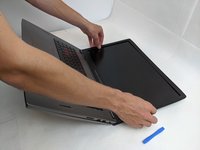
Break the glue between the bezel and screen with a nylon spudger, working around the inside of the bezel.
-
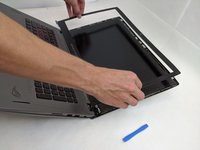
Using an opening tool, lift up the bezel once the glue has been removed.
-
-
-
-
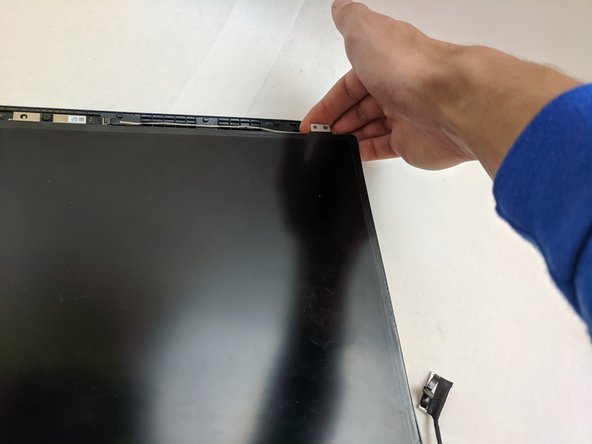
Remove the four interior 4mm JIS #0 screws from each of the four metal LCD tabs.
-
-
-
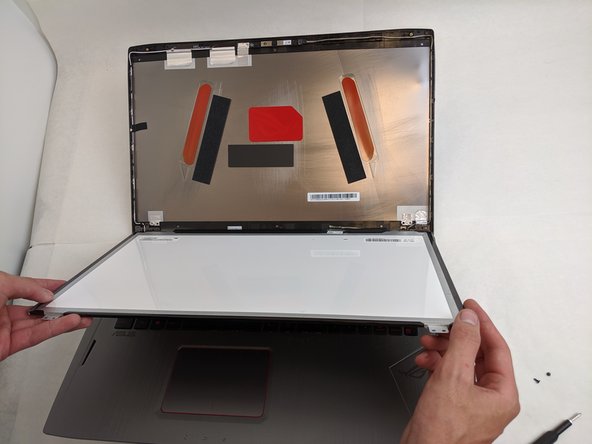
Once the LCD display is freed you can lift it up out of the casing.
-
-
Ferramenta utilizada neste passo:Tweezers$4.99
-
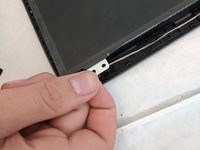
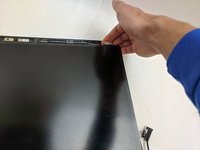
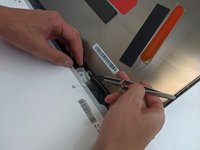
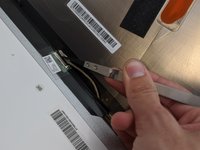
On the backside of the LCD, disconnect the LCD cable using a pair of tweezers.
-
Once fully disconnected, remove the LCD and replace it.
-






To reassemble your device, follow these instructions in reverse order.
Cancelar: não concluí este guia.
Uma outra pessoa concluiu este guia.

Equipe

Embry-Riddle Aeronautical University, Team S8-G6, Salas Fall 2019 Membro de Embry-Riddle Aeronautical University, Team S8-G6, Salas Fall 2019
ERAU-SALAS-F19S8G6
4 Membros
Autoria de 8 guias
