Introdução
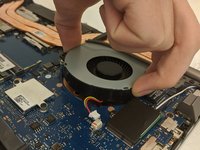
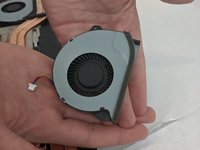
This is a step by step guide for the removal of the Asus ROG Strix GL702VS cooling fans for replacement or repair. If you are experiencing overheating problems or loud fan noises and grinding, follow these steps to remove the fans for replacement, repair, or cleaning.
O que você precisa
-
-
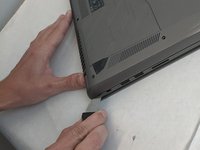
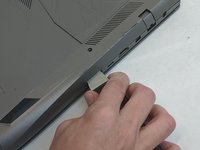
Flip the computer so the bottom of the laptop is facing up.
 Pergunte ao FixBot
-
-
-
Remove the ten JIS #0 screws around the edge of the laptop.
-
The two bottom screws are slightly shorter
-
-
-
-
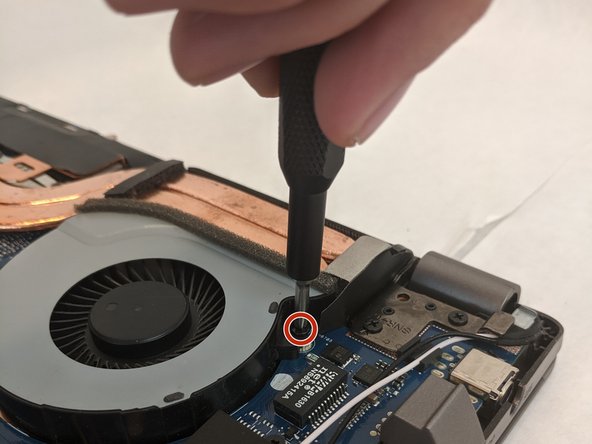
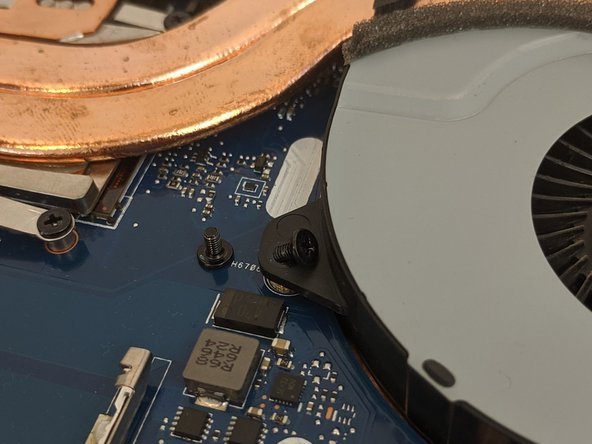
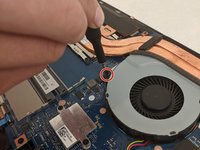
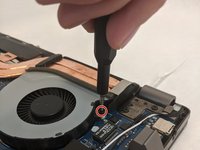
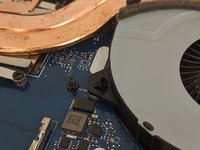
Remove the four 4.8mm JIS #0 screws (two on each fan).
-
-
Ferramenta utilizada neste passo:Tweezers$4.99
-
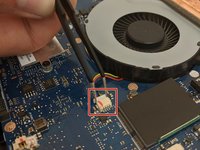
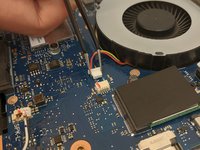
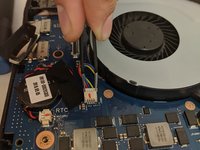
Remove the fan's connector on the motherboard using a pair of tweezers.
-








To reassemble your device, follow these instructions in reverse order.
Cancelar: não concluí este guia.
Uma outra pessoa concluiu este guia.

Equipe

Embry-Riddle Aeronautical University, Team S8-G6, Salas Fall 2019 Membro de Embry-Riddle Aeronautical University, Team S8-G6, Salas Fall 2019
ERAU-SALAS-F19S8G6
4 Membros
Autoria de 8 guias
