Introdução
The RAM of your computer acts as the computer's "working" memory. The operating system and every program, application, and process requires memory to operate. The more memory your computer has available, generally speaking, the more it can do at once. Replacing your Asus A53U-ES21's RAM with faster and larger memory can noticeably improve its performance.
O que você precisa
-
-
Flip the laptop upside down so that the battery is facing you.
 Pergunte ao FixBot
-
-
-
Move the two sliders towards the outer edge of the laptop.
-
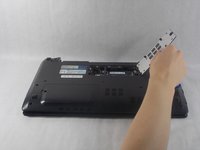
Pull the battery out with your left hand while holding the right slider.
-
-
-
-
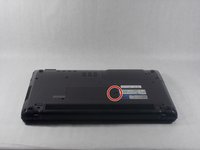
Remove the 5mm screw holding the RAM panel in place with a Phillips #1 screwdriver.
-
-
-
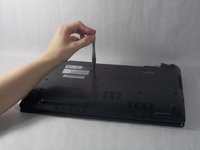
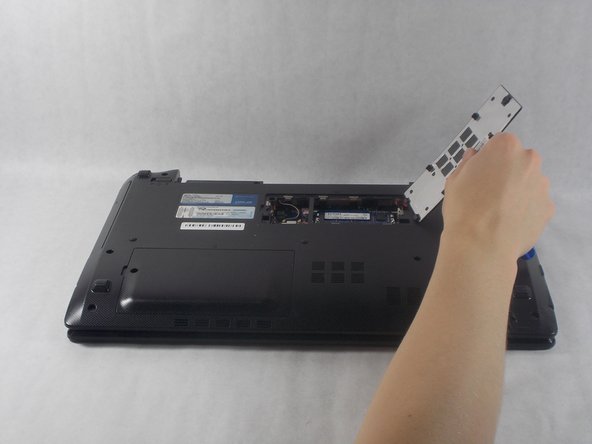
Remove the panel using the plastic opening tools.
-
Slide the tool along the edge to release the multiple catches keeping it secure.
-
-
-
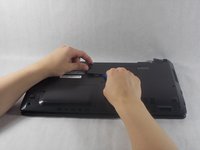
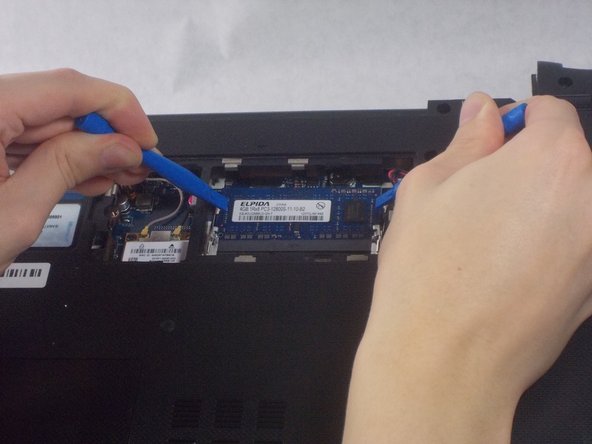
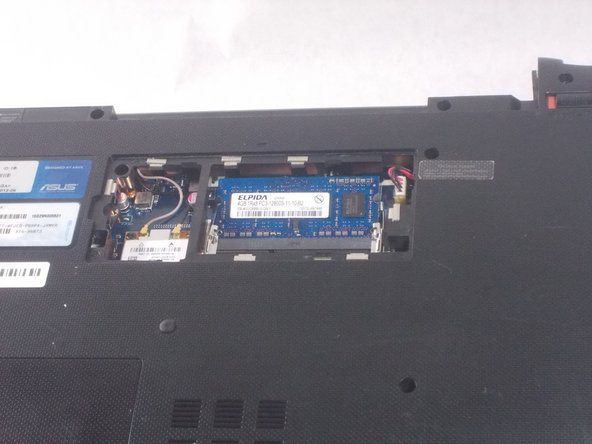
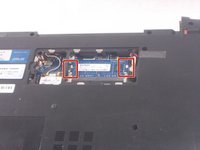
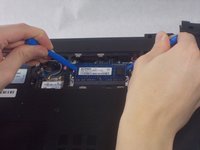
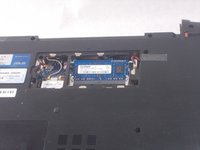
Use plastic opening tools to move the metal clips holding the RAM in place outwards.
-





To reassemble your device, follow these instructions in reverse order.
Cancelar: não concluí este guia.
Uma outra pessoa concluiu este guia.

Equipe

UMass Dartmouth, Team S1-G3, Simcock Fall 2018 Membro de UMass Dartmouth, Team S1-G3, Simcock Fall 2018
UMASSD-SIMCOCK-F18S1G3
3 Membros
Autoria de 7 guias
