Introdução
This is a guide to replacing the up and down buttons on your Akaso EK7000. Required tools are: a metal spudger or any other instrument used to pry or separate, and a Phillips #000 screwdriver.
O que você precisa
-
-
-
Locate the battery cover at the bottom of the camera. Use your fingers to gently pry open the battery cover.
 Pergunte ao FixBot
-
-
-
Locate the small plastic flap attached to the battery. Pull the battery out towards you.
-
-
-
-
-
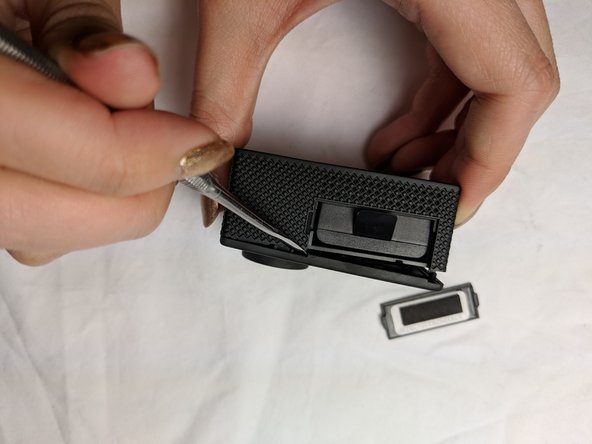
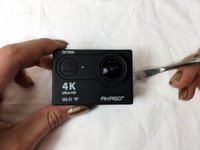
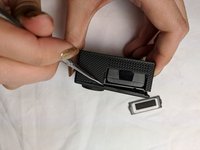
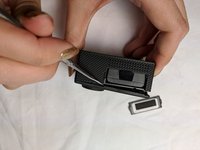
Using the metal spudger, gently pry open the front panel from the exposed battery cartridge.
-
-
-
-
Remove the rest of front panel with your fingers or with assistance from the spudger.
-
-
-
-
-
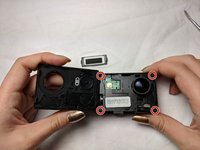
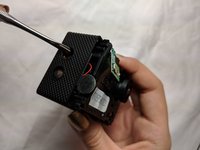
Using a Phillips #000 screwdriver, remove the four screws securing the cover plate.
-
-
-
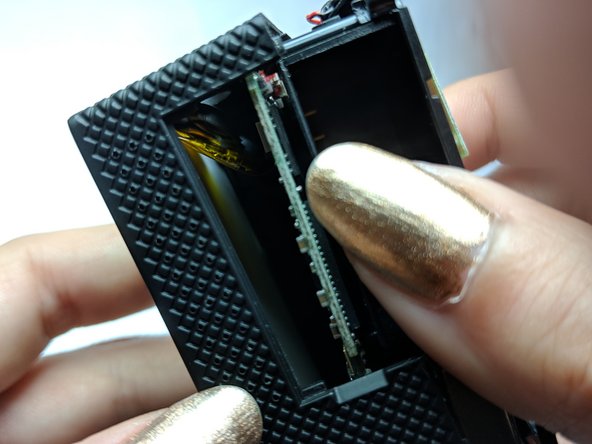
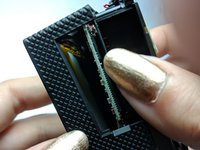
Using your thumb or a spudger, gently push up from inside the battery cartridge.
-
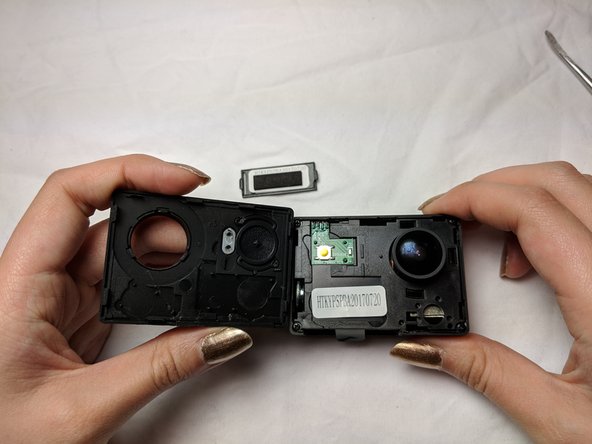
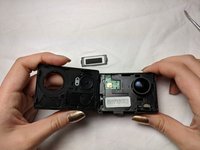
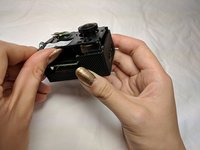
Gently lift the cover plate until you can see into the inside of the camera. The cover will not completely come off, so be careful not to damage any of the inner wiring.
-
-
-
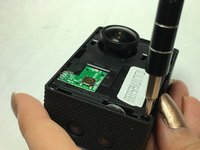
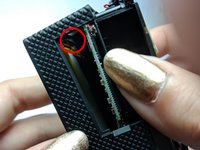
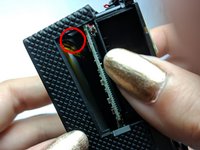
Using the metal spudger, push down on the up and down button as shown in the picture. Dislodge the button and it should fall to the bottom of the camera.
-
-
-
Again, using the metal spudger, gently pull out the button from within the camera.
-
-









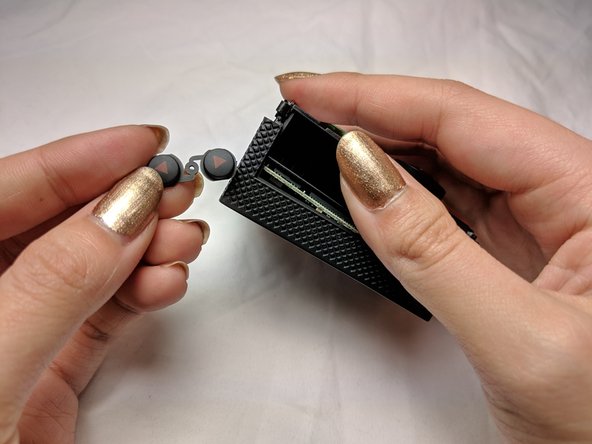
To reassemble your device, follow these instructions in reverse order.
Cancelar: não concluí este guia.
3 outras pessoas executaram este guia.

Equipe

UC Davis, Team S20-G2, Lore Winter 2019 Membro de UC Davis, Team S20-G2, Lore Winter 2019
UCD-LORE-W19S20G2
3 Membros
Autoria de 4 guias
3Comentários do guia
Annie, where do I get the replacemnet bottons for the Akaso 7000 pro?
I need a replacement top button. Plastic got messed up but was able to still press the metallic part. But didn't realize it wasn't secure and it fell off at some point. Can start recording by shorting across contacts but looking for a fix.
Who is going to answer above questions?
