Ir para o conteúdo principal
Participe da comunidade de reparos - Criar conta

APS Tech 101629 Exhaust Fan Replacement

O que você precisa

    1. APS Tech 101629 Exhaust Fan Replacement, External Casing: passo 1, imagem 1 %32 APS Tech 101629 Exhaust Fan Replacement, External Casing: passo 1, imagem 2 %32 APS Tech 101629 Exhaust Fan Replacement, External Casing: passo 1, imagem 3 %32
      • Pry all four of the plastic feet off the bottom of the enclosure using the iPod opening tool.

      Pergunte ao FixBot

      Comentar

    2. APS Tech 101629 Exhaust Fan Replacement: passo 2, imagem 1 %32 APS Tech 101629 Exhaust Fan Replacement: passo 2, imagem 2 %32
      • Unscrew the four screws previously covered by the feet with a Phillips #1 screwdriver.

      Pergunte ao FixBot

      Comentar

    3. APS Tech 101629 Exhaust Fan Replacement: passo 3, imagem 1 %32 APS Tech 101629 Exhaust Fan Replacement: passo 3, imagem 2 %32
      • Flip the device right side up.

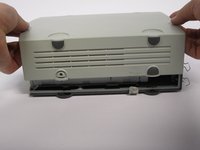
      • Gently slide the casing upwards and off the hard drive.

      Pergunte ao FixBot

      Comentar

    4. APS Tech 101629 Exhaust Fan Replacement: passo 4, imagem 1 %32
      • Flip device upside down again.

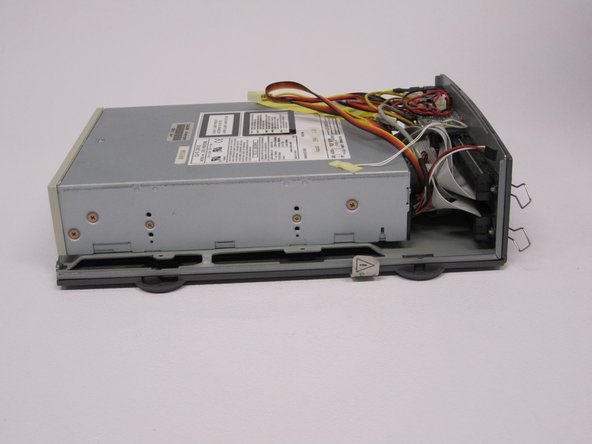
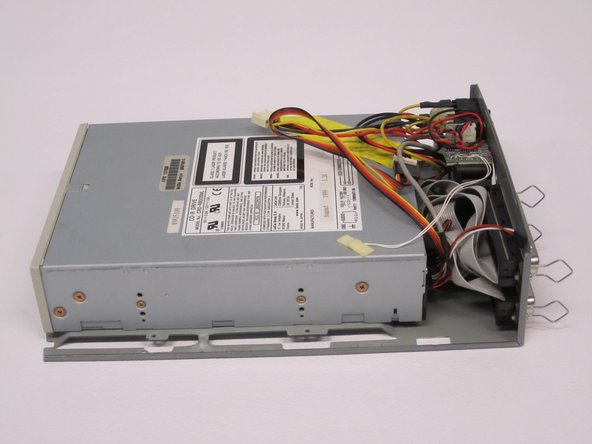
      • Gently pry the bottom gray casing away from the device.

      Pergunte ao FixBot

      Comentar

    5. APS Tech 101629 Exhaust Fan Replacement: passo 5, imagem 1 %32 APS Tech 101629 Exhaust Fan Replacement: passo 5, imagem 2 %32
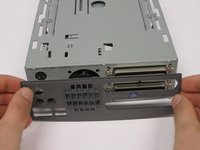
      • Rotate so the back of the device is facing you.

      • Gently pry the back casing away.

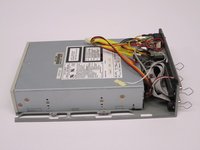
      • When the back casing is removed, the fan will become loose.

      Pergunte ao FixBot

      Comentar

    1. APS Tech 101629 Exhaust Fan Replacement, Channel Switch: passo 6, imagem 1 %32 APS Tech 101629 Exhaust Fan Replacement, Channel Switch: passo 6, imagem 2 %32
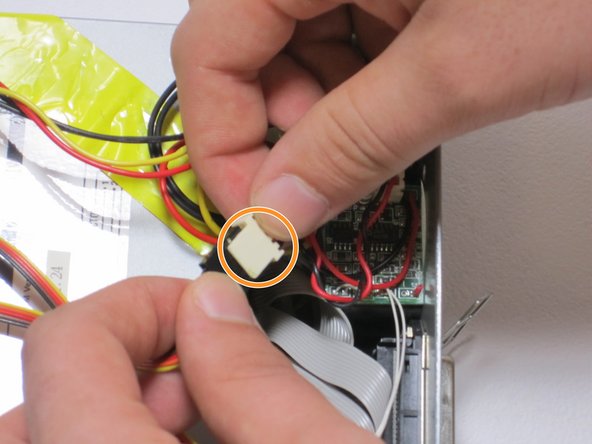
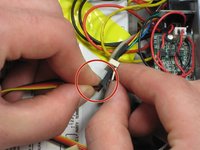
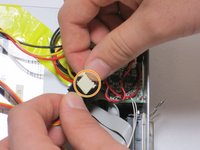
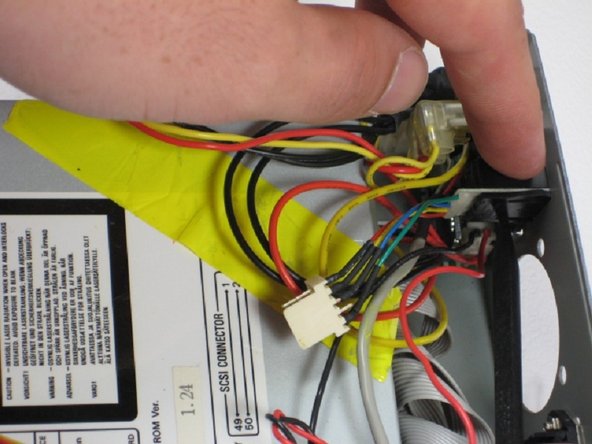
      • Find the conjoined ID cable wires that are colored black, orange, and yellow.

      • Lift white portion of cable wires to disconnect it.

      Pergunte ao FixBot

      Comentar

    2. APS Tech 101629 Exhaust Fan Replacement: passo 7, imagem 1 %32 APS Tech 101629 Exhaust Fan Replacement: passo 7, imagem 2 %32 APS Tech 101629 Exhaust Fan Replacement: passo 7, imagem 3 %32
      • At this point, the fan is loose and can be easily moved but not disconnected.

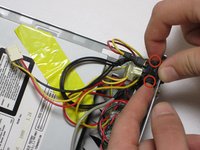
      • Using the spudger, depress the pressure holders at all four corners of the fan.

      • Take out the fan and its cords, by pulling it outward from its cavity within the device.

      Pergunte ao FixBot

      Comentar

    1. APS Tech 101629 Exhaust Fan Replacement, Power Switch: passo 8, imagem 1 %32 APS Tech 101629 Exhaust Fan Replacement, Power Switch: passo 8, imagem 2 %32
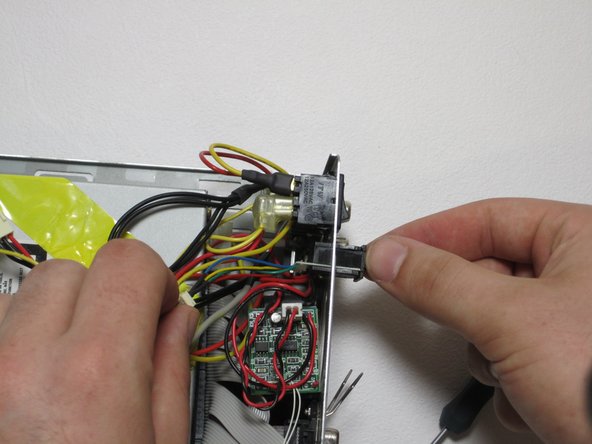
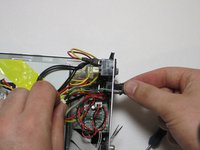
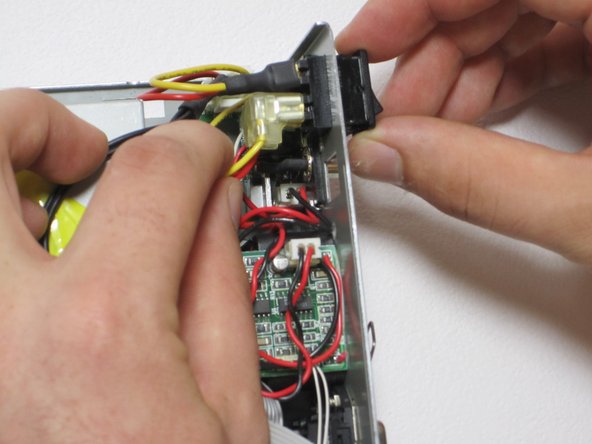
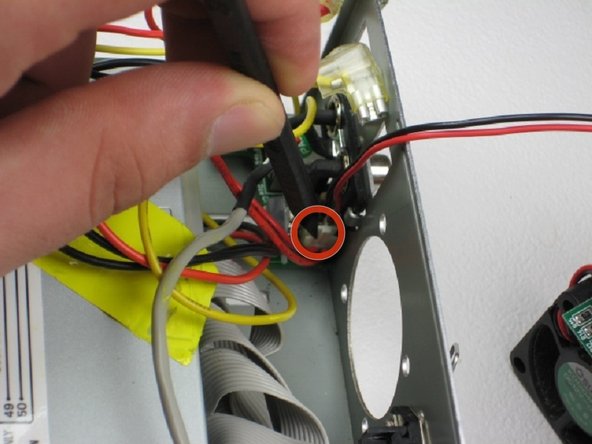
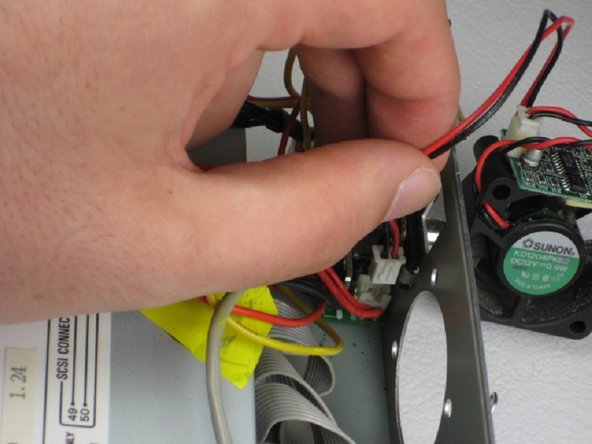
      • Depress 2 pressure holds on each side of the power switch.

      • Press out the back of the device.

      Pergunte ao FixBot

      Comentar

    2. APS Tech 101629 Exhaust Fan Replacement: passo 9, imagem 1 %32 APS Tech 101629 Exhaust Fan Replacement: passo 9, imagem 2 %32
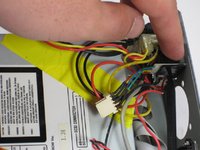
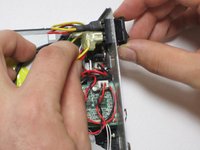
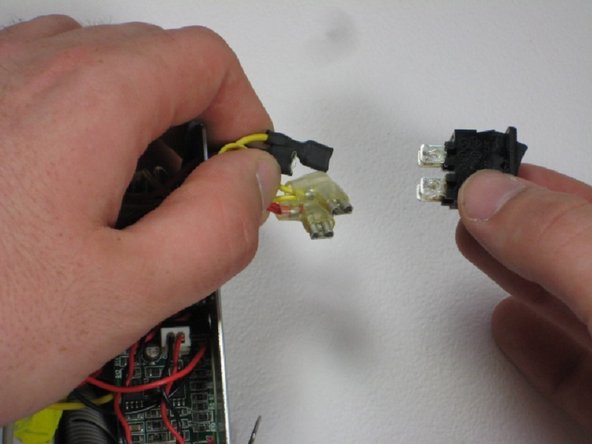
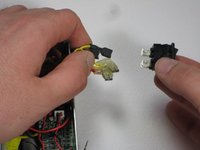
      • Remove all four 4 connections from the power switch.

      • Remember that the straight connections are on the far side, while the L-shaped connections are on the near side, and that both yellow connections are on top. This is helpful for reassembly.

      • These are very hard to get off, use patience and wiggling.

      Pergunte ao FixBot

      Comentar

    1. APS Tech 101629 Exhaust Fan Replacement, Exhaust Fan: passo 10, imagem 1 %32
      • Remove temperature guage.

      Pergunte ao FixBot

      Comentar

    2. APS Tech 101629 Exhaust Fan Replacement: passo 11, imagem 1 %32 APS Tech 101629 Exhaust Fan Replacement: passo 11, imagem 2 %32 APS Tech 101629 Exhaust Fan Replacement: passo 11, imagem 3 %32
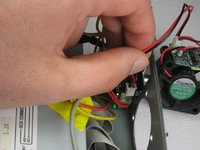
      • Move the exhaust fan out of the way so you can access its control cord.

      • Use the spudger to depress the hold on the fan cord.

      • Gently pull fan cord from connection and remove fan completely.

      Pergunte ao FixBot

      Comentar

Conclusão

To reassemble your device, follow these instructions in reverse order.

Cancelar: não concluí este guia.

Equipe

Cal Poly, Team 24-60, Amido Spring 2011 Membro de Cal Poly, Team 24-60, Amido Spring 2011

CPSU-AMIDO-S11S24G60

5 Membros

Autoria de 12 guias

0Comentários do guia

Comentar

Visualizações:

Últimas 24 horas: 1

Últimos 7 dias: 6

Últimos 30 dias: 36

Ao todo: 1,107