Introdução
To remove the cover of the tablet you will need a plastic prying tool and 1mm Phillips Screwdriver. Be sure to allot roughly 2-3 minutes for the process. If you don't have a plastic prying tool, your fingers should suffice.
O que você precisa
-
-
-
Place the tablet on its side so that the two screws are facing upward.
-
Remove two 1 mm screws from the left side of the tablet using a Phillips #00 screwdriver.
 Pergunte ao FixBot
-
-
-
-
Pry the case away from the device slowly by sliding a plastic opening tool along the device.
-
Once loosened, use your hands to separate the case from the device.
-
-
-
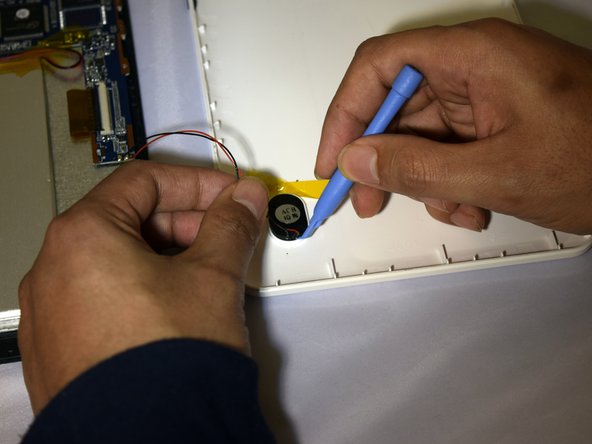
Hold the positive and negative wires as close as possible to the speaker.
-
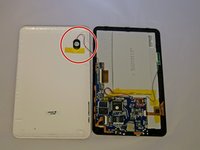
Use an opening tool and fingers to simultaneously lift the speaker from the cover.
-
-


To reassemble your device, follow these instructions in reverse order.
Cancelar: não concluí este guia.
3 outras pessoas executaram este guia.

Equipe

Eastern Washington University, Team 1-2, Plummer Spring 2015 Membro de Eastern Washington University, Team 1-2, Plummer Spring 2015
EWU-PLUMMER-S15S1G2
4 Membros
Autoria de 10 guias
