Introdução
Replace a damaged rubber control button cover.
O que você precisa
-
-
Use a heat gun, hairdryer, iOpener, etc. to heat the back of the Shuffle until it's slightly too hot to the touch.
-
-
-
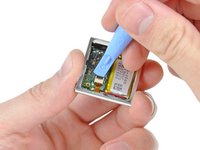
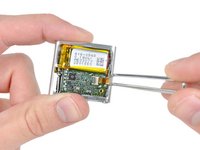
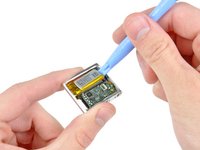
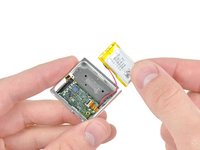
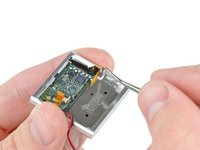
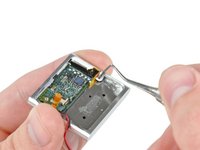
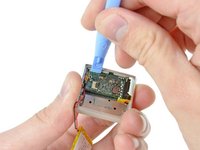
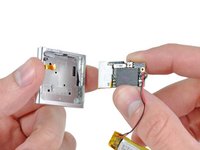
Remove the single 2.1 mm Phillips screw securing the logic board to the front case.
-
-
-
-
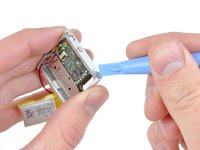
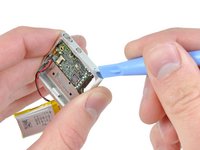
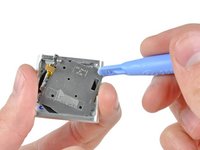
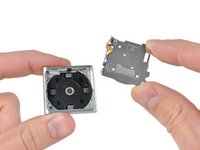
Remove the following four screws:
-
Two 1.2 mm Phillips screws with large heads.
-
Two 1.6 mm Phillips screws with small heads.
-













To reassemble your device, follow these instructions in reverse order.
Cancelar: não concluí este guia.
2 outras pessoas executaram este guia.

2Comentários do guia
Great job my friend
Hola, quisiera saber donde poder localizar las piezas de repuesto de la botonera play/pause tanto la pieza electrónica como la botonera. Gracias
