Introdução
If you've tried cleaning the lightning port to no avail, follow this guide to replace the Lightning connector assembly, which includes the lower microphones, antenna converter cable, and Lightning connector.
O que você precisa
-
-
Insert a SIM card eject tool, bit, or a straightened paperclip into the small hole in the SIM card tray.
-
Press to eject the tray.
-
-
-
Remove the two 3.5 mm pentalobe screws on the bottom edge of the iPhone.
-
-
-
Measure 3 mm from the tip and mark the opening pick with a permanent marker.
-
-
-
Pull the blue handle backwards to unlock the Anti-Clamp's arms.
-
Slide the arms over either the left or right edge of your iPhone.
-
Position the suction cups near the bottom edge of the iPhone just above the home button—one on the front, and one on the back.
-
Squeeze the cups together to apply suction to the desired area.
-
-
-
Heat an iOpener and thread it through the arms of the Anti-Clamp.
-
Fold the iOpener so it lays on the bottom edge of the iPhone.
-
Wait one minute to give the adhesive a chance to release and present an opening gap.
-
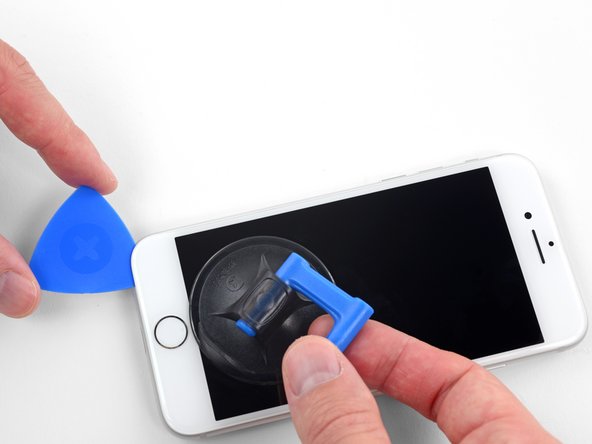
Insert an opening pick into the gap.
-
Skip the next three steps.
-
-
-
Heating the lower edge of the iPhone will help soften the adhesive securing the display, making it easier to open.
-
Use a hairdryer or prepare an iOpener and apply it to the lower edge of the phone for about 90 seconds in order to soften up the adhesive underneath.
-
-
-
Apply a suction cup to the lower half of the front panel, just above the home button.
-
-
-
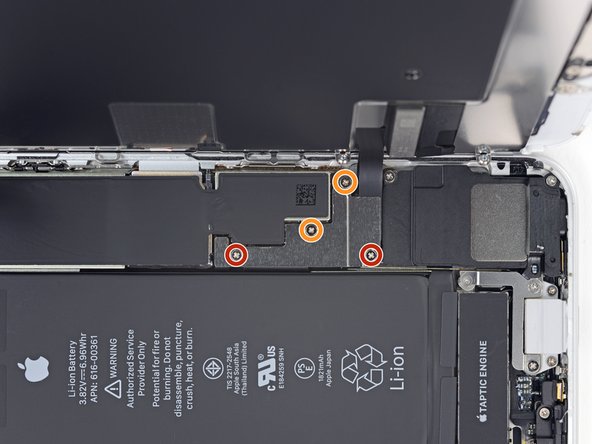
Remove four Phillips screws securing the lower display cable bracket to the logic board, of the following lengths:
-
Two 1.3 mm screws
-
Two 2.8 mm screws
-
Remove the bracket.
-
-
-
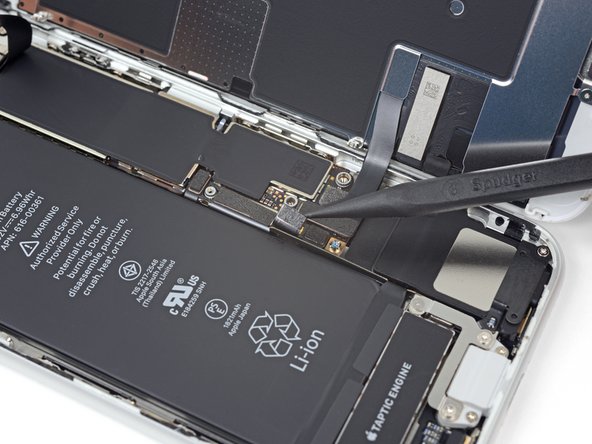
Use the point of a spudger to pry the lower display connector out of its socket.
-
-
-
-
Remove the three screws securing the bracket next to the Taptic Engine:
-
One 1.3 mm Y000 screw
-
One 2.7 mm Phillips screw
-
One 2.9 mm Phillips screw
-
-
-
Remove the two screws securing the Taptic Engine:
-
One 2.1 mm Phillips screw
-
One 2.1 mm standoff screw
-
-
-
Remove the two screws securing the barometric vent to the rear case:
-
One 2 mm Phillips screw
-
One 1.8 mm Phillips screw
-
-
-
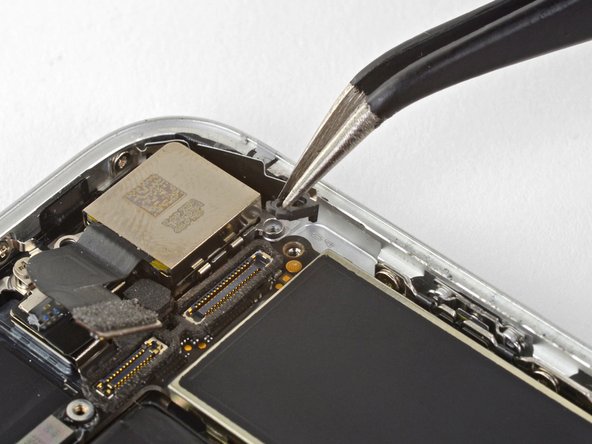
Use the flat end of a spudger to disconnect the camera cable connector by prying it straight up from its socket.
-
-
-
Remove the three Phillips 1.3 mm screws securing the top left antenna component.
-
-
-
Remove the two Phillips screws securing the grounding clip at the top left edge of the logic board:
-
One 1.5 mm Phillips screw
-
One 2.6 mm Phillips screw
-
-
-
Remove the three screws securing the motherboard:
-
One 1.8 mm Phillips screw
-
One 2.5 mm standoff screw
-
One 2.2 mm standoff screw
-
-
-
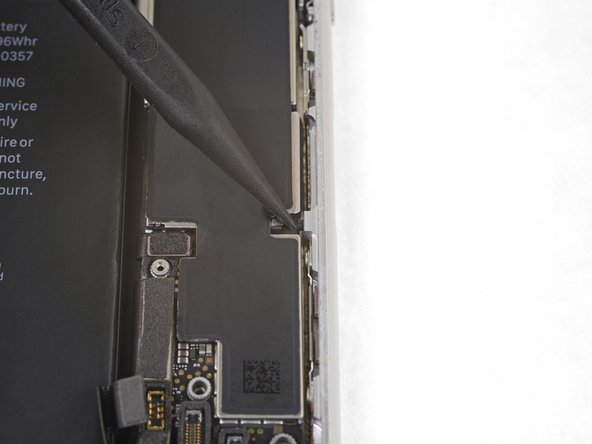
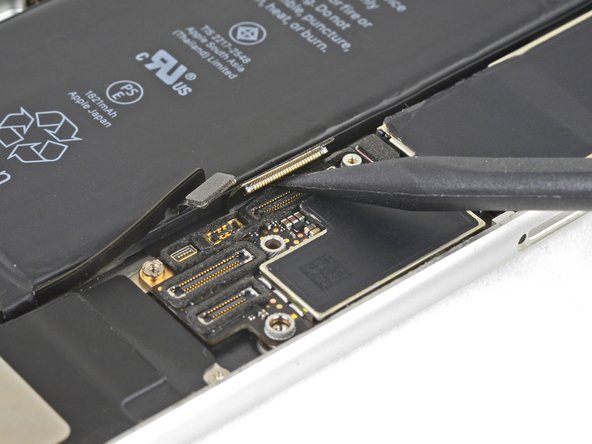
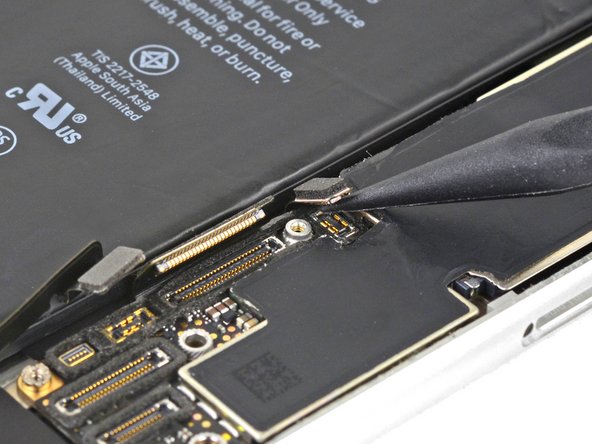
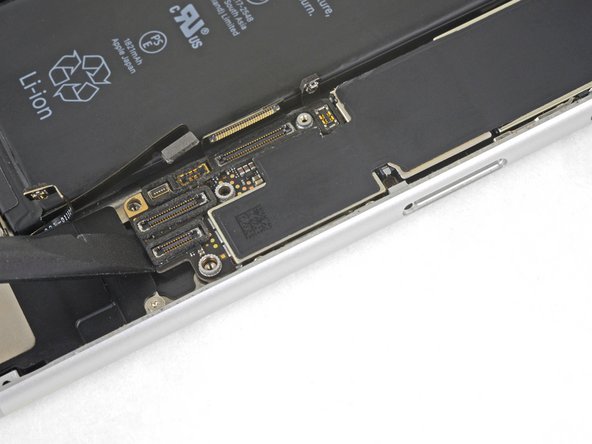
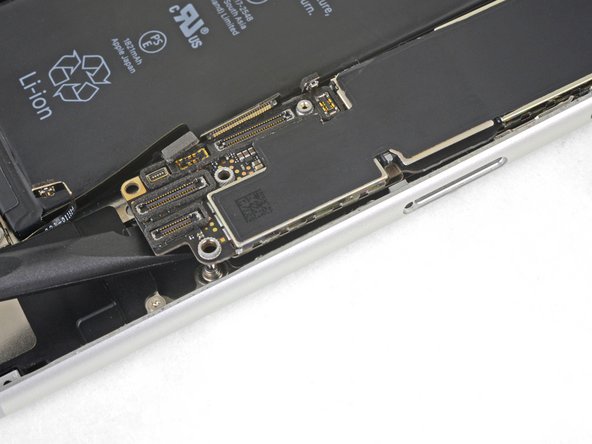
Use the point of a spudger to pry up and disconnect the Lightning connector cable from the logic board.
-
-
-
Use the point of a spudger to pry up and disconnect the wireless charging coil connector.
-
-
-
Use the flat end of a spudger to gently lift the battery connector end of the logic board up.
-
-
-
Remove the two screws securing the speaker to the rear case:
-
One 1.5 mm Phillips screw
-
One 2.1 mm Phillips screw
-
-
-
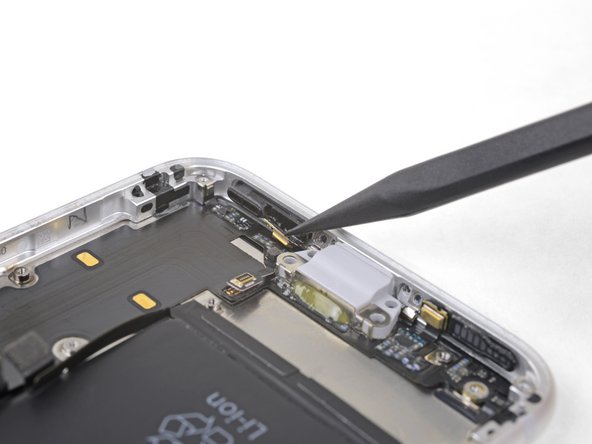
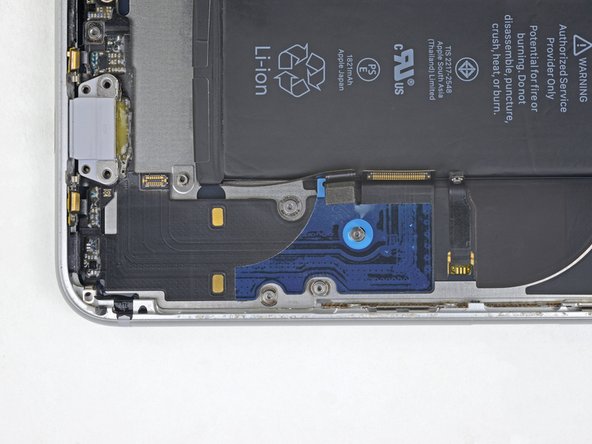
Remove the three screws securing the Lightning connector cable in place:
-
One 1.3 mm Phillips screw
-
Two 2.2 mm Phillips screws
-
-
-
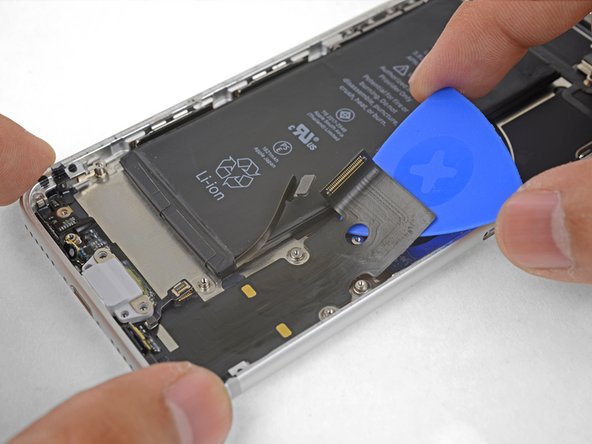
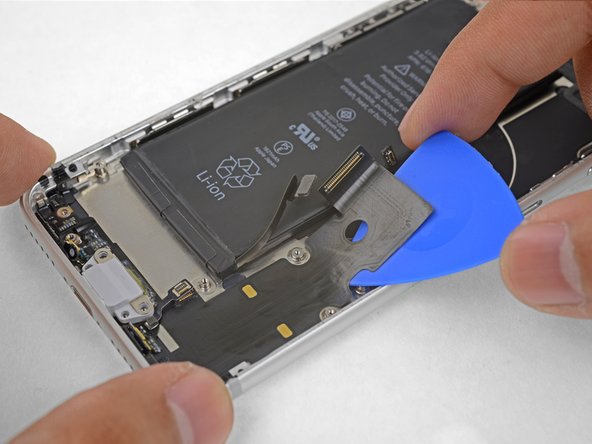
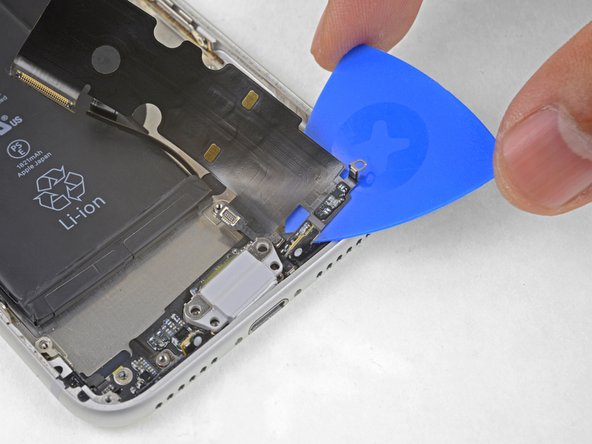
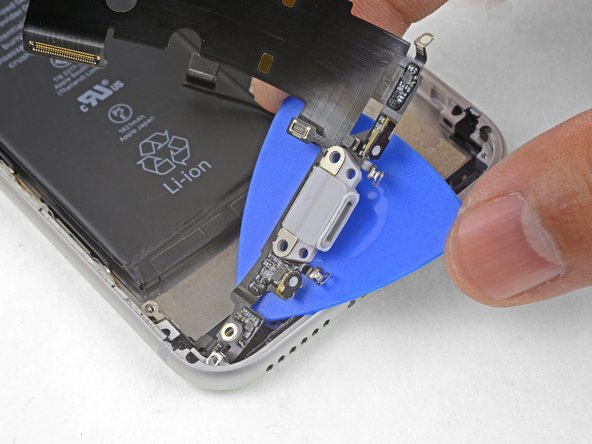
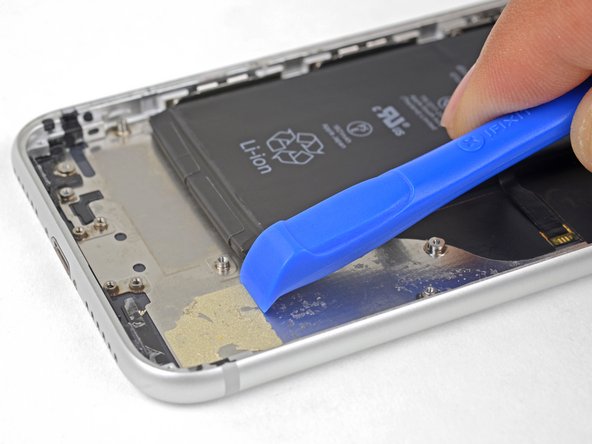
Apply a heated iOpener to the bottom of the phone, angling it as shown. This will help loosen the flex cable adhesive.
-






















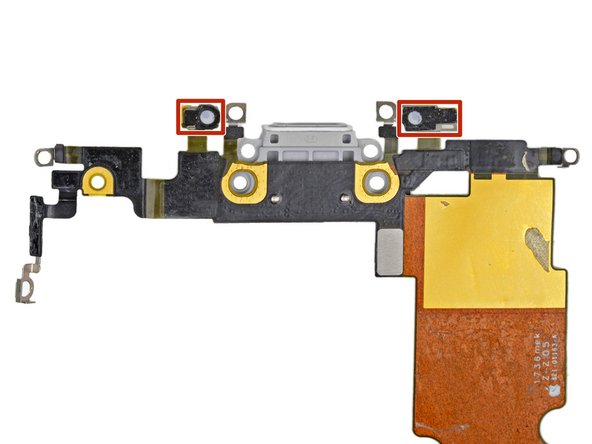
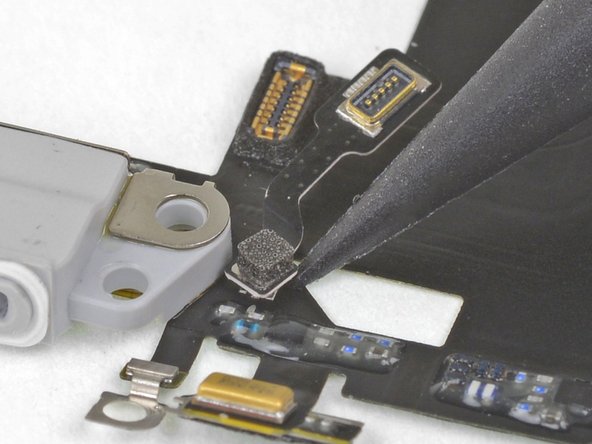
Compare your new replacement part to the original part. You may need to transfer remaining components or remove adhesive backings from the new part before installing.
To reassemble your device, and follow these instructions in reverse order.
Take your e-waste to an R2 or e-Stewards certified recycler.
Repair didn’t go as planned? Check out our iPhone SE 2020 Answers community for troubleshooting help.
Compare your new replacement part to the original part. You may need to transfer remaining components or remove adhesive backings from the new part before installing.
To reassemble your device, and follow these instructions in reverse order.
Take your e-waste to an R2 or e-Stewards certified recycler.
Repair didn’t go as planned? Check out our iPhone SE 2020 Answers community for troubleshooting help.
Cancelar: não concluí este guia.
23 outras pessoas executaram este guia.


5 comentários
Es compatible con el repuesto del iPhone 8 o es distinto el del se
