Introdução
Using this guide, you can replace your iPhone 7 (or 7 Plus) camera cover glass with minimal disassembly—but be careful, or you can easily damage your camera.
If your iPhone 7’s rear camera does not function properly but its cover glass is not broken, see the iPhone 7 Rear Camera Replacement guide for help replacing the rear camera.
This guide is for removing the cracked glass and gluing down a “frameless” replacement part. Make sure you order the correct replacement part.
Alternatively, see the iPhone 7 Camera Lens Glass Replacement Tutorial video on YouTube.
O que você precisa
Vídeo de Apresentação
iPhone 7 Camera Lens Glass Replacement
-
Ferramenta utilizada neste passo:Tweezers$4.99
-
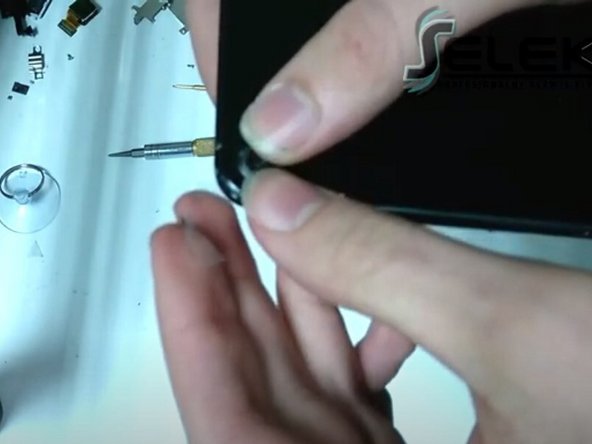
Use a pair of tweezers to carefully remove the remains of any broken glass from the cracked camera cover.
 Pergunte ao FixBot
-
-
-
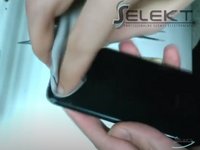
Use a soft cloth to clean the camera's lens of small glass shards.
-
-
-
-
Unlock the phone and open the Camera app.
-
Test the camera by making sure that it focuses properly and there is no visible residue left on the lens.
-
If the rear-facing camera continues to have trouble focusing, continue carefully removing glass shards from the camera cover.
-
-
-
Use a paperclip to remove the adhesive from around the camera's lens.
-
Use a soft cloth to remove any residue from the adhesive.
-
-
-
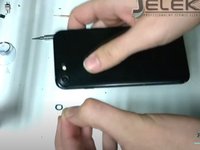
Install a new camera cover and attach it using silicone-based adhesive.
-
Press gently on the newly installed camera cover to securely attach the cover.
-


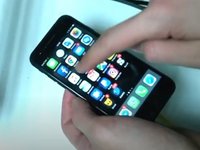
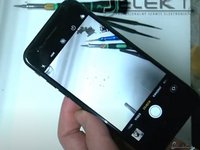
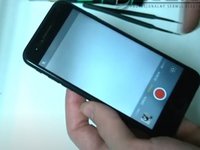


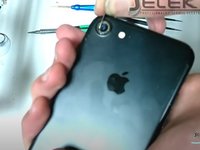


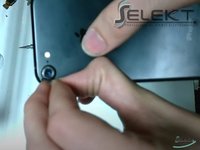
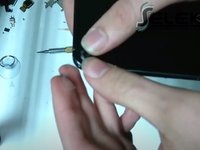
After replacing the broken camera cover with a new one, open the phone’s Camera app. Check and make sure that the rear-facing camera is able to focus properly.
Cancelar: não concluí este guia.
30 outras pessoas executaram este guia.

8Comentários do guia
does the glass come with glue already on it?
No, it does not come with the glue, you have to buy Silicone based adhesive so the phone can remain waterproof.
The Video is showing how to replace the Glass.
Why do we need to buy this suggested part ‘ iPhone 7 Rear Camera Lens Cover’ (the whole Cover not just the Glass)?
Installing the whole cover needs a complete different Guide, including opening the iphone...
+1 agreed
this guide(link) is not at all helpful
Where is the link to buy replacement camera lens?
