Introdução
Use this guide to replace the iSight camera.
O que você precisa
-
Ferramenta utilizada neste passo:iMac Intel 21.5" Cardboard Service Wedge$4.99
-
Ferramenta utilizada neste passo:Plastic Cards$2.99
-
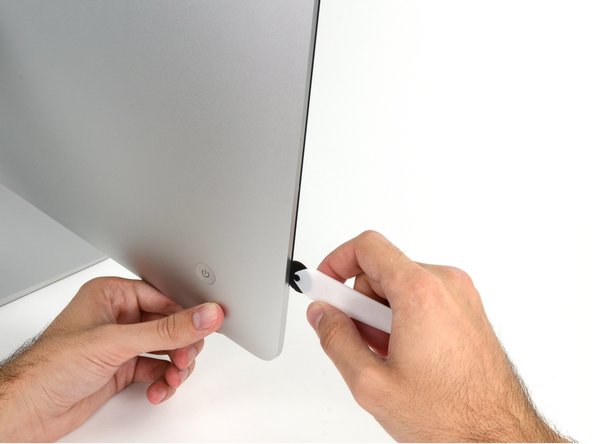
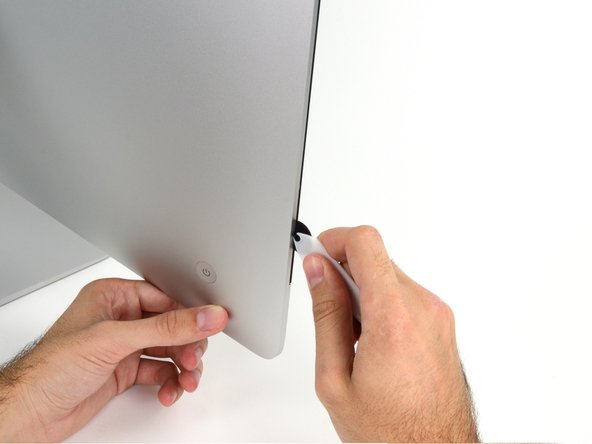
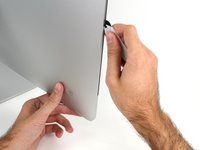
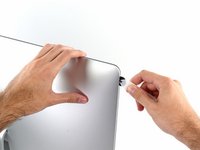
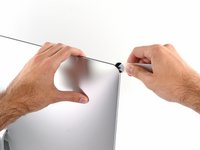
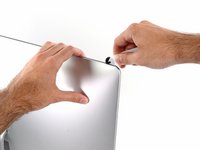
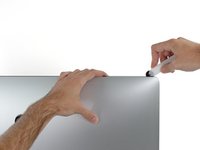
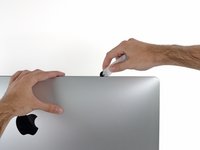
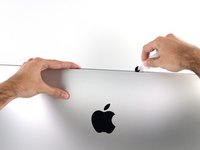
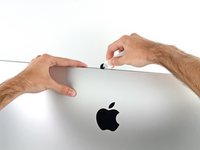
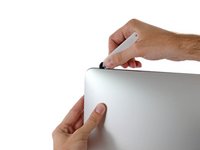
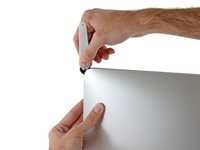
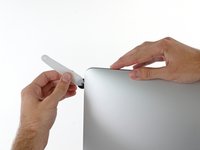
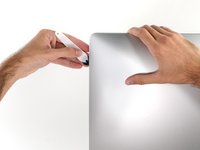
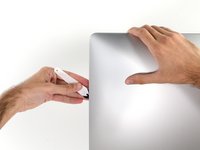
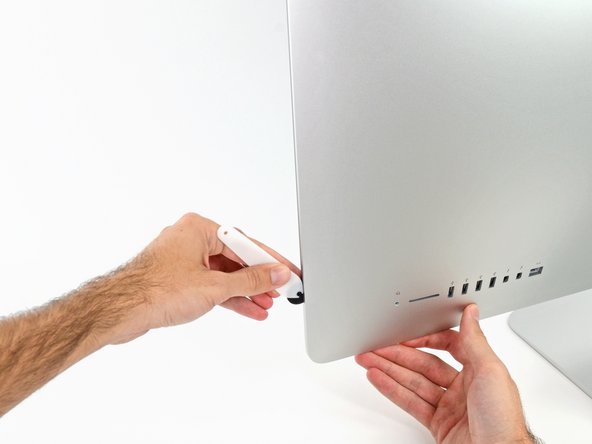
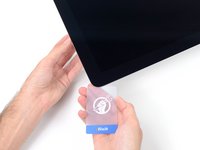
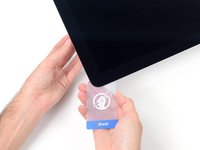
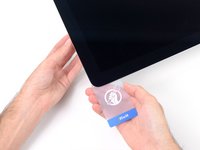
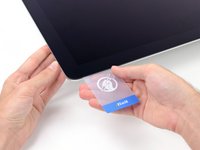
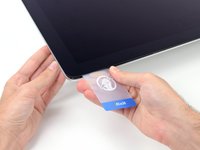
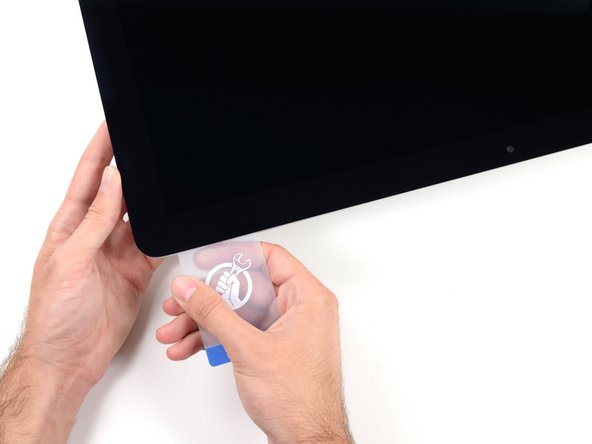
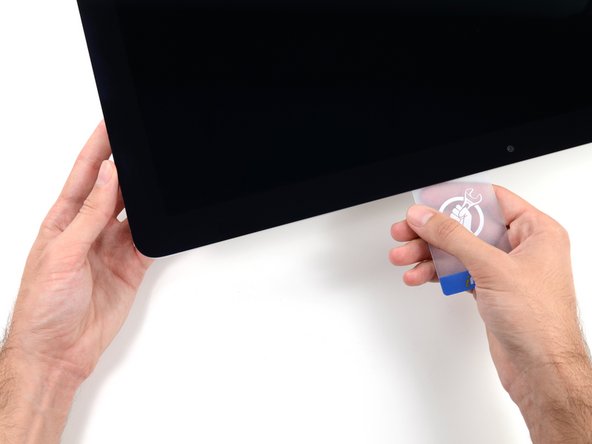
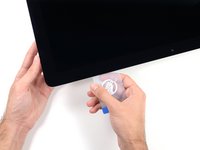
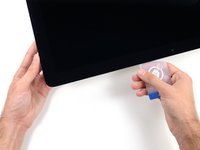
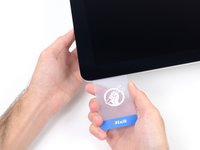
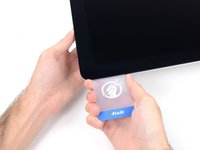
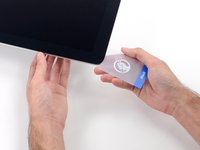
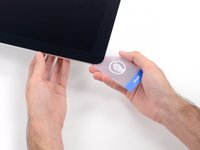
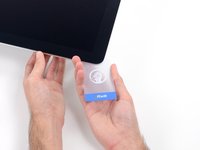
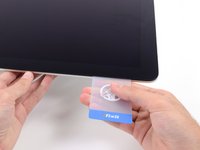
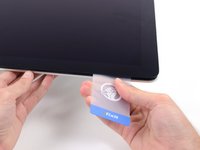
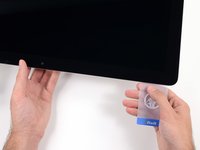
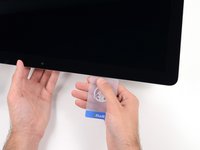
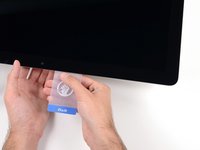
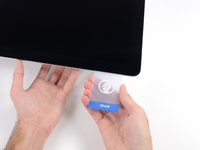
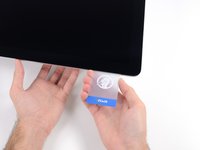
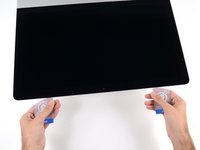
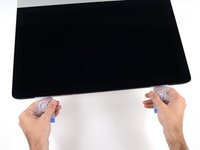
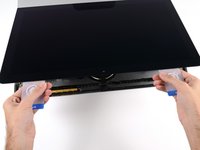
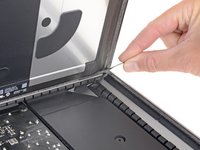
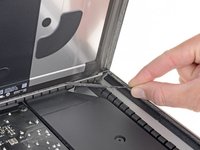
Starting from the top right corner of the iMac, wedge a plastic card between the display and frame.
-
-
-
-
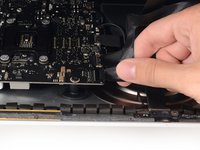
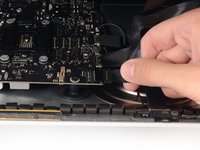
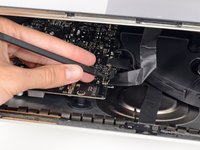
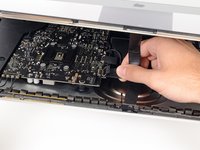
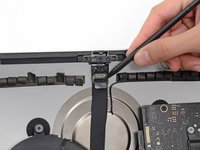
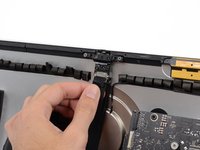
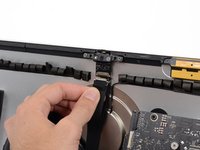
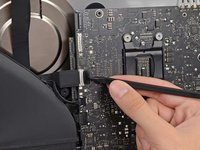
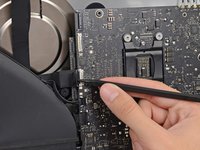
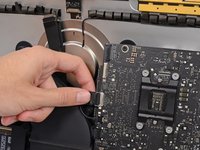
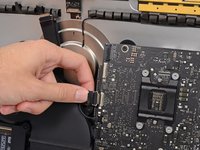
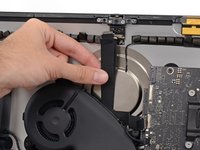
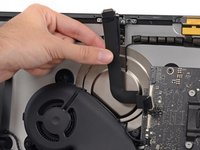
Use the tip of a spudger to flip down the metal retaining bracket on the camera cable.
-
-
-
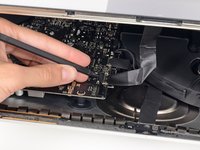
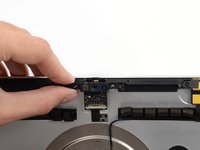
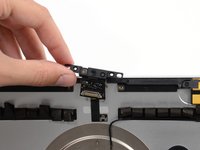
Remove the two 4.3 mm T5 Torx screws securing the camera board to the top of the rear enclosure.
-








































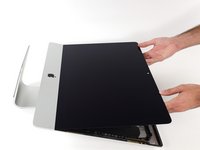
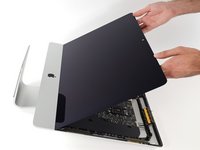




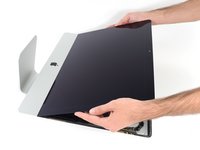
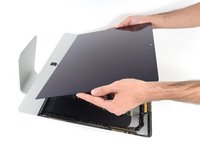
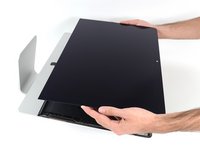


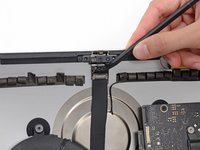










To reassemble your device, follow these instructions in reverse and use our Adhesive Strips Guide to reattach the display glass.
Cancelar: não concluí este guia.
Uma outra pessoa concluiu este guia.



1Comentário do guia
Hi, thanks for sharing the tutorials. I've been replacing HD and memory and everything went right but the microphone seems not functioning properly. Indeed, I have to speak very close to the camera to get some audio input. Do you have any tip to fix it ? Thanks
PS: iMac Retina 4K - 2019 ... the connector for the microphone doesn't exist.
