Introdução
Use this guide to replace the left speaker.
O que você precisa
-
Ferramenta utilizada neste passo:iMac Intel 21.5" Cardboard Service Wedge$4.99
-
Ferramenta utilizada neste passo:Plastic Cards$2.99
-
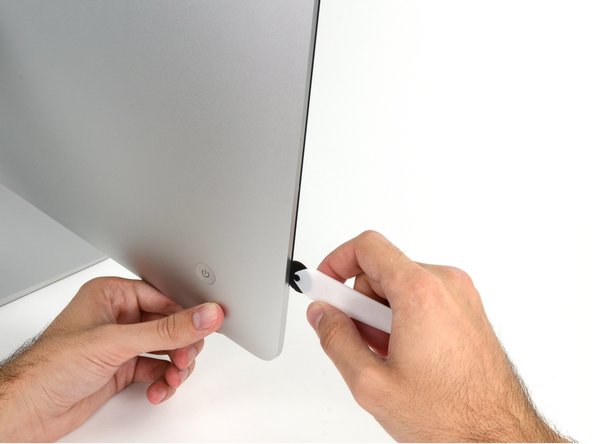
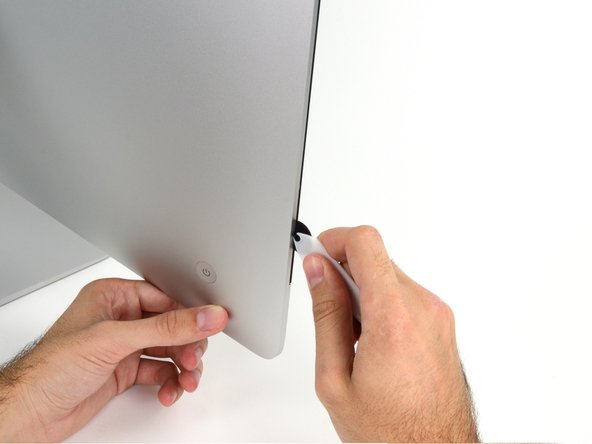
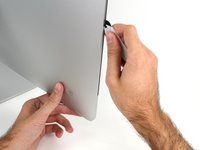
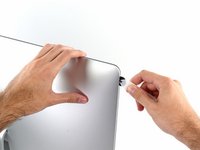
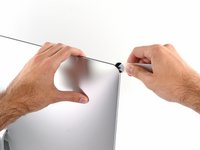
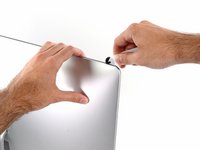
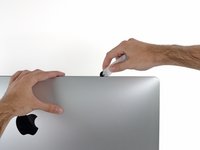
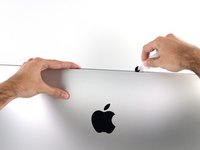
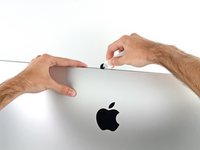
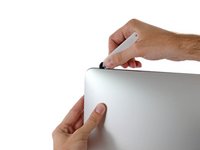
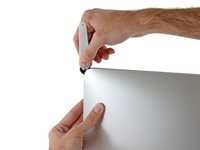
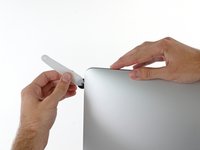
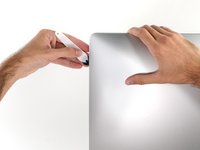
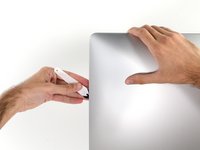
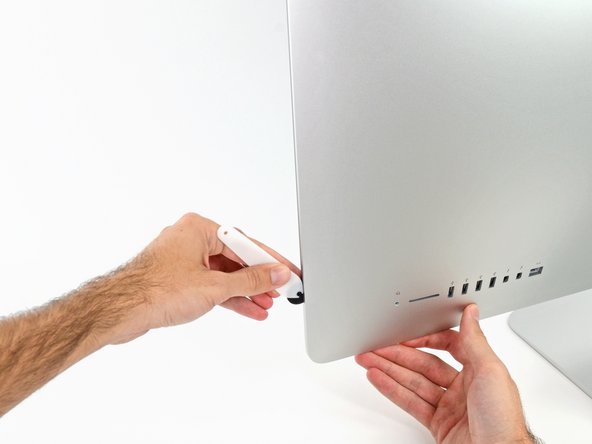
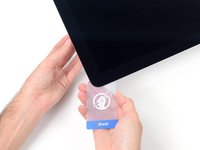
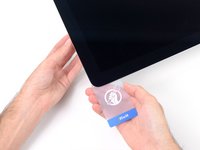
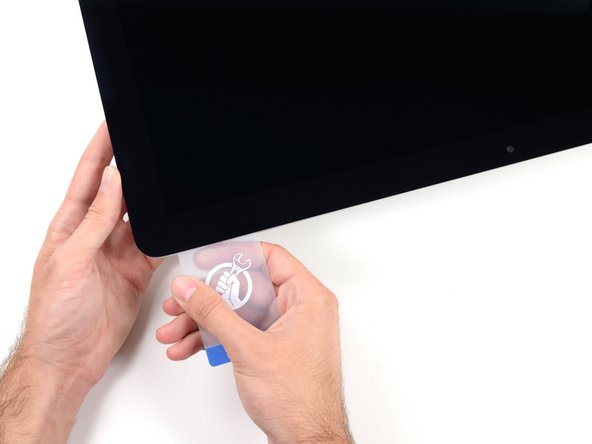
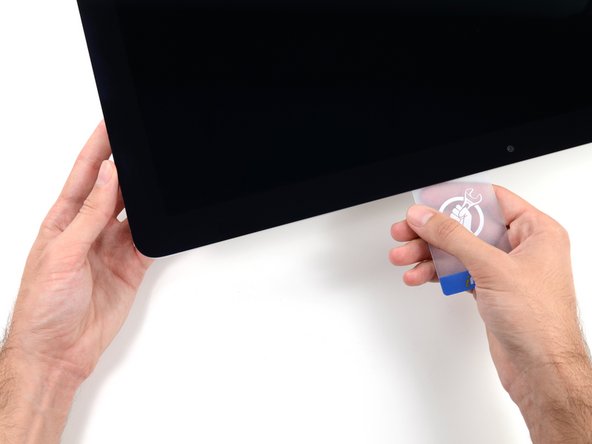
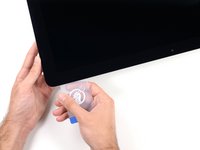
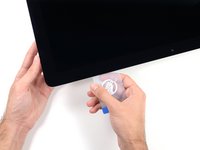
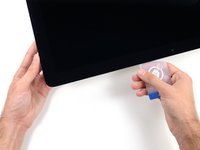
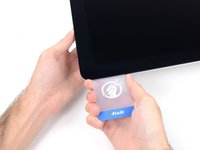
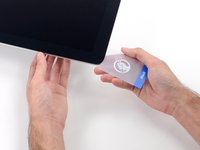
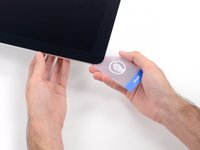
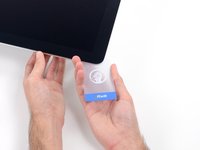
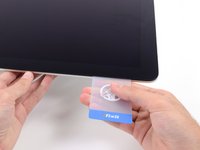
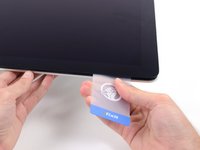
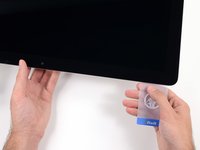
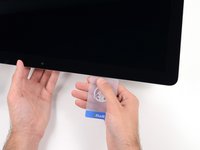
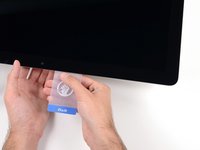
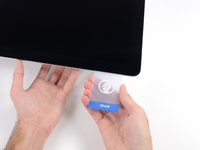
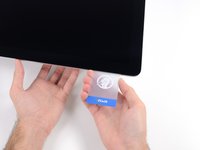
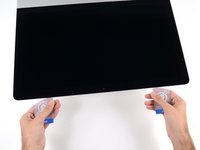
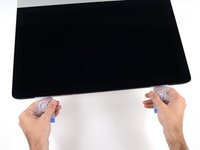
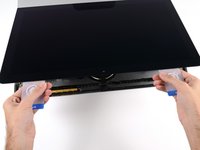
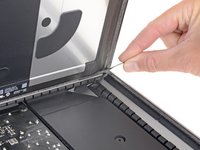
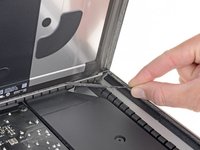
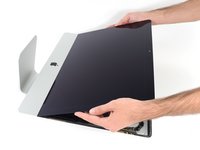
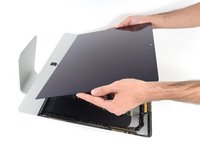
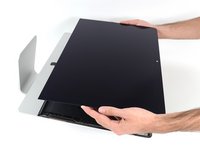
Starting from the top right corner of the iMac, wedge a plastic card between the display and frame.
-
-
-
-
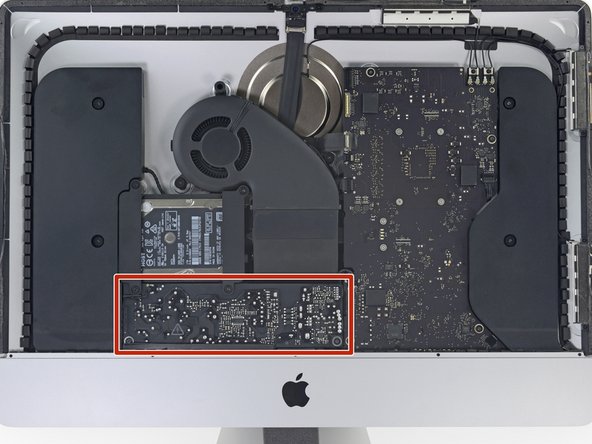
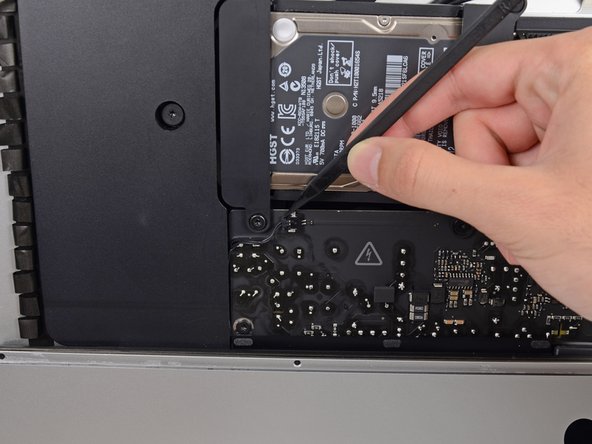
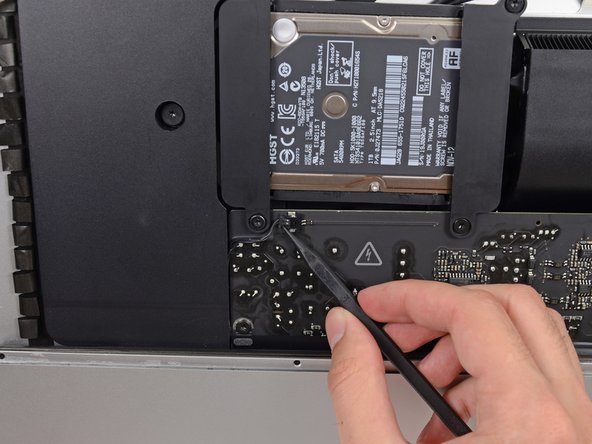
Remove the following five Phillips screws holding the lower support bracket in place:
-
Four 3.2 mm screws
-
One 1.7 mm screw
-
-
-
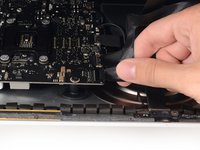
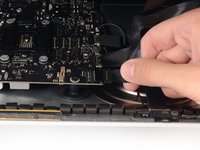
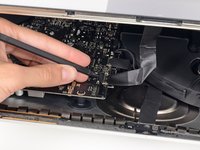
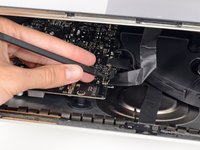
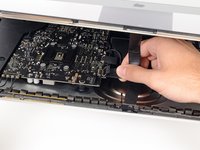
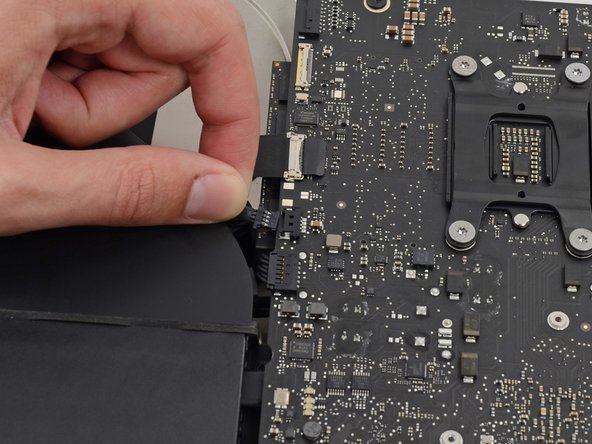
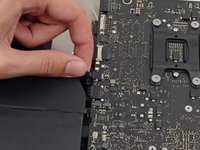
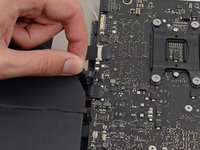
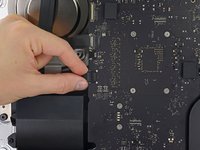
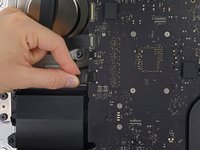
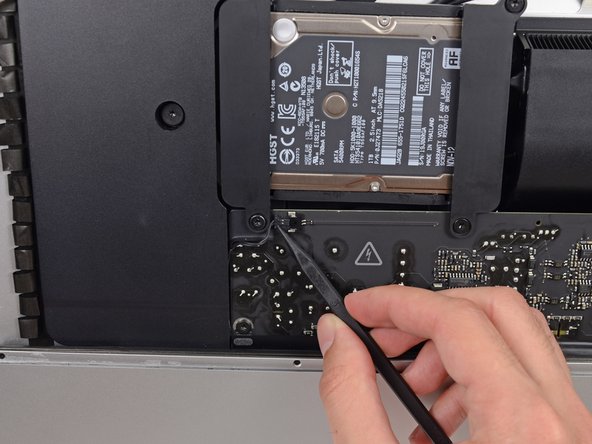
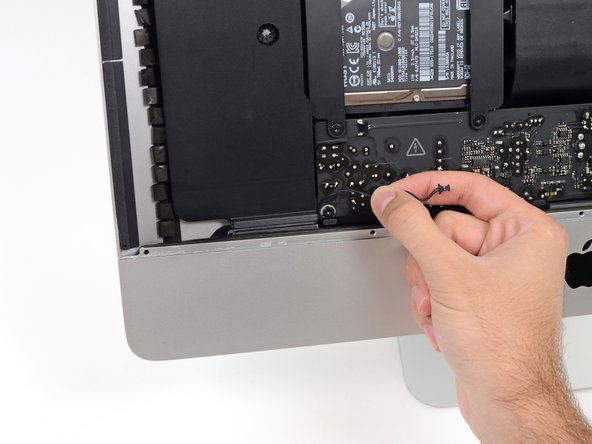
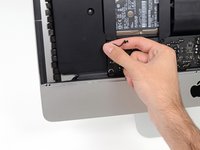
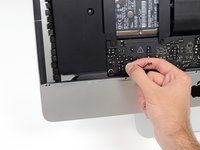
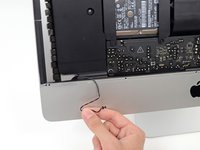
Gently pull the left speaker cable straight out of its socket on the logic board.
-












































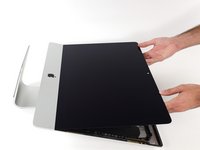
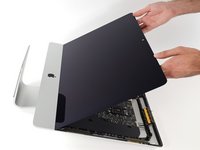








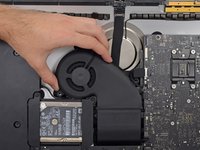
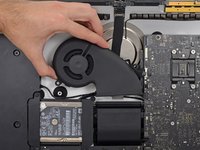





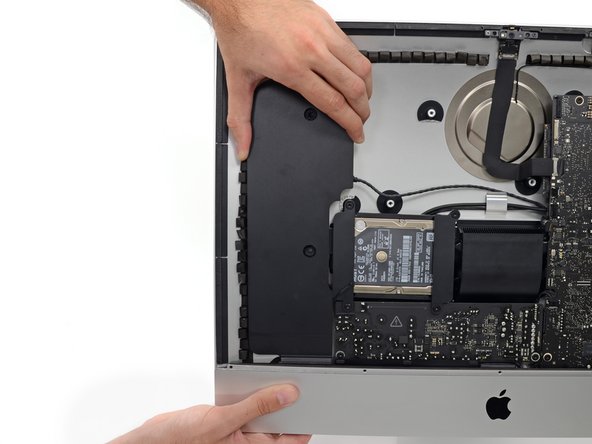



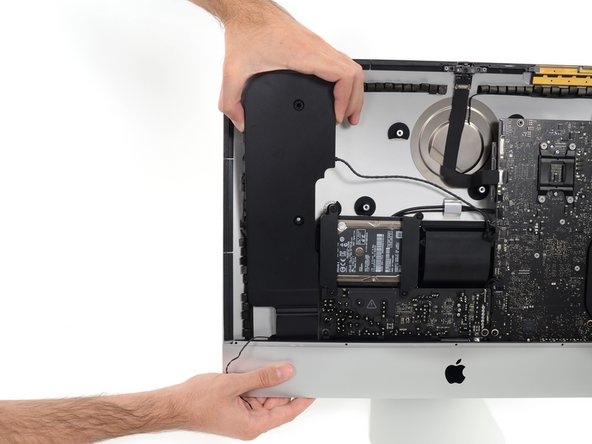
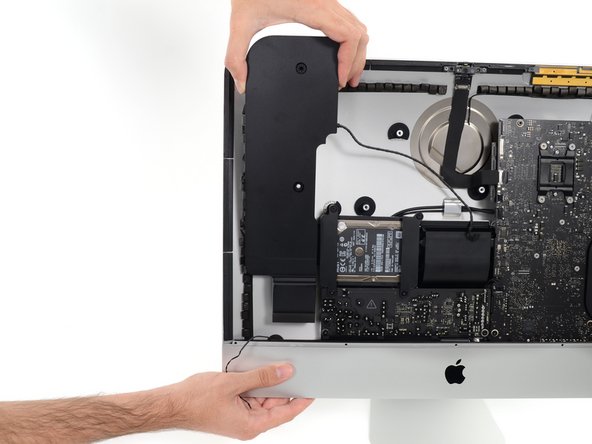
To reassemble your device, follow these instructions in reverse and use our Adhesive Strips Guide to reattach the display glass.
Cancelar: não concluí este guia.
Uma outra pessoa concluiu este guia.



2Comentários do guia
Looks like an thow away product. !@#$ what an desaster. I saw an film on arteTV with the fownder of ifixit an the fight against the throwaway. I use my powerbook 10 years and repair it. my son got an ipod with a bad battery, i thought now problem just open and put a new in, but !@#$ where are the screws ...
