Ir para o conteúdo principal

Turtle Beach Recon Controller Motherboard Replacement

O que você precisa

  1. Turtle Beach Recon Controller Motherboard Replacement, Back Plate: passo 1, imagem 1 %32 Turtle Beach Recon Controller Motherboard Replacement, Back Plate: passo 1, imagem 2 %32 Turtle Beach Recon Controller Motherboard Replacement, Back Plate: passo 1, imagem 3 %32
    • Use a Phillips #00 screwdriver to remove seven 10 mm screws from the back plate.

    • When replacing the screws, ensure that the screwdriver is perpendicular to the screw in curved areas.

  2. Turtle Beach Recon Controller Motherboard Replacement: passo 2, imagem 1 %32 Turtle Beach Recon Controller Motherboard Replacement: passo 2, imagem 2 %32 Turtle Beach Recon Controller Motherboard Replacement: passo 2, imagem 3 %32
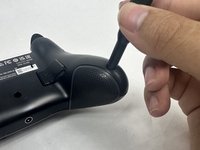
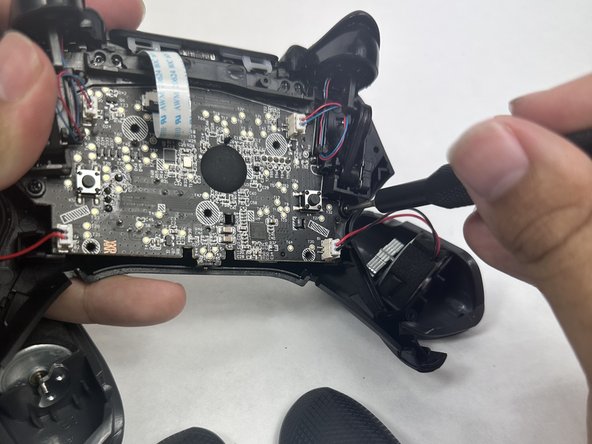
    • Use an opening tool to separate the back plate from the grips of your Turtle Beach Recon.

    • Use your fingers to remove the back plate from the body of your Turtle Beach Recon.

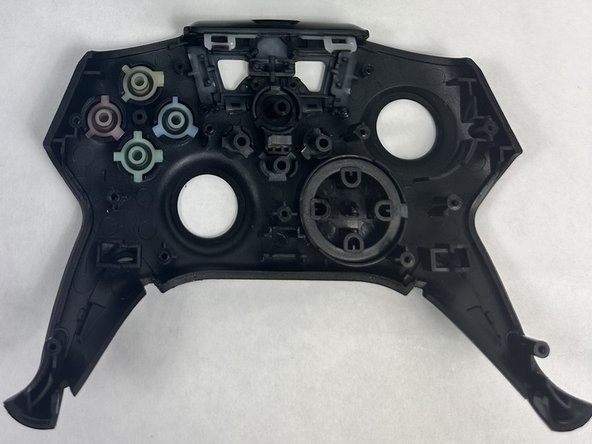
  3. Turtle Beach Recon Controller Motherboard Replacement, Face Plate: passo 3, imagem 1 %32 Turtle Beach Recon Controller Motherboard Replacement, Face Plate: passo 3, imagem 2 %32
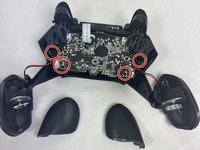
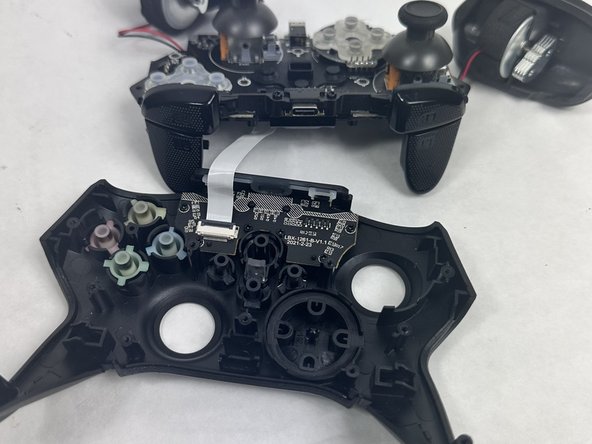
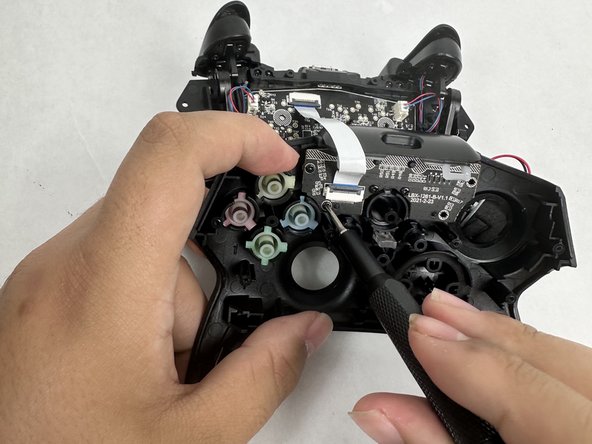
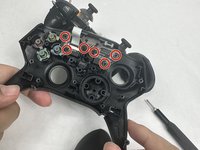
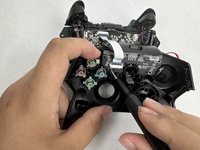
    • Remove the four 10 mm screws from the motherboard using a Phillips #00 screwdriver.

  4. Turtle Beach Recon Controller Motherboard Replacement: passo 4, imagem 1 %32 Turtle Beach Recon Controller Motherboard Replacement: passo 4, imagem 2 %32
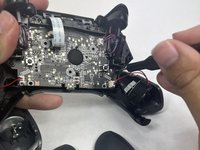
    • Use your fingers to grab the motherboard.

    • Gently pull the motherboard and joystick caps away from the face plate.

  5. Turtle Beach Recon Controller Motherboard Replacement: passo 5, imagem 1 %32 Turtle Beach Recon Controller Motherboard Replacement: passo 5, imagem 2 %32 Turtle Beach Recon Controller Motherboard Replacement: passo 5, imagem 3 %32
    • Use a Phillips #00 screwdriver to remove six 10 mm screws from the motherboard.

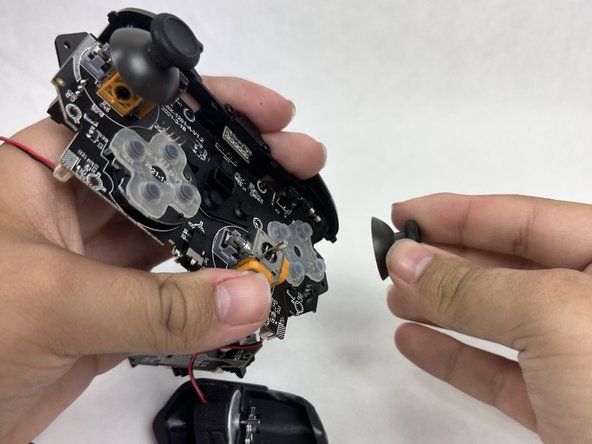
  6. Turtle Beach Recon Controller Motherboard Replacement, Joystick Caps: passo 6, imagem 1 %32 Turtle Beach Recon Controller Motherboard Replacement, Joystick Caps: passo 6, imagem 2 %32
    • Use your fingers to lift both of the joystick caps off of the motherboard.

    • Remove the joystick caps.

  7. Turtle Beach Recon Controller Motherboard Replacement, Motherboard: passo 7, imagem 1 %32
    • Nothing can be further removed from the motherboard. It can now be replaced.

Conclusão

To reassemble your device, follow these instructions in reverse order.

2 outras pessoas executaram este guia.

Mary Goodrow

Membro desde: 03/22/24

671 Reputação

Autoria de 5 guias

Equipe

1Comentário do guia

thanks for posting this!

Sean Malter - Responder

Comentar

Visualizações:

Últimas 24 horas: 0

Últimos 7 dias: 10

Últimos 30 dias: 42

Ao todo: 608