Ir para o conteúdo principal
Participe da comunidade de reparos - Criar conta

Tungsten T3 Battery Replacement

O que você precisa

  1. Tungsten T3 Battery Replacement, Battery: passo 1, imagem 1 %32 Tungsten T3 Battery Replacement, Battery: passo 1, imagem 2 %32
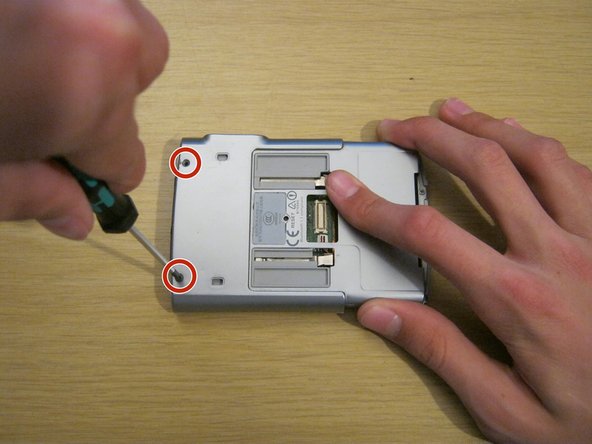
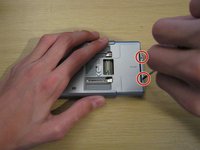
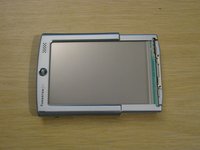
    • Remove the two Phillips #00 screws on either side of the device, on the sliding panel.

    Pergunte ao FixBot

    Comentar

  2. Tungsten T3 Battery Replacement: passo 2, imagem 1 %32 Tungsten T3 Battery Replacement: passo 2, imagem 2 %32 Tungsten T3 Battery Replacement: passo 2, imagem 3 %32
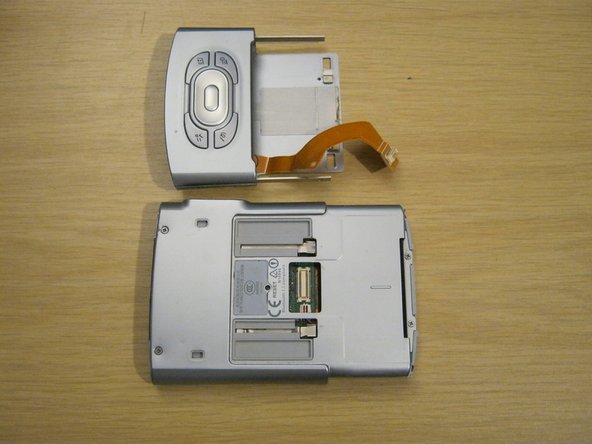
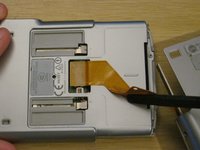
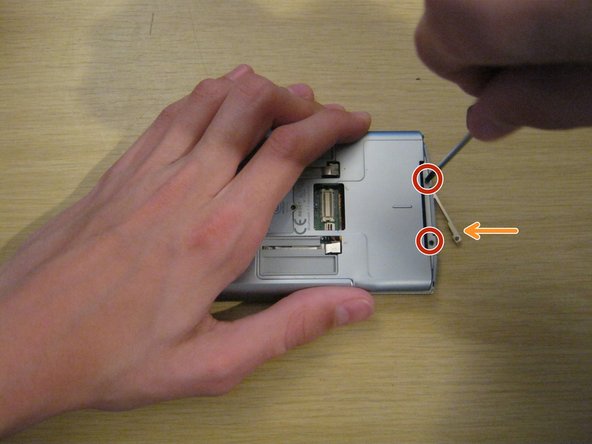
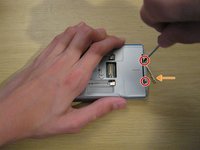
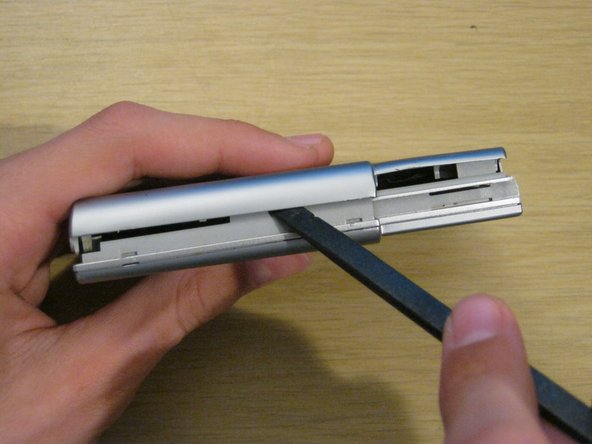
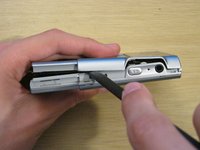
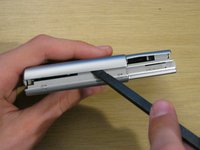
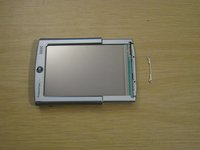
    • Slide out the function panel.

    • Insert a paper clip into the two marked small holes on the back and push downwards while pulling the function panel gently.

    • The connector for the buttons will be revealed.

    Pergunte ao FixBot

    Comentar

  3. Tungsten T3 Battery Replacement: passo 3, imagem 1 %32 Tungsten T3 Battery Replacement: passo 3, imagem 2 %32 Tungsten T3 Battery Replacement: passo 3, imagem 3 %32
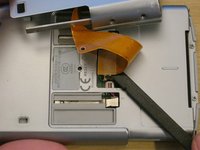
    • Gently remove the function panel from the device.

    • Be careful - it's still connected by the button cable. Peel the cable from the device carefully with a spudger - it is attached with a little bit of adhesive.
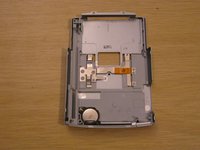
    • Carefully remove the connector and set the panel aside.

    Pergunte ao FixBot

    Comentar

  4. Tungsten T3 Battery Replacement: passo 4, imagem 1 %32 Tungsten T3 Battery Replacement: passo 4, imagem 2 %32
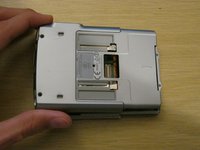
    • Remove the two Phillips #00 screws on the back of the device.

    Pergunte ao FixBot

    Comentar

  5. Tungsten T3 Battery Replacement: passo 5, imagem 1 %32 Tungsten T3 Battery Replacement: passo 5, imagem 2 %32 Tungsten T3 Battery Replacement: passo 5, imagem 3 %32
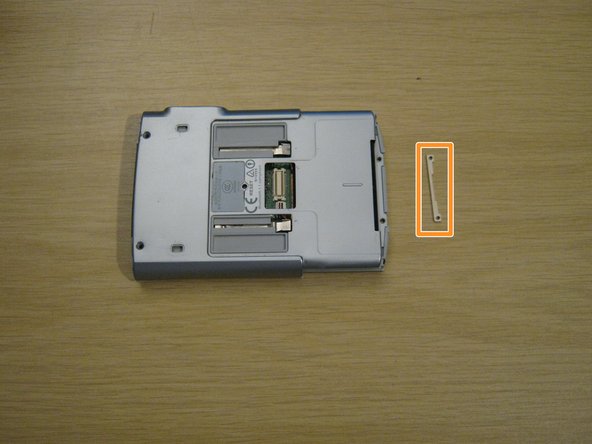
    • Remove the two small Phillips #00 screws at the other end of the device.

    • A small metal part will fall out of the device from the other side. Keep hold of this - you won't be able to put these screws back in without it.

    Pergunte ao FixBot

    Comentar

  6. Tungsten T3 Battery Replacement: passo 6, imagem 1 %32 Tungsten T3 Battery Replacement: passo 6, imagem 2 %32 Tungsten T3 Battery Replacement: passo 6, imagem 3 %32
    • Using a spudger, gently separate the back casing from the rest of the device.

    • Be careful - the back casing contains the battery, which is connected by a very thin battery cable.

    Pergunte ao FixBot

    Comentar

  7. Tungsten T3 Battery Replacement: passo 7, imagem 1 %32 Tungsten T3 Battery Replacement: passo 7, imagem 2 %32 Tungsten T3 Battery Replacement: passo 7, imagem 3 %32
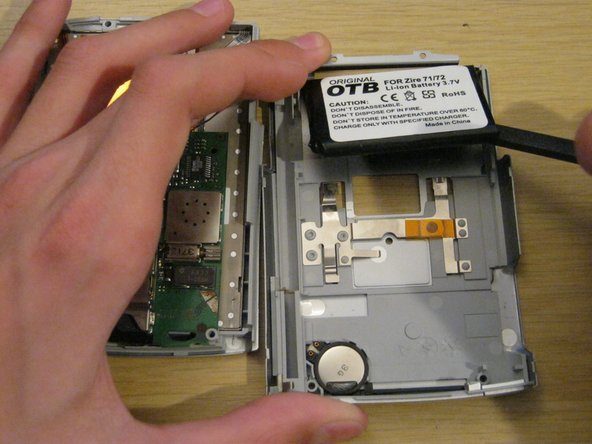
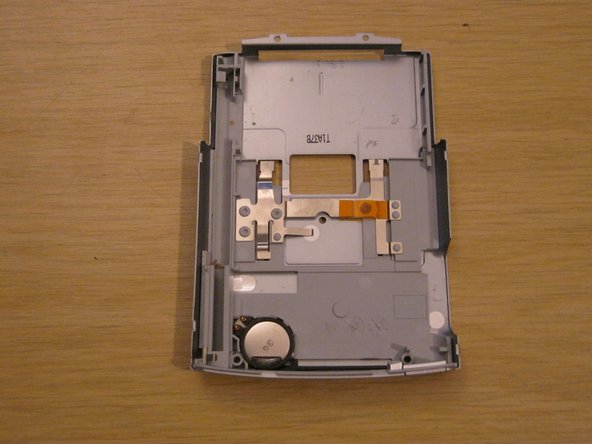
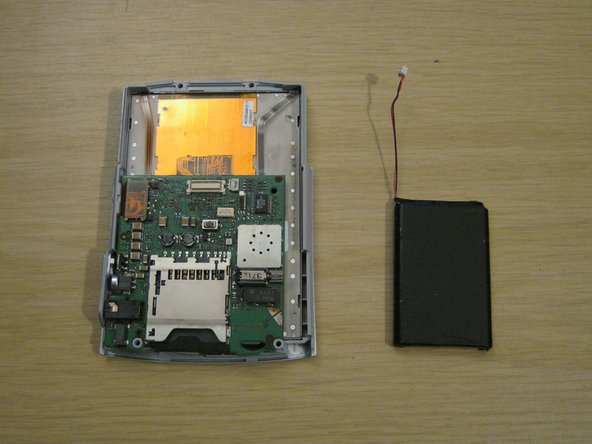
    • Lay the two halves side by side.

    • The battery is usually held to the case by a small amount of adhesive. Carefully peel it up with a spudger.

    • Lay the back case aside.

    Pergunte ao FixBot

    Comentar

  8. Tungsten T3 Battery Replacement: passo 8, imagem 1 %32 Tungsten T3 Battery Replacement: passo 8, imagem 2 %32 Tungsten T3 Battery Replacement: passo 8, imagem 3 %32
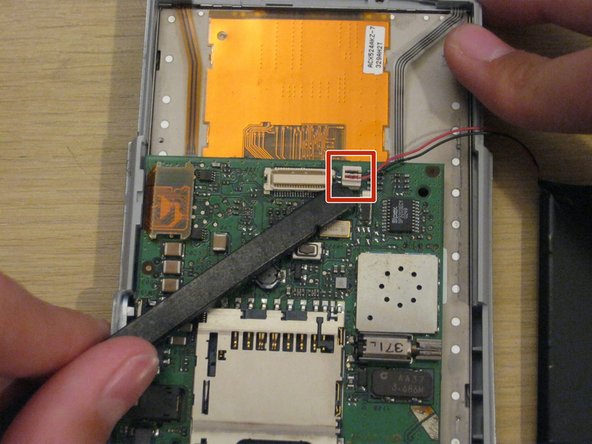
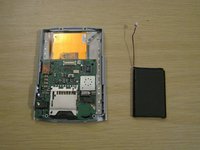
    • You should now be left with the front panel and the battery.

    • Gently disconnect the battery connector from the front panel. It's small and the pins are delicate, so be careful not to bend it.

    • When you install the new battery, you may find it useful to secure it to the back casing with some double-sided tape or even a small amount of glue.

    Pergunte ao FixBot

    Comentar

  9. Tungsten T3 Battery Replacement: passo 9, imagem 1 %32 Tungsten T3 Battery Replacement: passo 9, imagem 2 %32
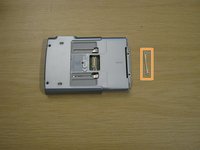
    • When reassembling your device, remember to place the small metal part on the front of the device and hold it while you insert the two small screws.

    • The screws won't stay in unless they're screwed into this metal part.

    Pergunte ao FixBot

    Comentar

Conclusão

To reassemble your device, follow these instructions in reverse order.

Cancelar: não concluí este guia.

11 outras pessoas executaram este guia.

Whitney

Membro desde: 09/08/11

318 Reputação

Autoria de 3 guias

Equipe

1Comentário do guia

The only thing I would add is before replacing the battery, be sure to backup your device since disconnecting the battery will do a total reset.

bill.costa_01 - Responder Compartilhar

Comentar

Visualizações:

Últimas 24 horas: 3

Últimos 7 dias: 24

Últimos 30 dias: 84

Ao todo: 8,594