Ir para o conteúdo principal
Participe da comunidade de reparos - Criar conta

Toshiba HD-A2 Power Button Replacement

O que você precisa

  1. Toshiba HD-A2 Power Button Replacement, Power Button: passo 1, imagem 1 %32 Toshiba HD-A2 Power Button Replacement, Power Button: passo 1, imagem 2 %32 Toshiba HD-A2 Power Button Replacement, Power Button: passo 1, imagem 3 %32
    • Using your hands, pop off the black console from each hinge surrounding the case.

    • There are a total of 7 hinges.

  2. Toshiba HD-A2 Power Button Replacement: passo 2, imagem 1 %32
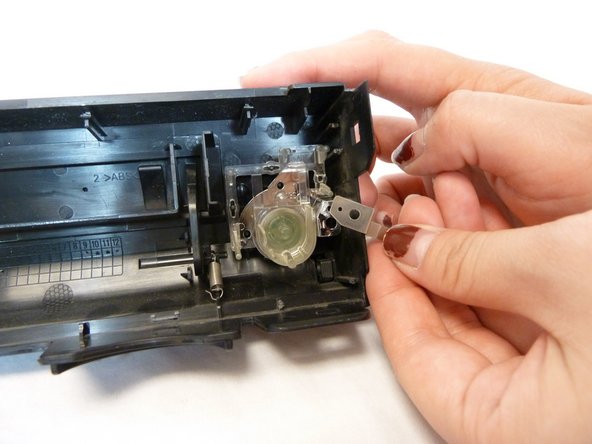
    • With the inside of the console facing up, the power button will be encased in clear plastic located on the right side of the console.

  3. Toshiba HD-A2 Power Button Replacement: passo 3, imagem 1 %32 Toshiba HD-A2 Power Button Replacement: passo 3, imagem 2 %32
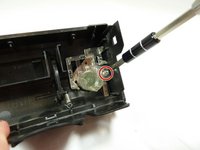
    • Use a Phillips #1 screwdriver to remove the single screw holding the power button to the console.

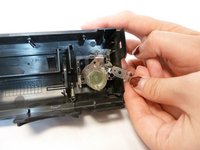
    • After taking out the screw, the small piece of metal underneath will come loose. Carefully place this part aside.

  4. Toshiba HD-A2 Power Button Replacement: passo 4, imagem 1 %32
    • Using your fingers, gently pull out the power button. You can push it from the outside to help loosen it from its hinges.

Conclusão

To reassemble your device, follow these instructions in reverse order.

Nouriyah Saleh

Membro desde: 10/22/18

800 Reputação

Autoria de 6 guias

Equipe

UC Davis, Team S11-G1, Lore Fall 2018 Membro de UC Davis, Team S11-G1, Lore Fall 2018

UCD-LORE-F18S11G1

3 Membros

Autoria de 6 guias

0Comentários do guia

Comentar

Visualizações:

Últimas 24 horas: 1

Últimos 7 dias: 12

Últimos 30 dias: 46

Ao todo: 339