Ir para o conteúdo principal
Participe da comunidade de reparos - Criar conta

Top Cable Shield Removal

Pré-requisito somente
Este é um guia somente para pré-requisitos! Este guia faz parte de outro procedimento e não deve ser usado sozinho.

O que você precisa

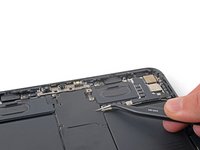
  1. Top Cable Shield Removal, Unfasten the top cable shield: passo 1, imagem 1 %32 Top Cable Shield Removal, Unfasten the top cable shield: passo 1, imagem 2 %32
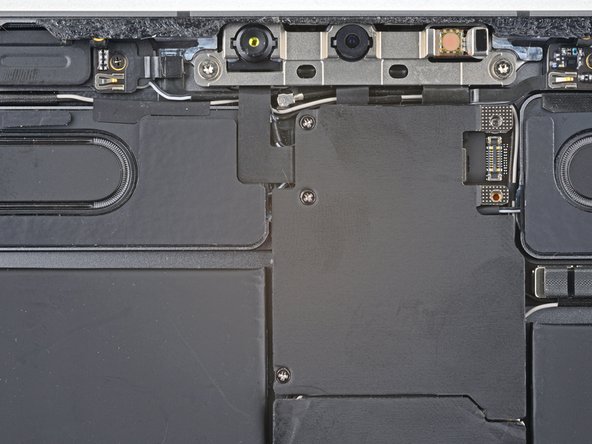
    • Use a Phillips screwdriver to remove the three 1.2 mm screws securing the top cable shield.

  2. Top Cable Shield Removal, Heat the top cable shield: passo 2, imagem 1 %32 Top Cable Shield Removal, Heat the top cable shield: passo 2, imagem 2 %32
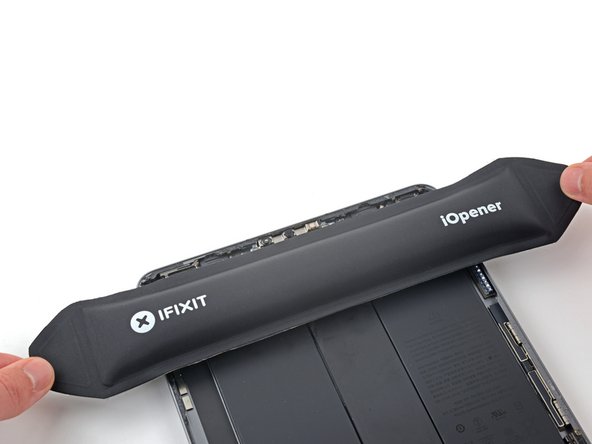
    • Apply a heated iOpener to the top cable shield for one minute to soften the adhesive securing it to the logic board.

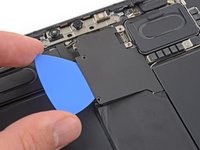
  3. Top Cable Shield Removal, Insert an opening pick: passo 3, imagem 1 %32 Top Cable Shield Removal, Insert an opening pick: passo 3, imagem 2 %32 Top Cable Shield Removal, Insert an opening pick: passo 3, imagem 3 %32
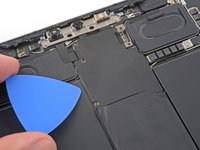
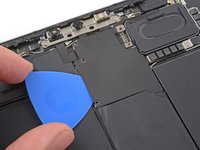
    • Insert an opening pick under the top cable shield and gently pry up to separate the adhesive.

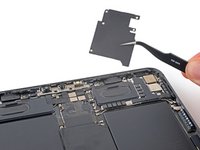
  4. Top Cable Shield Removal, Remove the top cable shield: passo 4, imagem 1 %32 Top Cable Shield Removal, Remove the top cable shield: passo 4, imagem 2 %32
    Ferramenta utilizada neste passo:
    Tweezers
    $4.99
    • Use tweezers or your fingers to grab and remove the top cable shield.

Conclusão

To reassemble your device, follow these instructions in reverse order.

Chayton Ritter

Membro desde: 08/21/20

25.340 Reputação

Autoria de 105 guias

0Comentários do guia

Comentar

Visualizações:

Últimas 24 horas: 0

Últimos 7 dias: 1

Últimos 30 dias: 2

Ao todo: 90