Ir para o conteúdo principal

TOGUARD C310 Dual Dash Cam Screen Replacement

O que você precisa

  1. TOGUARD C310 Dual Dash Cam Screen Replacement, Screen: passo 1, imagem 1 %32 TOGUARD C310 Dual Dash Cam Screen Replacement, Screen: passo 1, imagem 2 %32
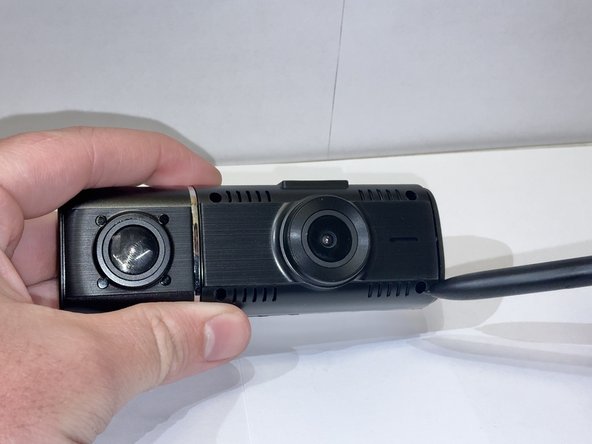
    • Use a screwdriver to remove the four corner screws on the face of the dash cam.

  2. TOGUARD C310 Dual Dash Cam Screen Replacement: passo 2, imagem 1 %32 TOGUARD C310 Dual Dash Cam Screen Replacement: passo 2, imagem 2 %32
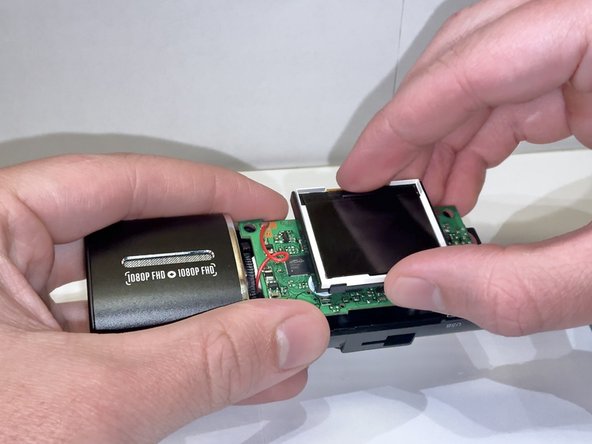
    • Gently remove the cover from the screen.

  3. TOGUARD C310 Dual Dash Cam Screen Replacement: passo 3, imagem 1 %32 TOGUARD C310 Dual Dash Cam Screen Replacement: passo 3, imagem 2 %32
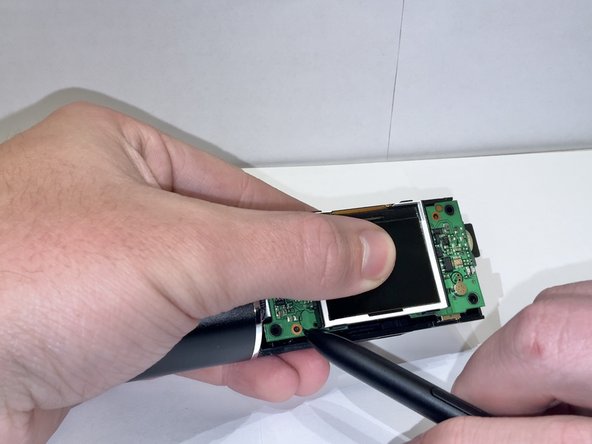
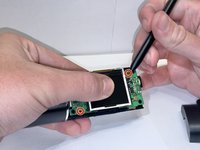
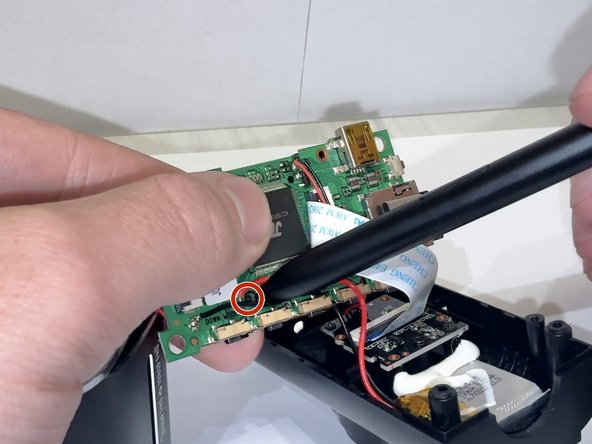
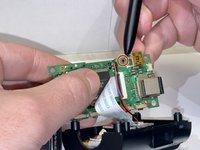
    • Use a screwdriver to remove the two screws.

  4. TOGUARD C310 Dual Dash Cam Screen Replacement: passo 4, imagem 1 %32 TOGUARD C310 Dual Dash Cam Screen Replacement: passo 4, imagem 2 %32
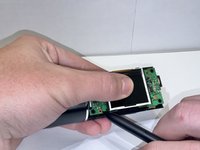
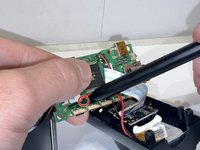
    • Turn over the motherboard and remove the two screws.

  5. TOGUARD C310 Dual Dash Cam Screen Replacement: passo 5, imagem 1 %32
    • Disconnect the ribbon cable from the motherboard.

Conclusão

To reassemble your device, follow these instructions in reverse order. Take your e-waste to an R2 or e-Stewards certified recycler.

Omar Flores

Membro desde: 09/09/24

171 Reputação

Autoria de 1 guia

Equipe

0Comentários do guia

Comentar

Visualizações:

Últimas 24 horas: 1

Últimos 7 dias: 2

Últimos 30 dias: 6

Ao todo: 100