Ir para o conteúdo principal

TI-84 Plus Disassembly

O que você precisa

  1. TI-84 Plus Disassembly, flip: passo 1, imagem 1 %32 TI-84 Plus Disassembly, flip: passo 1, imagem 2 %32
    • Be sure the calculator is powered off before proceeding.

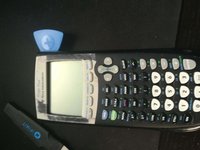
    • Take off the sliding cover, and flip your calculator to the back side.

  2. TI-84 Plus Disassembly, battery plate.: passo 2, imagem 1 %32 TI-84 Plus Disassembly, battery plate.: passo 2, imagem 2 %32
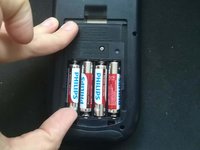
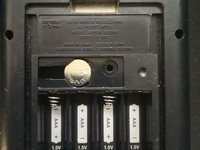
    • Press down on the latch, then remove the battery cover.

  3. TI-84 Plus Disassembly, take out the batteries: passo 3, imagem 1 %32 TI-84 Plus Disassembly, take out the batteries: passo 3, imagem 2 %32
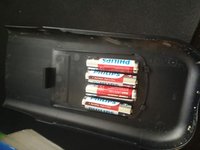
    • Remove the batteries.

    • You can use the battery cover as a plate to keep the batteries.

  4. TI-84 Plus Disassembly, back up battery: passo 4, imagem 1 %32 TI-84 Plus Disassembly, back up battery: passo 4, imagem 2 %32 TI-84 Plus Disassembly, back up battery: passo 4, imagem 3 %32
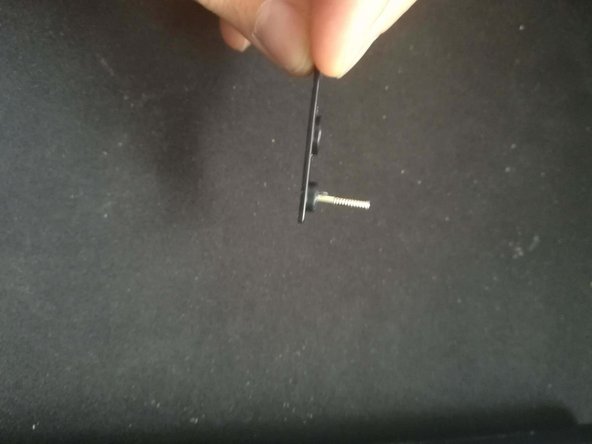
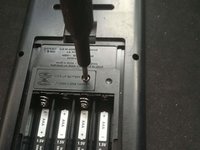
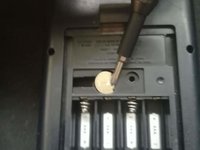
    • Removing this battery will clear your RAM, so be sure that you have made any backups of important data.

    • Use a Phillips #0 to remove the plate from the back up battery.

  5. TI-84 Plus Disassembly, backup battery: passo 5, imagem 1 %32 TI-84 Plus Disassembly, backup battery: passo 5, imagem 2 %32
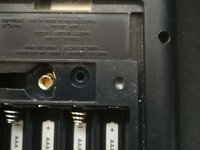
    • Remove the backup battery with either a screwdriver or the spudger.

  6. TI-84 Plus Disassembly, Remove the back cover: passo 6, imagem 1 %32
    • Use a T6 Torx screwdriver to remove the six screws securing the back cover.

  7. TI-84 Plus Disassembly, cracking the case: passo 7, imagem 1 %32 TI-84 Plus Disassembly, cracking the case: passo 7, imagem 2 %32 TI-84 Plus Disassembly, cracking the case: passo 7, imagem 3 %32
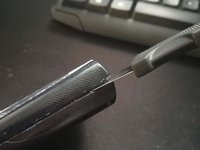
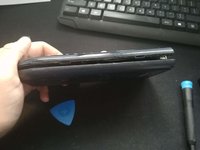
    • Use a prying tool to get a pick into the side and then move it down until it's open.

Conclusão

To reassemble your device, follow these instructions in reverse order.

11 outras pessoas executaram este guia.

1Comentário do guia

Nice! My calculator wasn't turning on, took it apart and rebent the contacts for the batteries, works great now!

Noah Molla - Responder

Comentar

Visualizações:

Últimas 24 horas: 0

Últimos 7 dias: 24

Últimos 30 dias: 150

Ao todo: 12,549