Essa tradução foi gerada por um programa e ainda não foi revisada por uma pessoa. Falas essa língua? Dá uma olhada.

Substituição do digitalizador do Samsung Galaxy Tab A 8.0

nickc75 e
Última atualização em 18 de ago de 2026
Visualizações: 26 mil
Visualizar Estatísticas:
- Últimas 24 horas:
- 1
- Últimos 7 dias:
- 20
- Últimos 30 dias:
- 106
- Ao todo:
- 26.387
Comentários: 22
8 comments on steps, 14 guide comments.
Go to guide commentsConcluído: 16 17
16 pessoas marcaram este guia como "concluído". Será você o próximo?
17· pessoas marcaram este guia como "concluído". Incluindo você — ótimo trabalho!
Favorites: 11 12
11 pessoas favoritaram (e se inscreveram) neste guia. Você será o próximo?
12 pessoas marcaram como favorito (e assinaram) este guia - incluindo você!
Guia colaborativo
Foi um incrível membro de nossa comunidade quem criou este guia. Não foi ninguém da equipe iFixit, não.
O que você precisa
Ferramentas

-
-
-
A primeira coisa que fiz foi colocar fita adesiva na tela trincada para que, ao remover o digitizer, o vidro quebrado não se espalhasse por todo o lado. Em seguida, usei um secador de cabelo para aquecer o tablet e conseguir remover a tela. Na próxima vez, vou usar uma pistola de ar quente, funcionará muito melhor.
 Pergunte ao FixBot
-
-
-
A tela finalmente saiu, mas eu quebrei o cabo do antigo digitizer. Tudo bem, você não vai precisar dele mesmo assim.
-
-
-
Removendo o adesivo com a espátula de metal. A fita estava muito aderente e levou uns 20 minutos para limpar
-
-
-
-
Em seguida, removi o cabo do digitizer da parte traseira do tablet. Puxe-o levemente e ele se soltará facilmente.
-
-
-
Hora de instalar o novo digitizer. Posicione o digitizer e o tablet na vertical, passe o cabo do digitizer pelo orifício para a parte traseira e conecte-o.
-
-
-
Teste a tela sensível ao toque para verificar se tudo funciona corretamente.
-
-
-
Instale o digitalizador com o LCD na tampa inferior e encaixe as partes, tendo cuidado ao fechá-lo.
-
-
-
Eu pressionei o digitalizador suavemente e ele rachou! Não acredito. Parece que preciso comprar outro digitalizador. Liguei o aparelho e tudo funciona muito bem, mas estou de volta à estaca zero.
-
-


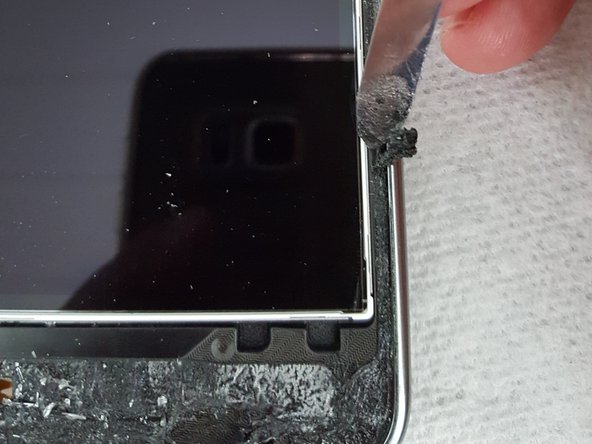
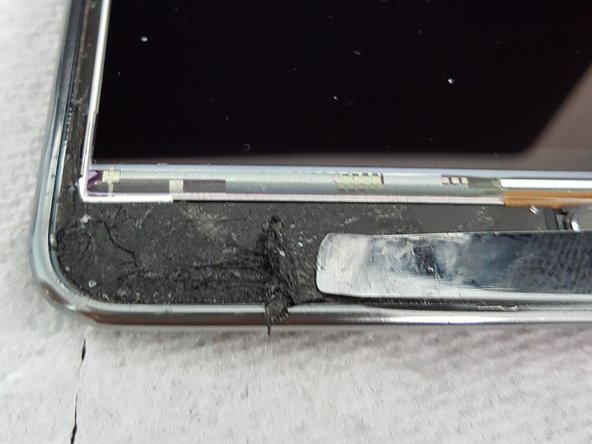


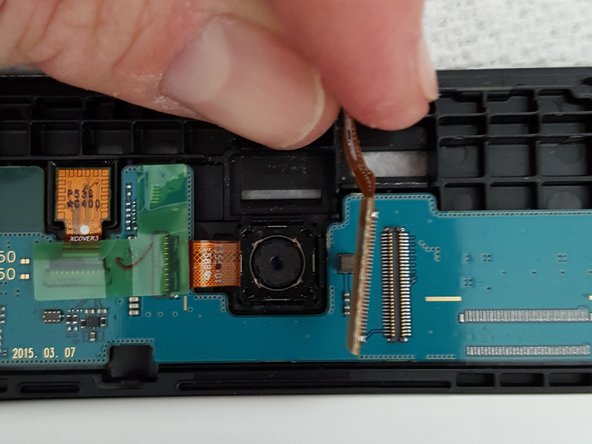


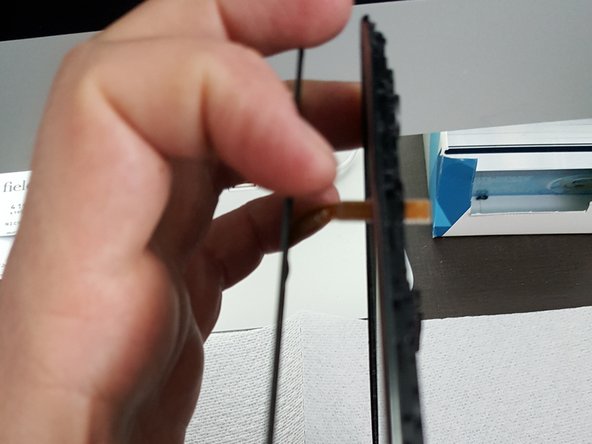
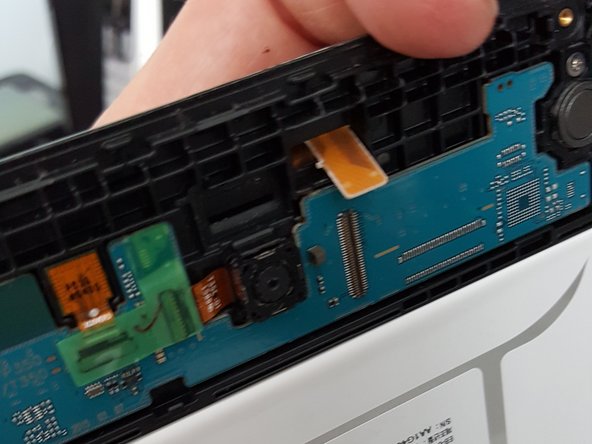


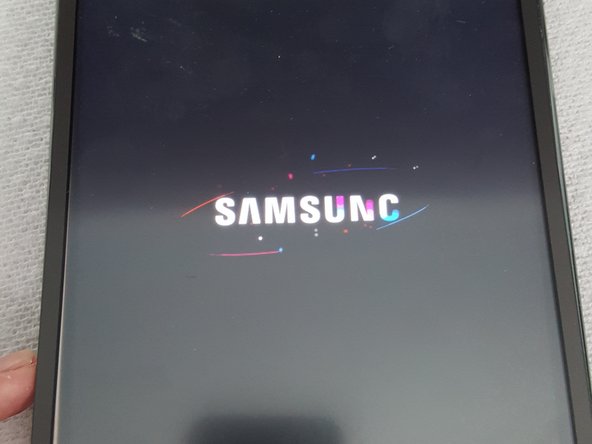


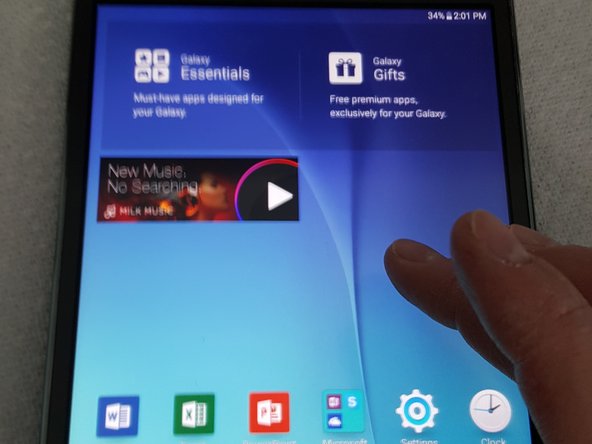


Para a remontagem de seu dispositivo, siga estas instruções na ordem inversa.
Cancelar: não concluí este guia.
16 outras pessoas executaram este guia.

14Comentários do guia
where i can find the screen with the touch for samsung tab t350 ???
www.lcdcycle.com, I got mine here, and you can also get one on Ebay, but make sure you pay at least $30 for it so its better quality
Hye, is this the same with Galaxy Tab A 8" with S Pen
If my glass isn't cracked, but the screen looks like it is cracked underneath the glass, is that the lcd digitizer or is it something else? Thank you.
Ooh, I just found a combo on ebay for the glass, digitizer, and display all together for about $100. How difficult do you think it would be to remove the lcd? it looks like it would be easier to replace all of it instead of just the digitizer, and my problem isn't with the digitizer or the glass- just the LCD display, which is kind of strange. Where I am it's really really cold, and i kept getting in and out of the car last night, so I think the hot car to sub freezing temps over and over again might have done in the display.
