Ir para o conteúdo principal
Participe da comunidade de reparos - Criar conta

Sony Ericsson TM506 Sound Box Replacement

O que você precisa

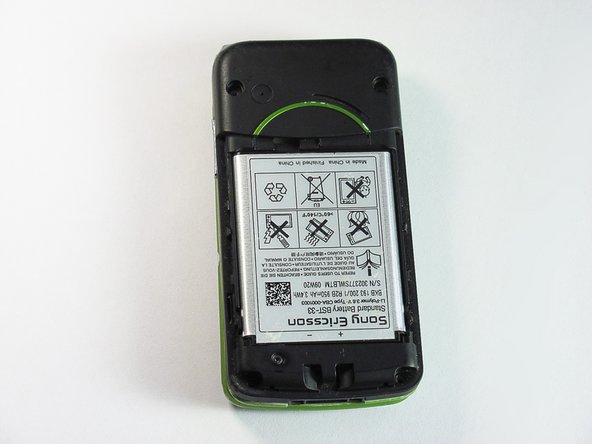
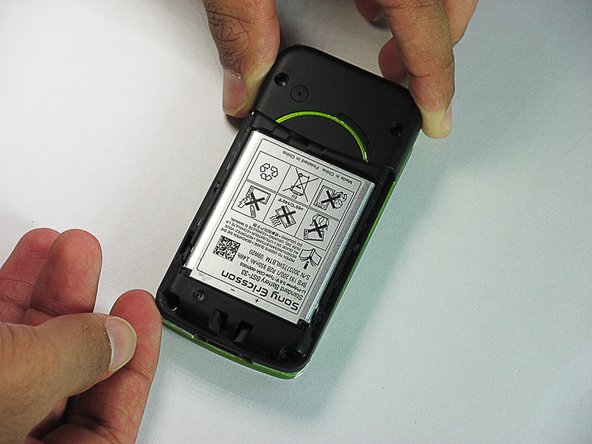
  1. Sony Ericsson TM506 Sound Box Replacement, Battery Cover: passo 1, imagem 1 %32 Sony Ericsson TM506 Sound Box Replacement, Battery Cover: passo 1, imagem 2 %32 Sony Ericsson TM506 Sound Box Replacement, Battery Cover: passo 1, imagem 3 %32
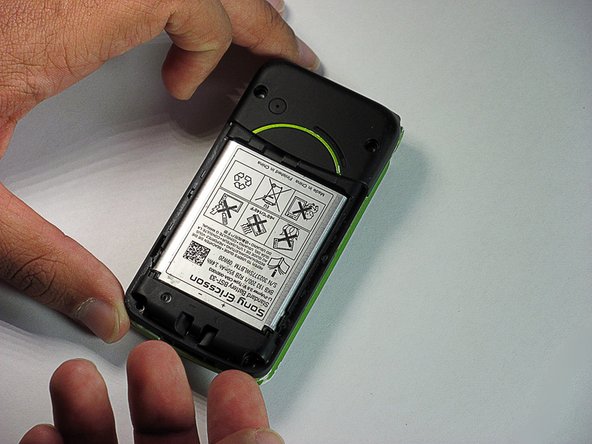
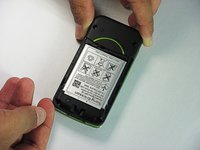
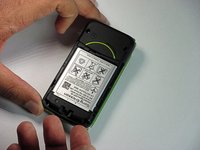
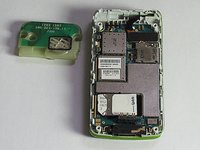
    • Firmly hold the phone between your fingers with your thumb on the battery cover.

    • Push down with your thumb until the battery cover comes off.

    Pergunte ao FixBot

    Comentar

  2. Sony Ericsson TM506 Sound Box Replacement, Back Case: passo 2, imagem 1 %32 Sony Ericsson TM506 Sound Box Replacement, Back Case: passo 2, imagem 2 %32 Sony Ericsson TM506 Sound Box Replacement, Back Case: passo 2, imagem 3 %32
    • Unscrew the bottom two 5.4mm screws with a Torx T6 screwdriver.

    Pergunte ao FixBot

    Comentar

  3. Sony Ericsson TM506 Sound Box Replacement: passo 3, imagem 1 %32 Sony Ericsson TM506 Sound Box Replacement: passo 3, imagem 2 %32
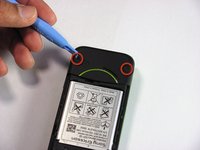
    • Remove the two rubber casings for the top two screws with a plastic opening tool.

    Pergunte ao FixBot

    Comentar

  4. Sony Ericsson TM506 Sound Box Replacement: passo 4, imagem 1 %32
    • Unscrew these two 5.4mm screws with a Torx T6 screwdriver.

    Pergunte ao FixBot

    Comentar

  5. Sony Ericsson TM506 Sound Box Replacement: passo 5, imagem 1 %32 Sony Ericsson TM506 Sound Box Replacement: passo 5, imagem 2 %32 Sony Ericsson TM506 Sound Box Replacement: passo 5, imagem 3 %32
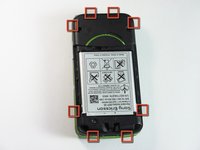
    • There are eight snap hooks located around the outer case. Carefully snap these to remove the outer case.

    Pergunte ao FixBot

    Comentar

  6. Sony Ericsson TM506 Sound Box Replacement, Sound Box: passo 6, imagem 1 %32 Sony Ericsson TM506 Sound Box Replacement, Sound Box: passo 6, imagem 2 %32 Sony Ericsson TM506 Sound Box Replacement, Sound Box: passo 6, imagem 3 %32
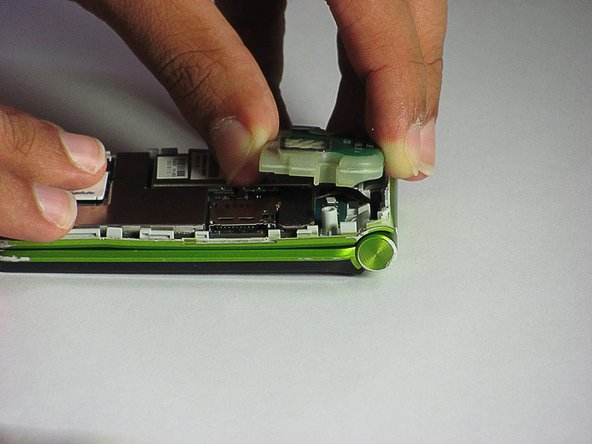
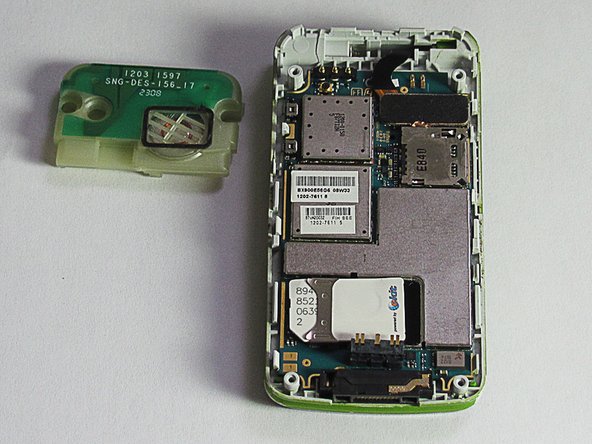
    • The sound box is attached to the case by two snap hooks.

    • Lift the sound box up to remove it from the case.

    Pergunte ao FixBot

    Comentar

Conclusão

To reassemble your device, follow these instructions in reverse order.

Cancelar: não concluí este guia.

Daniel

Membro desde: 06/20/12

83 Reputação

Autoria de 7 guias

Equipe

Cal Poly, Team 1-1, Regan SU 2012 Membro de Cal Poly, Team 1-1, Regan SU 2012

CPSU-REGAN-SU12S1G1

2 Membros

Autoria de 16 guias

0Comentários do guia

Comentar

Visualizações:

Últimas 24 horas: 1

Últimos 7 dias: 7

Últimos 30 dias: 55

Ao todo: 1,064