Ir para o conteúdo principal
Participe da comunidade de reparos - Criar conta

Samsung T139 Pad Buttons Replacement

O que você precisa

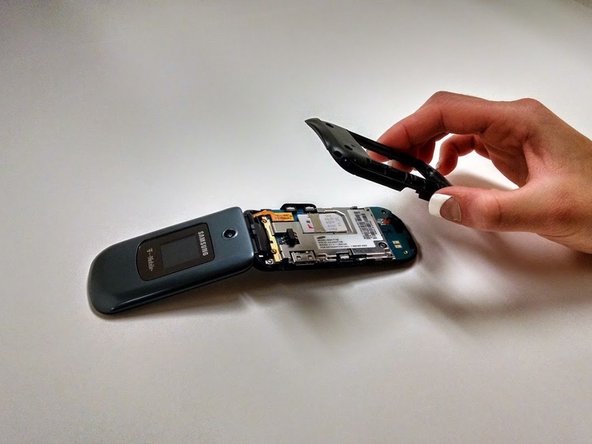
  1. Samsung T139 Pad Buttons Replacement, Remove Back Cover: passo 1, imagem 1 %32 Samsung T139 Pad Buttons Replacement, Remove Back Cover: passo 1, imagem 2 %32 Samsung T139 Pad Buttons Replacement, Remove Back Cover: passo 1, imagem 3 %32
    • Power off your phone before beginning disassembly

    • Apply pressure to the back cover and slide towards the base

    Pergunte ao FixBot

    Comentar

  2. Samsung T139 Pad Buttons Replacement, Remove Battery: passo 2, imagem 1 %32 Samsung T139 Pad Buttons Replacement, Remove Battery: passo 2, imagem 2 %32
    • With a plastic opening tool, lift and remove the battery

    Pergunte ao FixBot

    Comentar

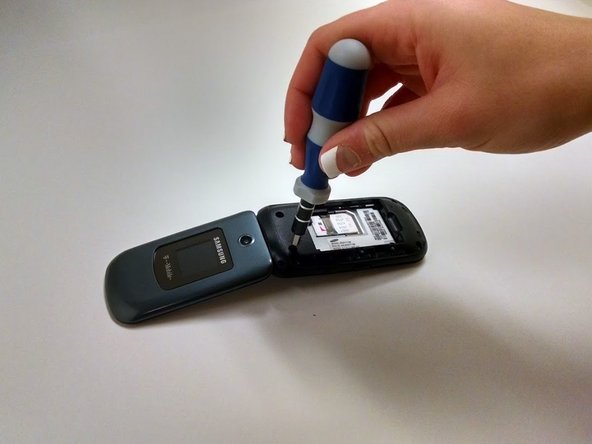
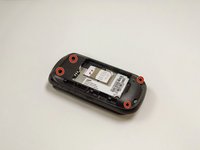
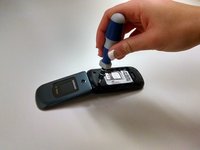
  3. Samsung T139 Pad Buttons Replacement, Remove Screws: passo 3, imagem 1 %32 Samsung T139 Pad Buttons Replacement, Remove Screws: passo 3, imagem 2 %32
    • Remove the four Phillips 1.0mm #0 screws

    Pergunte ao FixBot

    Comentar

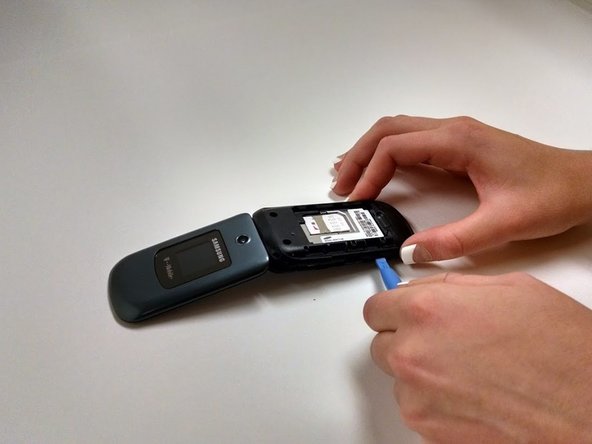
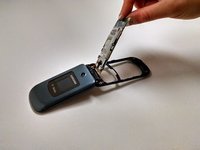
  4. Samsung T139 Pad Buttons Replacement, Remove Black Plastic Cover: passo 4, imagem 1 %32 Samsung T139 Pad Buttons Replacement, Remove Black Plastic Cover: passo 4, imagem 2 %32 Samsung T139 Pad Buttons Replacement, Remove Black Plastic Cover: passo 4, imagem 3 %32
    • Using the plastic opening tool, work around the edge of the black plastic cover until it pops off

    Pergunte ao FixBot

    Comentar

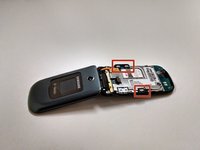
  5. Samsung T139 Pad Buttons Replacement, Remove Side Buttons: passo 5, imagem 1 %32 Samsung T139 Pad Buttons Replacement, Remove Side Buttons: passo 5, imagem 2 %32
    • Remove side buttons by lifting them off the board

    Pergunte ao FixBot

    Comentar

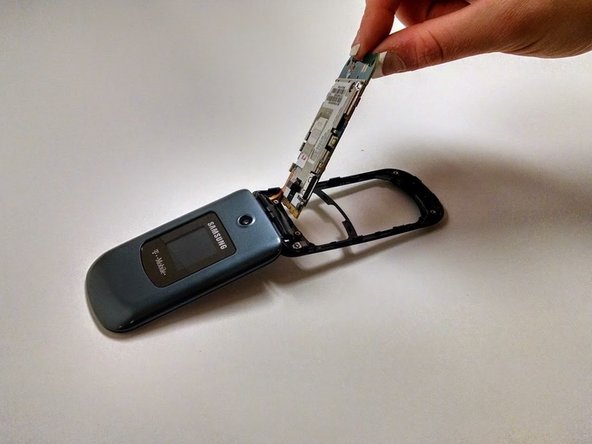
  6. Samsung T139 Pad Buttons Replacement, Remove Circuit Board: passo 6, imagem 1 %32
    • Lift circuit board up gently

    • Be careful to not pull ribbon cord apart when removing

    Pergunte ao FixBot

    Comentar

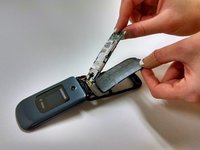
  7. Samsung T139 Pad Buttons Replacement, Remove Button Pad: passo 7, imagem 1 %32 Samsung T139 Pad Buttons Replacement, Remove Button Pad: passo 7, imagem 2 %32
    • Lift away button pad

    Pergunte ao FixBot

    Comentar

Conclusão

To reassemble your device, follow these instructions in reverse order.

Cancelar: não concluí este guia.

Reagan May

Membro desde: 10/23/14

588 Reputação

Autoria de 5 guias

Equipe

Michigan Tech, Team 1-1, Lauer Fall 2014 Membro de Michigan Tech, Team 1-1, Lauer Fall 2014

MTU-LAUER-F14S1G1

3 Membros

Autoria de 9 guias

0Comentários do guia

Comentar

Visualizações:

Últimas 24 horas: 0

Últimos 7 dias: 6

Últimos 30 dias: 29

Ao todo: 592