Ir para o conteúdo principal
Participe da comunidade de reparos - Criar conta

Samsung SCH-3500 Back Cover Replacement

O que você precisa

  1. Samsung SCH-3500 Back Cover Replacement, Battery: passo 1, imagem 1 %32 Samsung SCH-3500 Back Cover Replacement, Battery: passo 1, imagem 2 %32
    • Place the phone so that the back is facing you. Depress the locking tab on the back of the phone with a finger or thumb.

    Pergunte ao FixBot

    Comentar

  2. Samsung SCH-3500 Back Cover Replacement: passo 2, imagem 1 %32
    • Slide the battery toward bottom of the phone, about a quarter of an inch, to clear the hooks that keep it secured to the back of the phone.

    Pergunte ao FixBot

    Comentar

  3. Samsung SCH-3500 Back Cover Replacement: passo 3, imagem 1 %32
    • Lift the battery away from the phone case.

    Pergunte ao FixBot

    Comentar

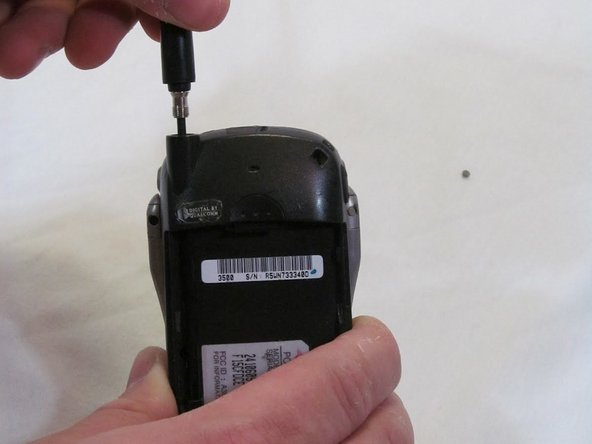
  4. Samsung SCH-3500 Back Cover Replacement, Antenna: passo 4, imagem 1 %32 Samsung SCH-3500 Back Cover Replacement, Antenna: passo 4, imagem 2 %32
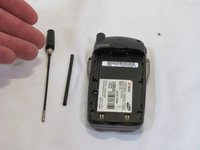
    • Grasp the antenna firmly and rotate it counterclockwise to unscrew it from the phone.

    Pergunte ao FixBot

    Comentar

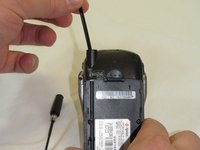
  5. Samsung SCH-3500 Back Cover Replacement: passo 5, imagem 1 %32
    • When unscrewed, pull the antenna straight up and out.

    Pergunte ao FixBot

    Comentar

  6. Samsung SCH-3500 Back Cover Replacement: passo 6, imagem 1 %32 Samsung SCH-3500 Back Cover Replacement: passo 6, imagem 2 %32
    • Pull the guide tube free from its retaining ring and slide it out the top.

    Pergunte ao FixBot

    Comentar

  7. Samsung SCH-3500 Back Cover Replacement, Back Cover: passo 7, imagem 1 %32
    • Remove the four screws using a T6 Torx screwdriver.

    Pergunte ao FixBot

    Comentar

  8. Samsung SCH-3500 Back Cover Replacement: passo 8, imagem 1 %32 Samsung SCH-3500 Back Cover Replacement: passo 8, imagem 2 %32
    • Work from the bottom of the phone, separating the two halves of the case.

    • Note: Take care to keep the logic board with the front case half. Part of the logic board is exposed to the sticker under the battery on the rear case half.

    Pergunte ao FixBot

    Comentar

  9. Samsung SCH-3500 Back Cover Replacement: passo 9, imagem 1 %32
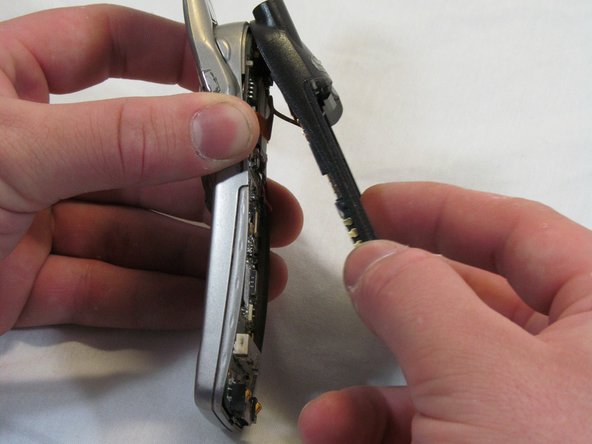
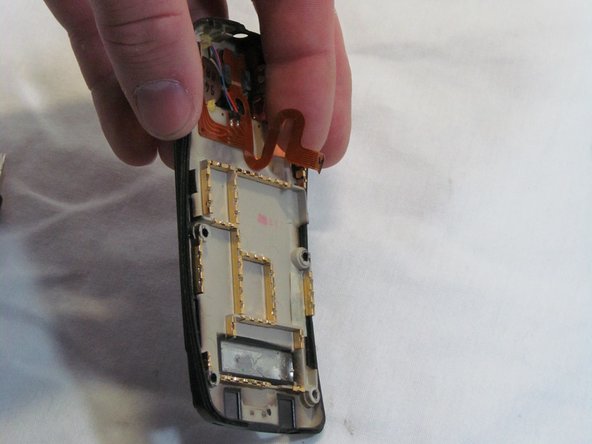
    • Angle the rear case half away from the top of the front case half, pivoting the hooks out of their clasps.

    • Caution: Do not fully separate the halves. There is an antenna ribbon connected to the logic board from the back cover.

    Pergunte ao FixBot

    Comentar

  10. Samsung SCH-3500 Back Cover Replacement: passo 10, imagem 1 %32 Samsung SCH-3500 Back Cover Replacement: passo 10, imagem 2 %32 Samsung SCH-3500 Back Cover Replacement: passo 10, imagem 3 %32
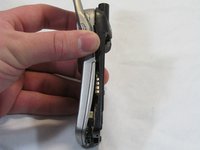
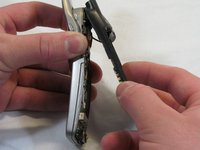
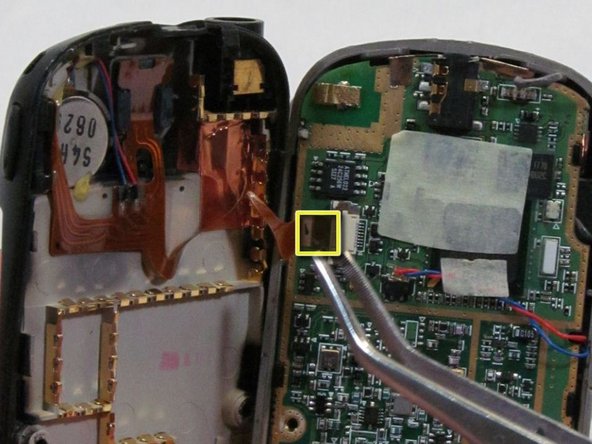
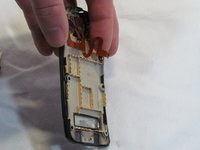
    • Disconnect the antenna ribbon cable from the logic board at the Zero Insertion Force (ZIF) connector. The brown portion of the connector lifts up to release the cable end.

    • The Back Cover is now removed. Congratulations.

    Pergunte ao FixBot

    Comentar

Conclusão

To reassemble your device, follow these instructions in reverse order.

Cancelar: não concluí este guia.

Uma outra pessoa concluiu este guia.

Equipe

Clemson, Team 2-6, Benson Spring 2012 Membro de Clemson, Team 2-6, Benson Spring 2012

CLEM-BENSON-S12S2G6

2 Membros

Autoria de 10 guias

0Comentários do guia

Comentar

Visualizações:

Últimas 24 horas: 0

Últimos 7 dias: 4

Últimos 30 dias: 25

Ao todo: 871