Ir para o conteúdo principal
Participe da comunidade de reparos - Criar conta

Samsung DVD-P230 LCD Screen Replacement

O que você precisa

  1. Samsung DVD-P230 LCD Screen Replacement, Outer Cover & Faceplate: passo 1, imagem 1 %32 Samsung DVD-P230 LCD Screen Replacement, Outer Cover & Faceplate: passo 1, imagem 2 %32 Samsung DVD-P230 LCD Screen Replacement, Outer Cover & Faceplate: passo 1, imagem 3 %32
    • Open the tray by pressing the eject button

    • Remove the DVD tray faceplate by pushing the faceplate up off of the tray.

    Pergunte ao FixBot
  2. Samsung DVD-P230 LCD Screen Replacement: passo 2, imagem 1 %32
    • Press the eject button to insert the tray

    • After the tray is closed unplug DVD player

    Pergunte ao FixBot
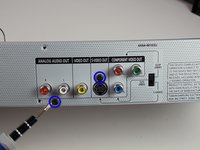
  3. Samsung DVD-P230 LCD Screen Replacement: passo 3, imagem 1 %32
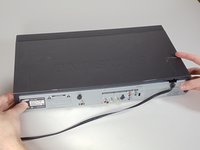
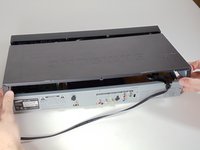
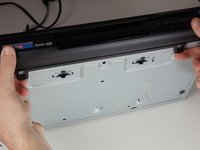
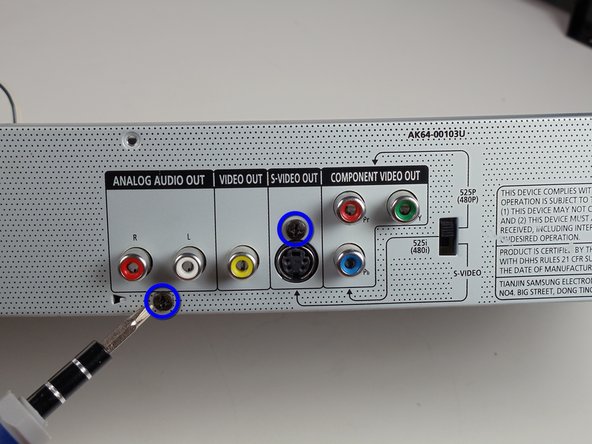
    • Unscrew the 3 screws in the back.

    Pergunte ao FixBot
  4. Samsung DVD-P230 LCD Screen Replacement: passo 4, imagem 1 %32 Samsung DVD-P230 LCD Screen Replacement: passo 4, imagem 2 %32
    • Pull the outer case upward and then towards you.

    Pergunte ao FixBot
  5. Samsung DVD-P230 LCD Screen Replacement: passo 5, imagem 1 %32 Samsung DVD-P230 LCD Screen Replacement: passo 5, imagem 2 %32 Samsung DVD-P230 LCD Screen Replacement: passo 5, imagem 3 %32
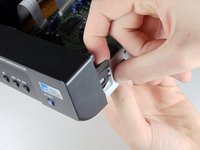
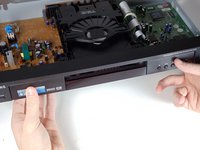
    • There are six symmetrically placed tabs holding in the front faceplate. Unhook these six tabs to loosen the faceplate.

    Pergunte ao FixBot
  6. Samsung DVD-P230 LCD Screen Replacement: passo 6, imagem 1 %32 Samsung DVD-P230 LCD Screen Replacement: passo 6, imagem 2 %32
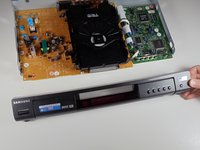
    • Pull off front faceplate. This may take a couple of tries to get all six tabs unhooked simultaneously.

    Pergunte ao FixBot
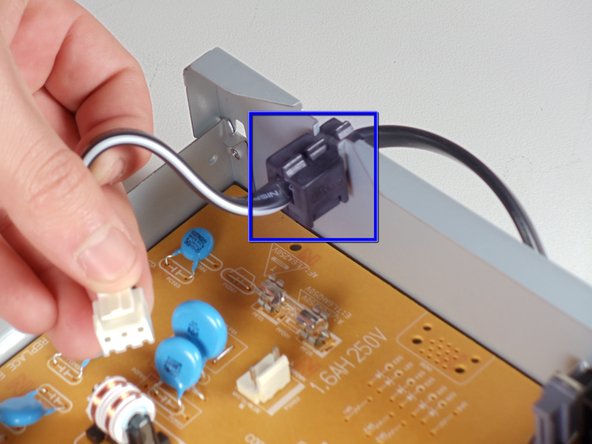
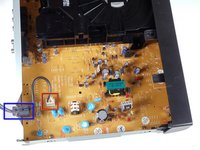
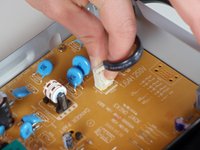
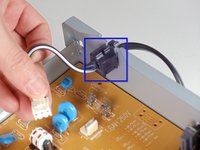
  7. Samsung DVD-P230 LCD Screen Replacement, Power Cord: passo 7, imagem 1 %32 Samsung DVD-P230 LCD Screen Replacement, Power Cord: passo 7, imagem 2 %32 Samsung DVD-P230 LCD Screen Replacement, Power Cord: passo 7, imagem 3 %32
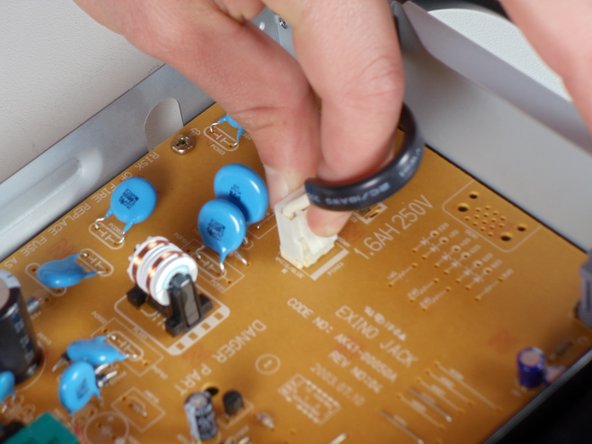
    • Locate the white clip that attaches the cord to the motherboard

    • Grasp clip and squeeze to release

    • Lift up and remove power cord

    • Slide cord mount from outer case

    Pergunte ao FixBot
  8. Samsung DVD-P230 LCD Screen Replacement, Tray: passo 8, imagem 1 %32 Samsung DVD-P230 LCD Screen Replacement, Tray: passo 8, imagem 2 %32 Samsung DVD-P230 LCD Screen Replacement, Tray: passo 8, imagem 3 %32
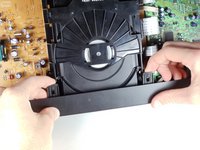
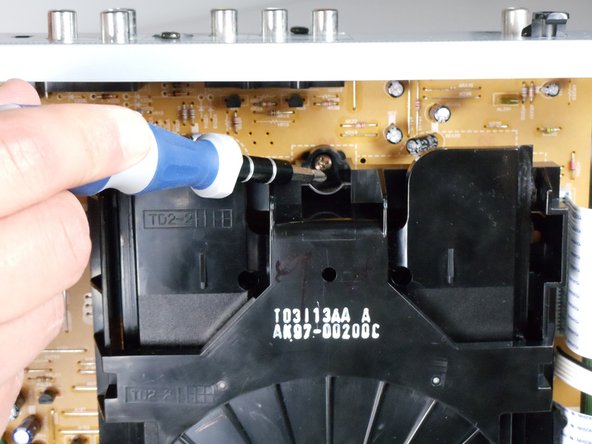
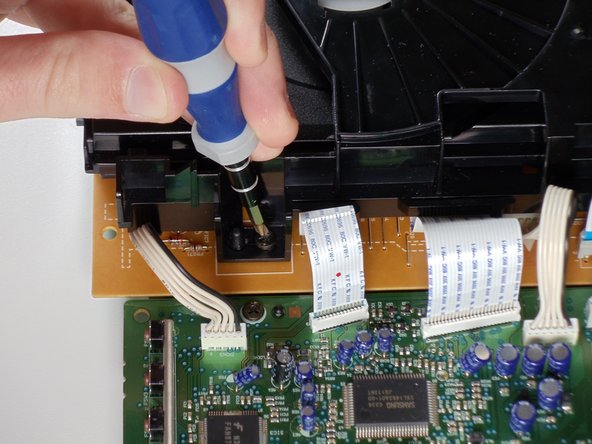
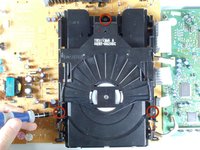
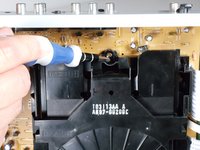
    • Remove the three screws holding in the DVD tray

    Pergunte ao FixBot
  9. Samsung DVD-P230 LCD Screen Replacement: passo 9, imagem 1 %32 Samsung DVD-P230 LCD Screen Replacement: passo 9, imagem 2 %32
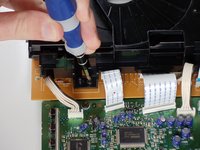
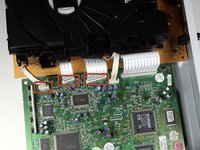
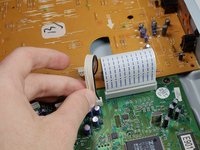
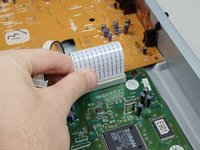
    • Remove the power cord and first two ribbons by pulling them directly out of their sockets.

    Pergunte ao FixBot
  10. Samsung DVD-P230 LCD Screen Replacement: passo 10, imagem 1 %32 Samsung DVD-P230 LCD Screen Replacement: passo 10, imagem 2 %32
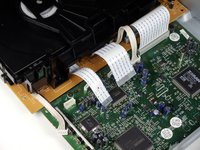
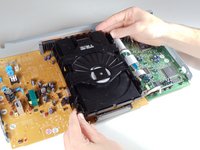
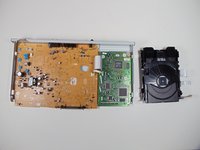
    • Gently lift the DVD tray off of the motherboard.

    Pergunte ao FixBot
  11. Samsung DVD-P230 LCD Screen Replacement, Motherboard: passo 11, imagem 1 %32 Samsung DVD-P230 LCD Screen Replacement, Motherboard: passo 11, imagem 2 %32
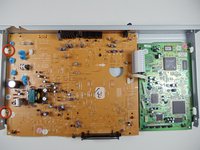
    • Unscrew the 2 screws on the motherboard

    • Unscrew the 2 screws on the back

    Pergunte ao FixBot
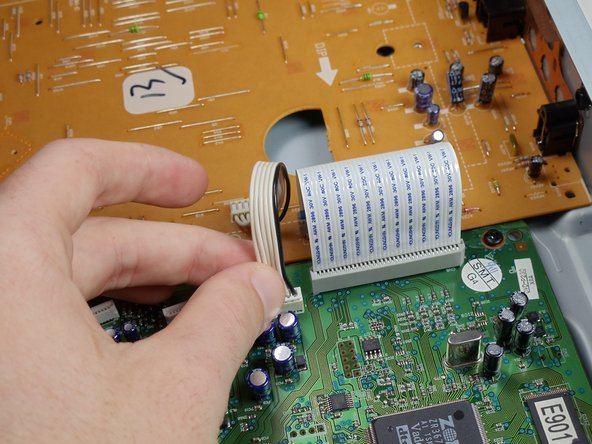
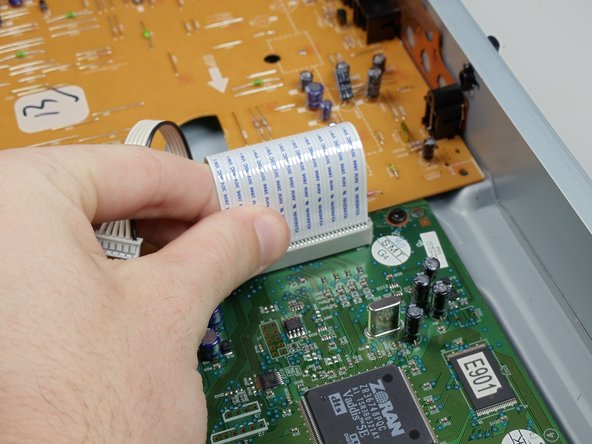
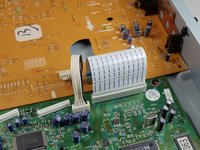
  12. Samsung DVD-P230 LCD Screen Replacement: passo 12, imagem 1 %32 Samsung DVD-P230 LCD Screen Replacement: passo 12, imagem 2 %32 Samsung DVD-P230 LCD Screen Replacement: passo 12, imagem 3 %32
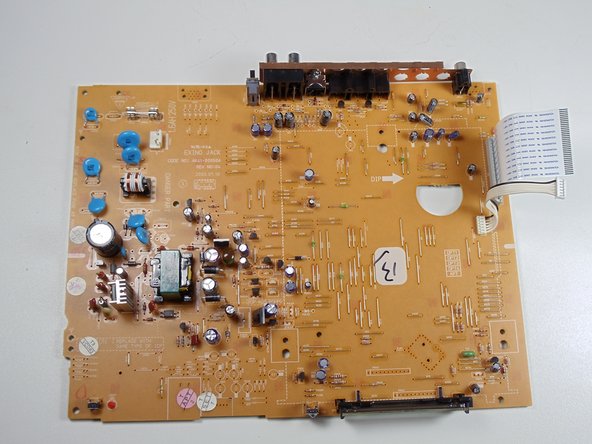
    • Disconnect the wires and ribbon by pulling them out of their respective connections

    Pergunte ao FixBot
  13. Samsung DVD-P230 LCD Screen Replacement: passo 13, imagem 1 %32 Samsung DVD-P230 LCD Screen Replacement: passo 13, imagem 2 %32
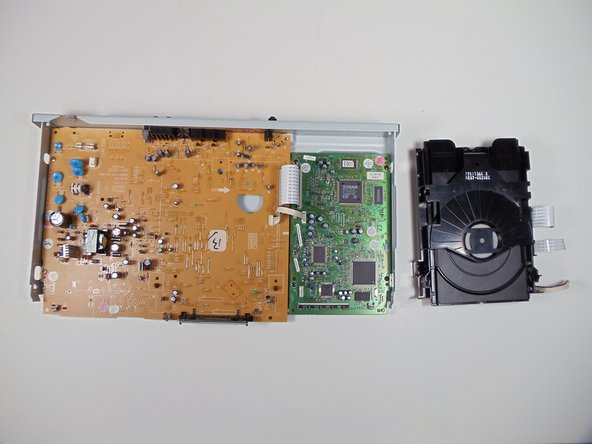
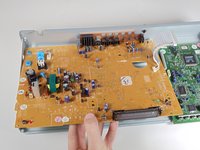
    • Lift board up and out of the lower case

    Pergunte ao FixBot
  14. Samsung DVD-P230 LCD Screen Replacement, LCD Screen: passo 14, imagem 1 %32 Samsung DVD-P230 LCD Screen Replacement, LCD Screen: passo 14, imagem 2 %32
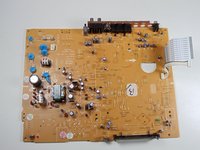
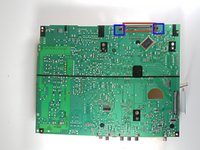
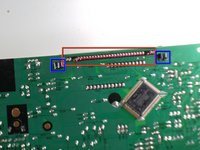
    • The LCD screen has pins attaching it to the motherboard. Flip the motherboard over.

    • De-solder LCD screen pins from the motherboard.

    • Pinch black tabs to remove LCD screen from motherboard.

    • Solder the new LCD screen pins into motherboard.

    Pergunte ao FixBot
Conclusão

To reassemble your device, follow these instructions in reverse order.

Uma outra pessoa concluiu este guia.

Evan Domingue

Membro desde: 01/28/11

410 Reputação

Autoria de 3 guias

Equipe

Cal Poly, Team 3-30, Regan Winter 2011 Membro de Cal Poly, Team 3-30, Regan Winter 2011

CPSU-REGAN-W11S3G30

4 Membros

Autoria de 8 guias

0Comentários do guia

Comentar

Visualizações:

Últimas 24 horas: 1

Últimos 7 dias: 8

Últimos 30 dias: 62

Ao todo: 3,304