Ir para o conteúdo principal
Participe da comunidade de reparos - Criar conta

Samsung Alias 2 Hinge Replacement

O que você precisa

  1. Samsung Alias 2 Hinge Replacement, Battery: passo 1, imagem 1 %32
    • Press down on the back cover of the phone and remove it.

    Pergunte ao FixBot
    Comentar

  2. Samsung Alias 2 Hinge Replacement: passo 2, imagem 1 %32
    • Take out the battery from the device.

    Pergunte ao FixBot
    Comentar

  3. Samsung Alias 2 Hinge Replacement, Hinge: passo 3, imagem 1 %32
    • Use a Phillips #00 screwdriver to remove the two 4 mm screws on screen.

    Pergunte ao FixBot

    Comentar

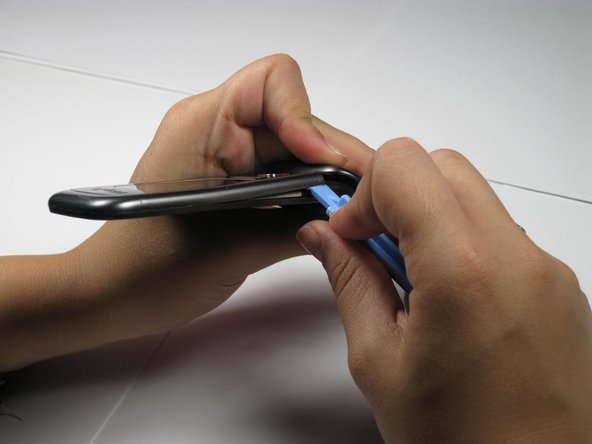
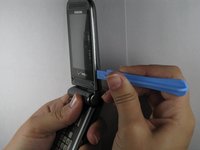
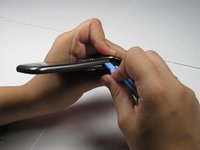
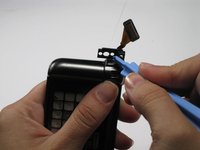
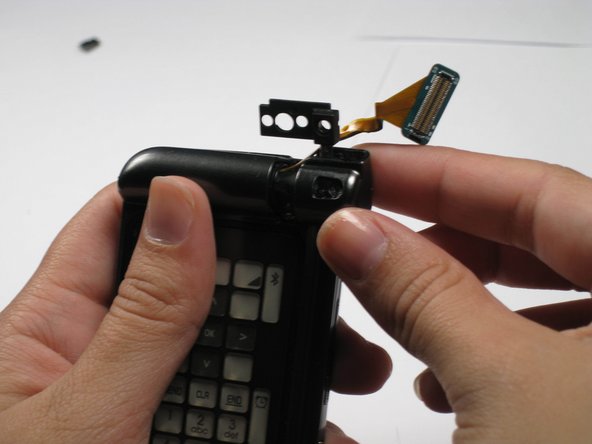
  4. Samsung Alias 2 Hinge Replacement: passo 4, imagem 1 %32 Samsung Alias 2 Hinge Replacement: passo 4, imagem 2 %32
    • Use the opening tool to remove the front outside casing.

    Pergunte ao FixBot
    Comentar

  5. Samsung Alias 2 Hinge Replacement: passo 5, imagem 1 %32
    Ferramenta utilizada neste passo:
    Tweezers
    $4.99
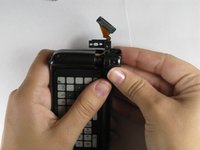
    • Remove ribbon connector next to camera using tweezers.

    Pergunte ao FixBot
    Comentar

  6. Samsung Alias 2 Hinge Replacement: passo 6, imagem 1 %32
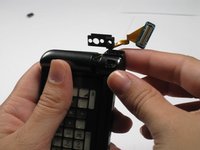
    • Unscrew and remove the two 3.95 mm screws underneath that ribbon connector.

    • Be careful not to lose their accompanying plastic washers.

    Pergunte ao FixBot
    Comentar

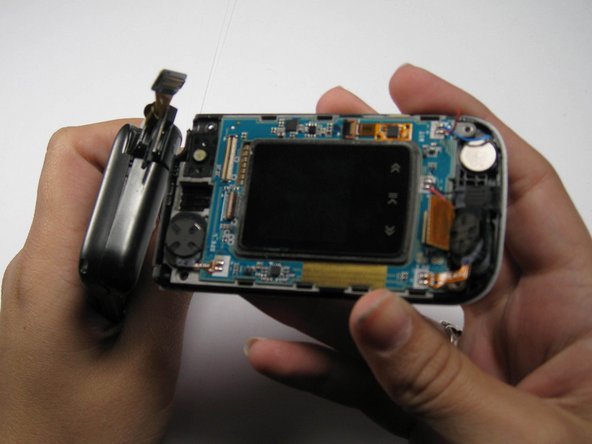
  7. Samsung Alias 2 Hinge Replacement: passo 7, imagem 1 %32 Samsung Alias 2 Hinge Replacement: passo 7, imagem 2 %32
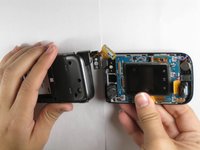
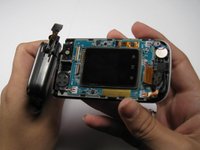
    • Pull the two halves of the phone apart.

    • The phone will not slide straight apart. You have to angle the back half up a little.

    • Do not force it. Jiggle it a little if it doesn't come apart.

    Pergunte ao FixBot

    Comentar

  8. Samsung Alias 2 Hinge Replacement: passo 8, imagem 1 %32
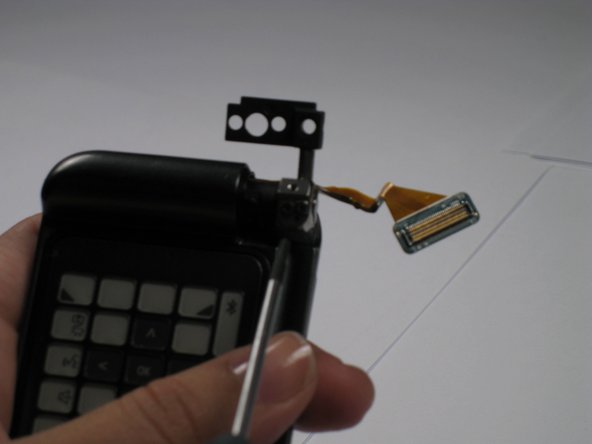
    • Remove the plastic panel cover from the hinge.

    Pergunte ao FixBot
    Comentar

  9. Samsung Alias 2 Hinge Replacement: passo 9, imagem 1 %32 Samsung Alias 2 Hinge Replacement: passo 9, imagem 2 %32
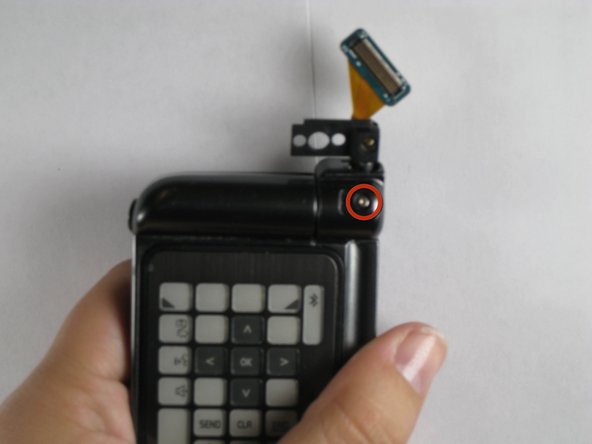
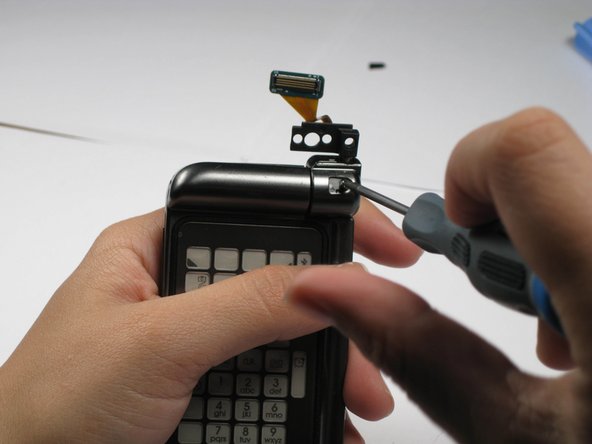
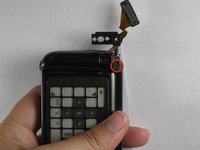
    • Remove the 3.41 mm screw out from underneath plastic cover.

    Pergunte ao FixBot
    Comentar

  10. Samsung Alias 2 Hinge Replacement: passo 10, imagem 1 %32 Samsung Alias 2 Hinge Replacement: passo 10, imagem 2 %32
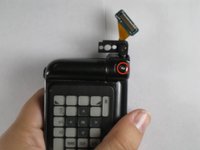
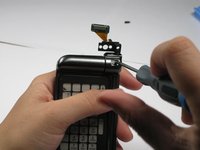
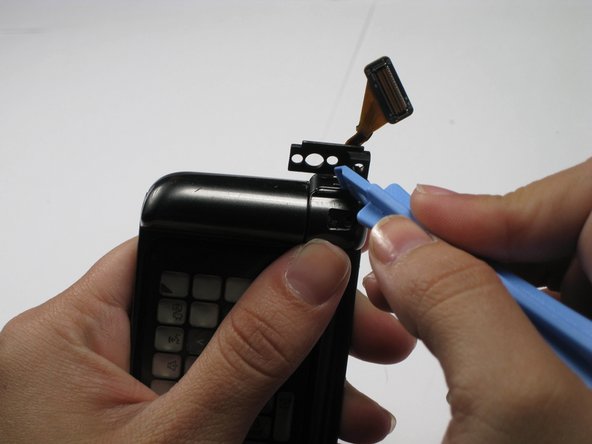
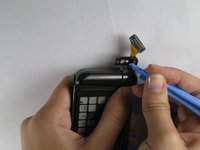
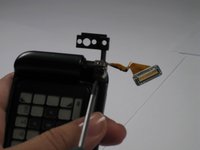
    • Pop out the top half of the hinge with the plastic opening tool. This will release the hinge cover for removal.

    Pergunte ao FixBot
    Comentar

  11. Samsung Alias 2 Hinge Replacement: passo 11, imagem 1 %32 Samsung Alias 2 Hinge Replacement: passo 11, imagem 2 %32
    • Pull off the hinge cover.

    Pergunte ao FixBot

    Comentar

  12. Samsung Alias 2 Hinge Replacement: passo 12, imagem 1 %32 Samsung Alias 2 Hinge Replacement: passo 12, imagem 2 %32
    • Remove the two 2.71 mm screws on the hinge using screwdriver.

    • Under these screws will be a washer, spring, and small metal disc. Make sure you don't lose these.

    Pergunte ao FixBot

    Comentar

  13. Samsung Alias 2 Hinge Replacement: passo 13, imagem 1 %32
    • Remove the Verizon logo from the back of phone using the plastic opening tool.

    • The logo is attached with glue. It will be sticky, but it just pulls off.

    Pergunte ao FixBot

    Comentar

  14. Samsung Alias 2 Hinge Replacement: passo 14, imagem 1 %32
    • Remove the four 4.44 mm screws from the back.

    • Remove the three 4.35mm screws from under the Verizon logo.

    • Make sure you don't mix the screws together.

    Pergunte ao FixBot

    Comentar

  15. Samsung Alias 2 Hinge Replacement: passo 15, imagem 1 %32
    • Pull the back off by using the plastic opening tool.

    • Do not lose the buttons on the side of the phone, as they will come off of the phone when you remove the back outside casing.

    Pergunte ao FixBot

    Comentar

  16. Samsung Alias 2 Hinge Replacement: passo 16, imagem 1 %32
    • Pull up on the yellow tab.

    Pergunte ao FixBot

    Comentar

  17. Samsung Alias 2 Hinge Replacement: passo 17, imagem 1 %32
    • Disconnect the connecting cord using tweezers.

    Pergunte ao FixBot

    Comentar

  18. Samsung Alias 2 Hinge Replacement: passo 18, imagem 1 %32
    • Disconnect the rectangular ribbon.

    Pergunte ao FixBot

    Comentar

  19. Samsung Alias 2 Hinge Replacement: passo 19, imagem 1 %32
    • Remove the logic board.

    Pergunte ao FixBot

    Comentar

  20. Samsung Alias 2 Hinge Replacement: passo 20, imagem 1 %32
    • Remove the three 3.95 mm screws.

    • The two rightmost screws must be pulled out with tweezers after unscrewed.

    Pergunte ao FixBot

    Comentar

  21. Samsung Alias 2 Hinge Replacement: passo 21, imagem 1 %32
    • Pull the hinge out.

    Pergunte ao FixBot

    Comentar

Conclusão

To reassemble your device, follow these instructions in reverse order.

Cancelar: não concluí este guia.

Uma outra pessoa concluiu este guia.

Chris

Membro desde: 04/16/11

133 Reputação

Autoria de 5 guias

Equipe

Cal Poly, Team 12-35, Maness Spring 2011 Membro de Cal Poly, Team 12-35, Maness Spring 2011

CPSU-MANESS-S11S12G35

4 Membros

Autoria de 10 guias

0Comentários do guia

Comentar

Visualizações:

Últimas 24 horas: 0

Últimos 7 dias: 12

Últimos 30 dias: 33

Ao todo: 4,678