O que você precisa
-
-
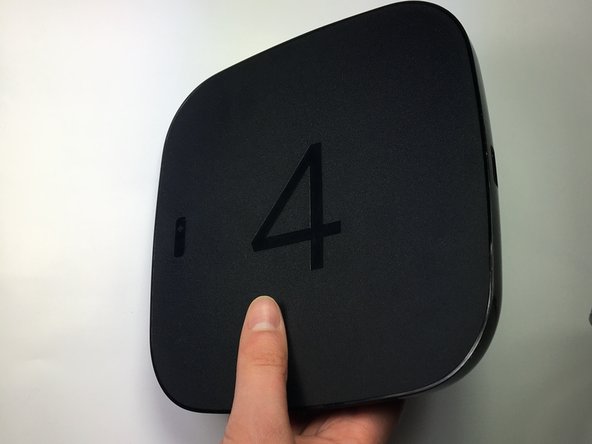
Place the Roku 4 face-down on a table. The rubber sticker should be facing you.
-
-
-
-
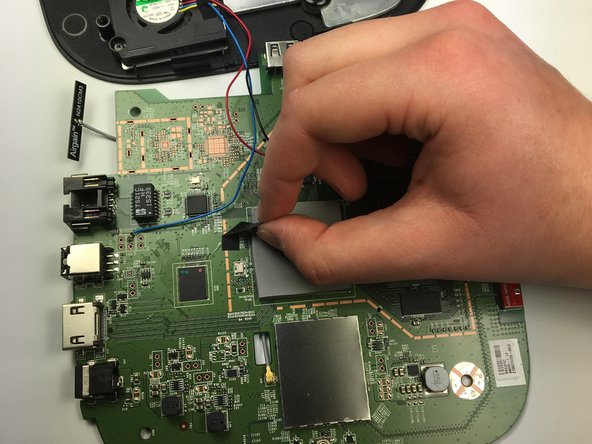
Lay the motherboard facedown on the table so you can see the large black ethernet port with several gold connections below it.
-
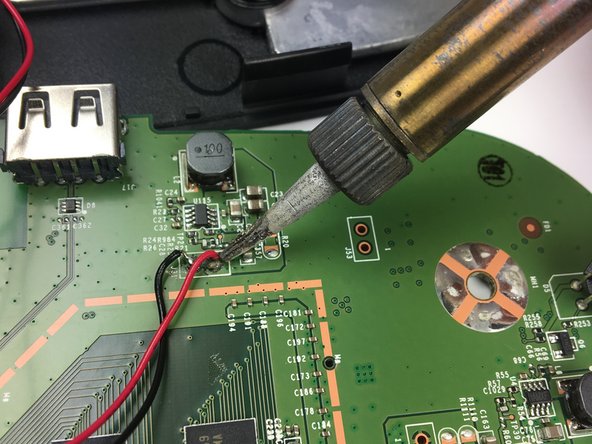
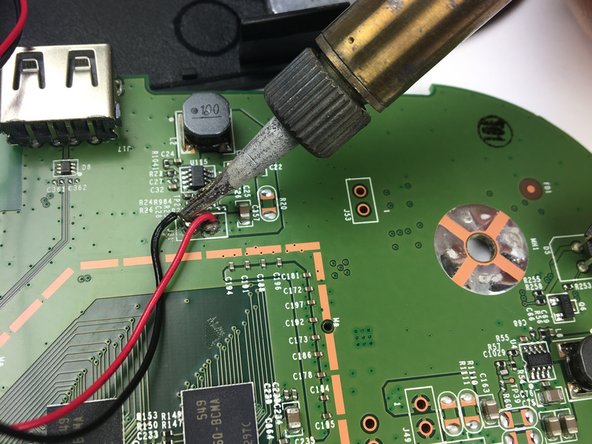
Use a soldering iron to desolder each of the ethernet port's connections to the motherboard.
-








To reassemble your device, follow these instructions in reverse order.
Cancelar: não concluí este guia.
Uma outra pessoa concluiu este guia.

Equipe

Baylor, Team S5-G4, Williams Spring 2017 Membro de Baylor, Team S5-G4, Williams Spring 2017
BU-WILLIAMS-S17S5G4
3 Membros
Autoria de 4 guias
3Comentários do guia
Is that the HDMI port
Is that the HDMI port on roku
where do you get the HDMI port for roku
