Introdução
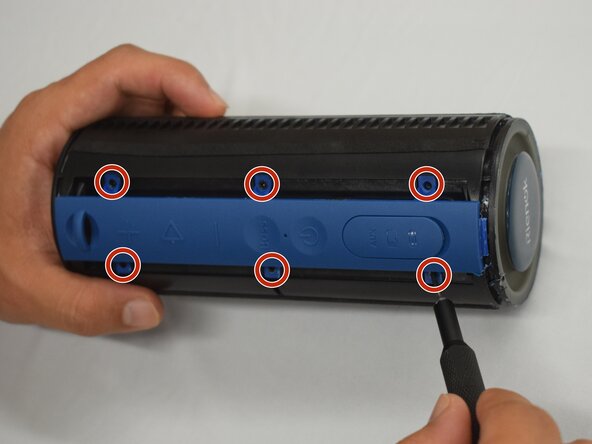
If the blue button panel on your Rienok S1 Mini is damaged, to access the buttons underneath, or to get into the internals of the device, follow this guide to remove and/or replace the button panel. Removing this panel is the last step before removing the housing.
Before beginning, power down the device to prevent shorts.
O que você precisa
-
-
Start with the buttons panel up and facing you.
-
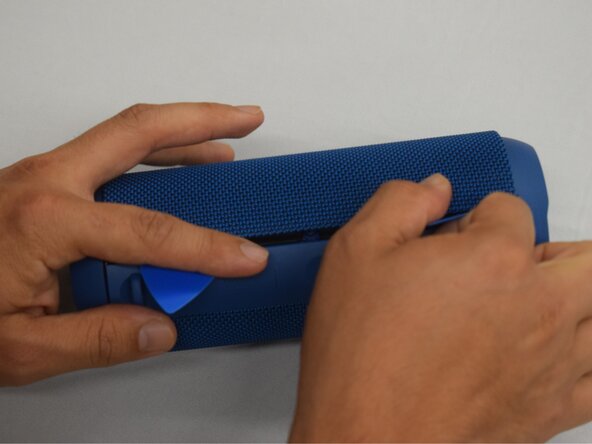
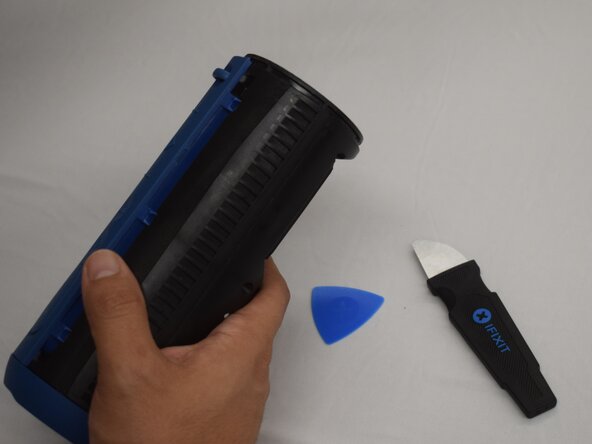
Wedge in one iFixit opening pick, and apply outward pressure to pop out one side of the grille.
-
Using a second pick, slide from the first pick towards the opposite end until one whole side is popped out.
-
-
-
-
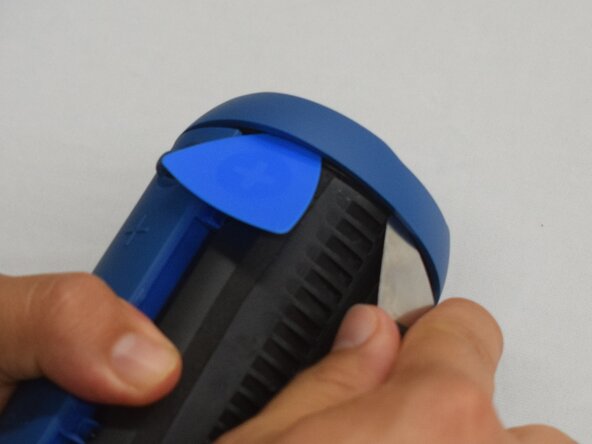
Wedge an iFixit opening pick into the space between the ring and the housing.
-
Insert a Jimmy into the gap created.
-
Apply an out-and-upward pressure with the Jimmy to disconnect the plastic clips surrounding the ring.
-
Work the Jimmy around the ring, disconnecting the clips along the way until they are all disconnected.
-





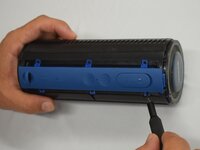
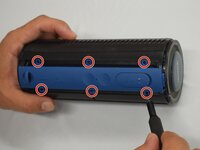

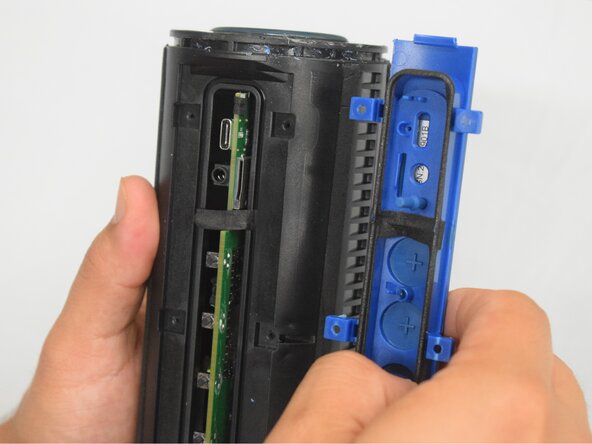
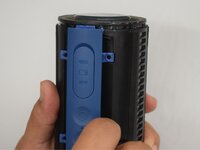
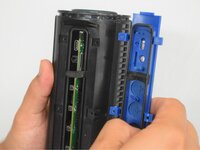
To reassemble your device, follow these instructions in reverse order.


Equipe

CSU Los Angeles, Team 7-1, Kershman Spring 2025 Membro de CSU Los Angeles, Team 7-1, Kershman Spring 2025
CSULA-KERSHMAN-S25S7G1
5 Membros
Autoria de 9 guias
