Ir para o conteúdo principal
Participe da comunidade de reparos - Criar conta

Repairing Paper Jam

  1. Repairing Paper Jam, Drum Unit and Toner Cartridge: passo 1, imagem 1 %32
    • Press the front cover release button.

    • Keep the button pressed and pull the cover toward yourself.

    Pergunte ao FixBot

    Comentar

  2. Repairing Paper Jam: passo 2, imagem 1 %32 Repairing Paper Jam: passo 2, imagem 2 %32 Repairing Paper Jam: passo 2, imagem 3 %32
    • With the front cover in the downward position, the drum & toner unit will be visible.

    • Grab the black-and-yellow handle on the unit. Lift unit up and pull it out of the printer.

    Pergunte ao FixBot

    Comentar

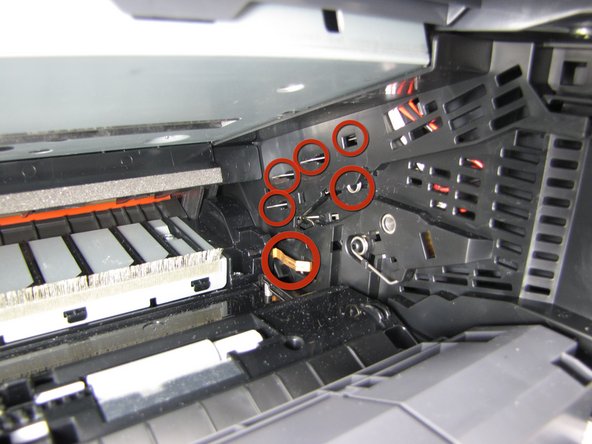
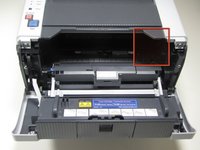
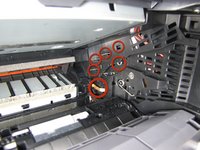
  3. Repairing Paper Jam, Repairing Paper Jam: passo 3, imagem 1 %32 Repairing Paper Jam, Repairing Paper Jam: passo 3, imagem 2 %32
    • DO NOT TOUCH the electrodes on the right inner wall of the printer. Touching these electrodes can cause electrical damage to the printer.

    Pergunte ao FixBot

    Comentar

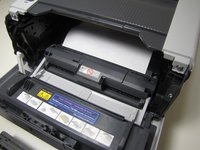
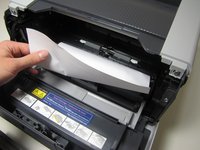
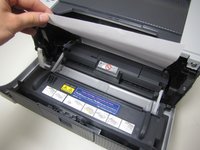
  4. Repairing Paper Jam, Paper Jam Type 1: passo 4, imagem 1 %32 Repairing Paper Jam, Paper Jam Type 1: passo 4, imagem 2 %32 Repairing Paper Jam, Paper Jam Type 1: passo 4, imagem 3 %32
    • If jammed, paper will be visible after removing the drum unit. To clear paper jam, reach into printer and grab a corner of the paper.

    • Proceed to lift paper up and out of the printer.

    • Jammed paper may require an excess amount of force to be removed from printer.

    Pergunte ao FixBot

    Comentar

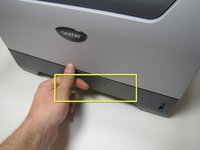
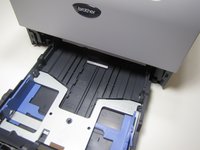
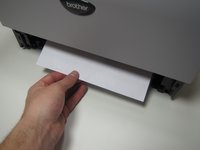
  5. Repairing Paper Jam, Paper Jam Type 2: passo 5, imagem 1 %32 Repairing Paper Jam, Paper Jam Type 2: passo 5, imagem 2 %32
    • Grab onto the lift located on the paper tray near the bottom on the front of the printer.

    • Pull the paper tray completely out of the printer by pulling towards yourself.

    Pergunte ao FixBot

    Comentar

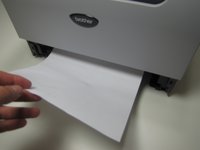
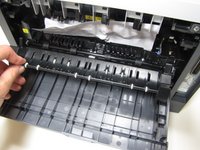
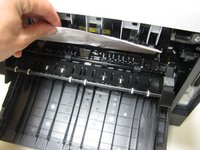
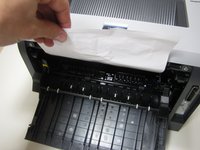
  6. Repairing Paper Jam: passo 6, imagem 1 %32 Repairing Paper Jam: passo 6, imagem 2 %32
    • If jammed paper is visible, grab onto the paper and remove by pulling up and towards yourself.

    • Jammed paper may require a large amount of force to be removed from printer.

    Pergunte ao FixBot

    Comentar

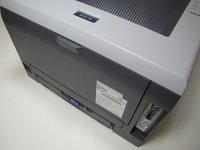
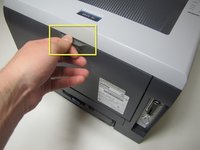
  7. Repairing Paper Jam, Paper Jam Type 3: passo 7, imagem 1 %32 Repairing Paper Jam, Paper Jam Type 3: passo 7, imagem 2 %32 Repairing Paper Jam, Paper Jam Type 3: passo 7, imagem 3 %32
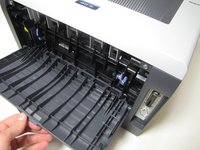
    • Located on the back of the printer, open up the cover by grabbing onto the tab and pulling down.

    Pergunte ao FixBot

    Comentar

  8. Repairing Paper Jam: passo 8, imagem 1 %32 Repairing Paper Jam: passo 8, imagem 2 %32 Repairing Paper Jam: passo 8, imagem 3 %32
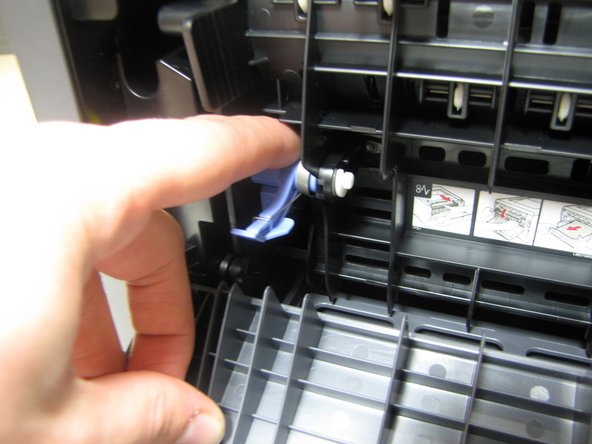
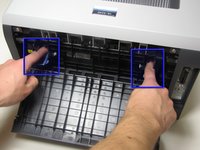
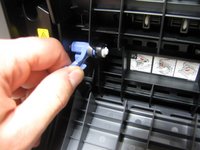
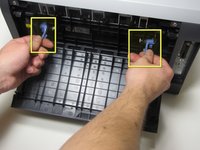
    • In front of you will see two blue tabs, one on the left and right side.

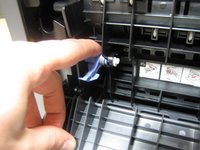
    • First, push the top part of the tab in until the bottom part of the tab lifts up.

    • Grab onto the bottom part of the tab.

    Pergunte ao FixBot

    Comentar

  9. Repairing Paper Jam: passo 9, imagem 1 %32 Repairing Paper Jam: passo 9, imagem 2 %32
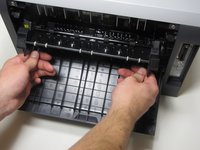
    • Once you have a firm grib of both the right and left tab, lift both tabs up and towards yourself.

    • The fuser cover, which the tabs are connected to, does not come completely out of the printer because it is attached to the bottom by a hinge.

    Pergunte ao FixBot

    Comentar

  10. Repairing Paper Jam: passo 10, imagem 1 %32 Repairing Paper Jam: passo 10, imagem 2 %32 Repairing Paper Jam: passo 10, imagem 3 %32
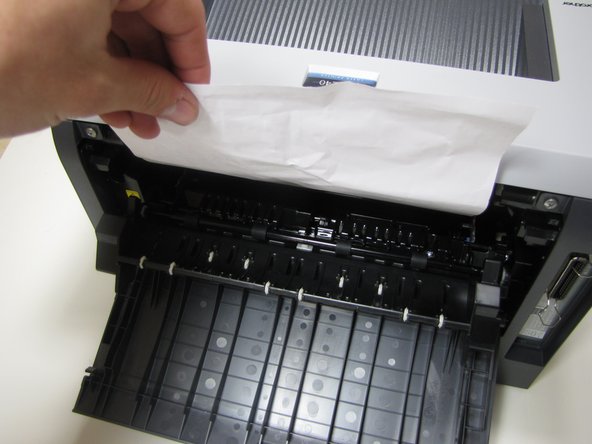
    • If jammed paper is visible, grab onto the top of the paper and pull up until completely removed from printer.

    • Jammed paper may require an excess amount of force to be removed from printer.

    Pergunte ao FixBot

    Comentar

Conclusão

To reassemble your device, follow these instructions in reverse order.

Cancelar: não concluí este guia.

2 outras pessoas executaram este guia.

Nathan Ruiz

Membro desde: 01/14/10

186 Reputação

Autoria de 2 guias

Equipe

Cal Poly, Team 4-14, Forte Winter 2010 Membro de Cal Poly, Team 4-14, Forte Winter 2010

CPSU-FORTE-W10S4G14

5 Membros

Autoria de 10 guias

0Comentários do guia

Comentar

Visualizações:

Últimas 24 horas: 2

Últimos 7 dias: 18

Últimos 30 dias: 84

Ao todo: 15,160