Ir para o conteúdo principal
Participe da comunidade de reparos - Criar conta

Repair Guide for the LG Net10

O que você precisa

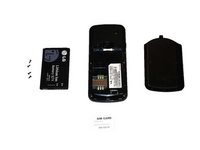
  1. Repair Guide for the LG Net10, Complete disassembling of the phone to get to the motherboard: passo 1, imagem 1 %32 Repair Guide for the LG Net10, Complete disassembling of the phone to get to the motherboard: passo 1, imagem 2 %32
    • Frontal view and rear view of the LG Net10 prior to disassembling.

    Pergunte ao FixBot
  2. Repair Guide for the LG Net10: passo 2, imagem 1 %32 Repair Guide for the LG Net10: passo 2, imagem 2 %32
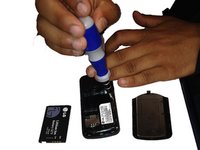
    • Remove battery back cover by applying pressure along the groove. The LG logo should be up right. Apply the pressure downwards to remove the cover.

    Pergunte ao FixBot
  3. Repair Guide for the LG Net10: passo 3, imagem 1 %32 Repair Guide for the LG Net10: passo 3, imagem 2 %32
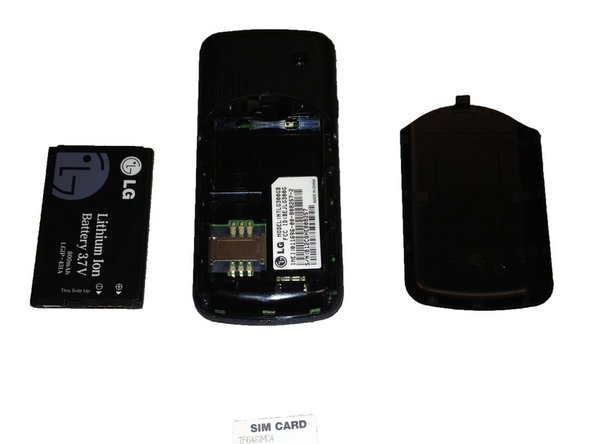
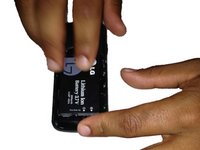
    • Remove the battery from the top of the battery.

    Pergunte ao FixBot

  4. Repair Guide for the LG Net10: passo 4, imagem 1 %32
    • Remove the SIM card, by pushing down on the top of the SIM card and sliding it out from under the metal band.

    Pergunte ao FixBot
  5. Repair Guide for the LG Net10: passo 5, imagem 1 %32 Repair Guide for the LG Net10: passo 5, imagem 2 %32
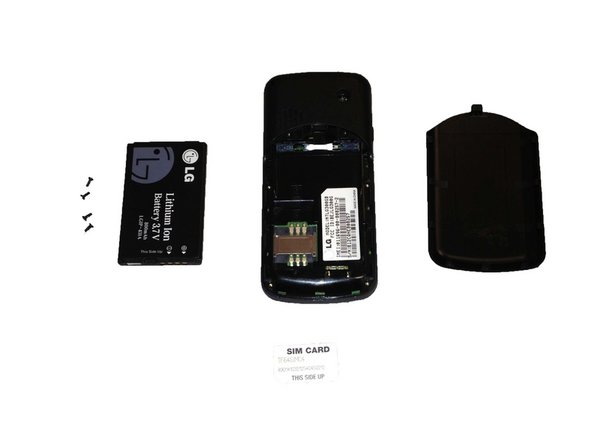
    • Remove all four screws from the back of the phone by using a small Phillips head screwdriver and turning it counterclockwise.

    • The screws are 0.5 centimeters.

    Pergunte ao FixBot
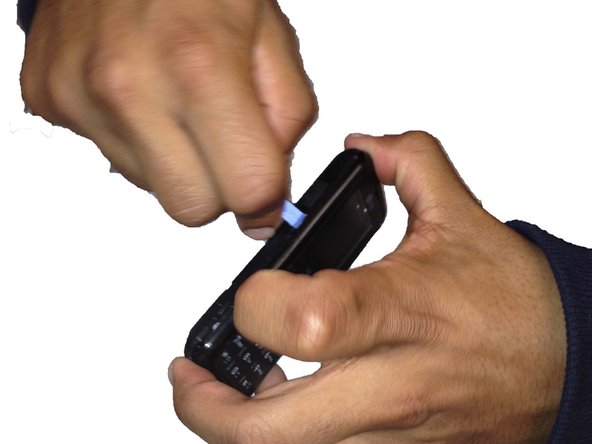
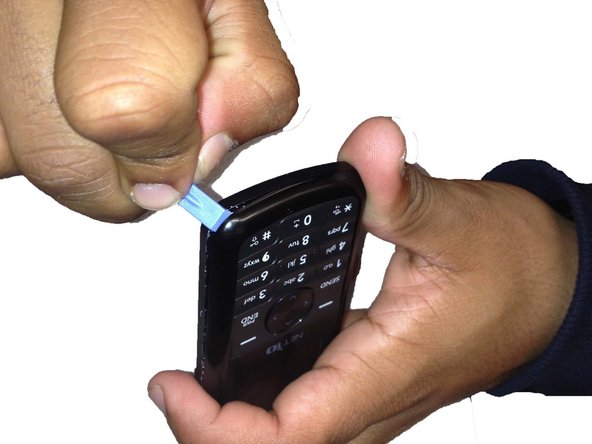
  6. Repair Guide for the LG Net10: passo 6, imagem 1 %32 Repair Guide for the LG Net10: passo 6, imagem 2 %32 Repair Guide for the LG Net10: passo 6, imagem 3 %32
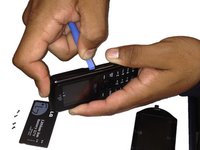
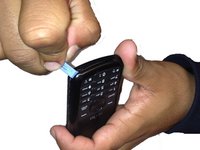
    • Use a wedge, or flat edged tool to separate the phone. Make sure to circle around the entire phone, especially the corners to pull it apart. This can be difficult. This may take several tries, so make sure to be persistent.

    Pergunte ao FixBot
  7. Repair Guide for the LG Net10: passo 7, imagem 1 %32
    • Separate and remove the two hard covers and the keypad.

    Pergunte ao FixBot
  8. Repair Guide for the LG Net10: passo 8, imagem 1 %32 Repair Guide for the LG Net10: passo 8, imagem 2 %32
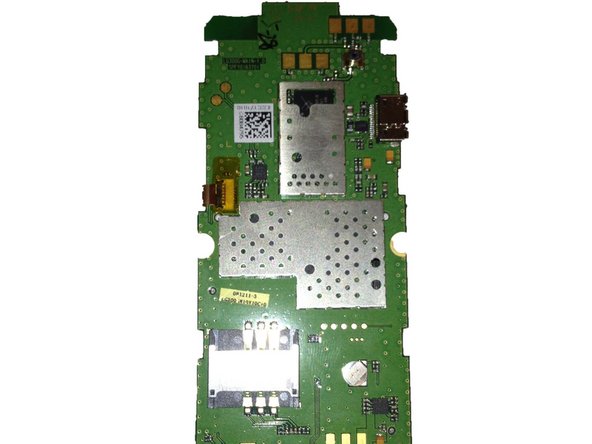
    • Then remove the motherboard from the hard back of the phone.

    Pergunte ao FixBot
  9. Repair Guide for the LG Net10: passo 9, imagem 1 %32
    • Once the phone is completely dissembled, you can replace the screen if it is cracked. You can also replace the keypad if the buttons do not work or if there are other issues with the keypad. Another common desire people have is to unlock the phone. In order to do this, you must replace the SIM card, which is explained in the steps above.

    Pergunte ao FixBot
Conclusão

To reassemble your device, follow these instructions in reverse order.

Uma outra pessoa concluiu este guia.

Gina

Membro desde: 04/15/13

146 Reputação

Autoria de 2 guias

Equipe

SUNY Cortland, Team 1-1, Getto Spring 2013 Membro de SUNY Cortland, Team 1-1, Getto Spring 2013

SUNYCORT-GETTO-S13S1G1

4 Membros

Autoria de 4 guias

0Comentários do guia

Comentar

Visualizações:

Últimas 24 horas: 1

Últimos 7 dias: 8

Últimos 30 dias: 38

Ao todo: 1,496