Introdução
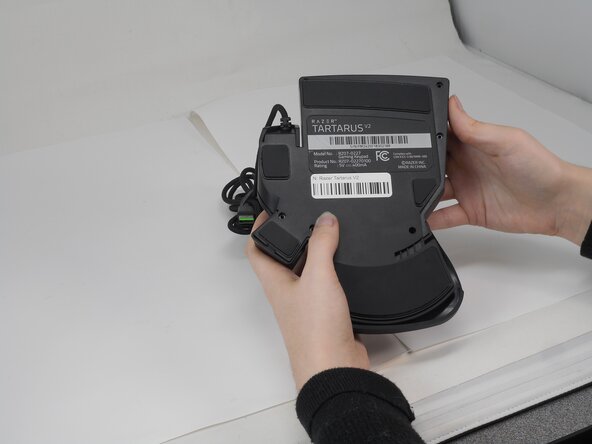
This guide will walk you through the process of opening the case of the Razer Tartarus V2, model number RZ07-02270100-R3U1. This will allow users to access the inside of the device so that parts in the device can be replaced. This will be helpful in replacing parts for troubleshooting Razer Tartarus V2 Scroll Wheel Not Responding to Input and Razer Tartarus V2 D-pad and Keys Sticking on Input where troubleshooting proved replacement was needed.
- As with any replacement, always unplug the device from any power source to ensure your safety.
O que você precisa
-
-
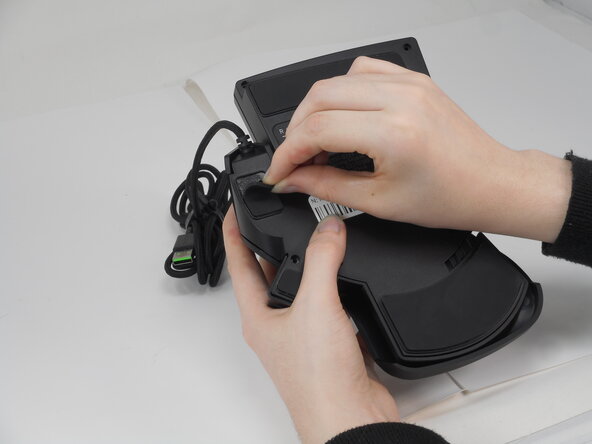
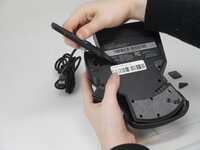
Gently peel off the rubber feet with a Jimmy.
-
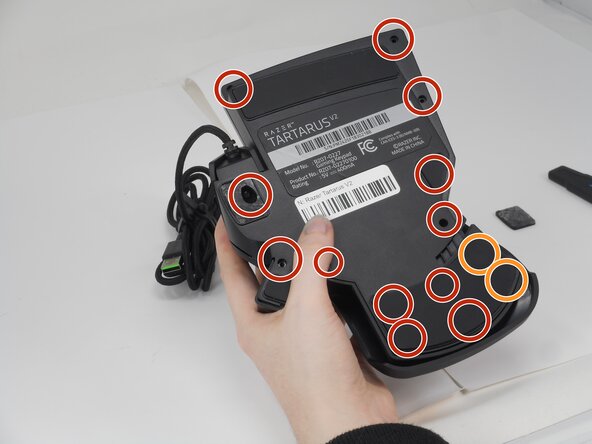
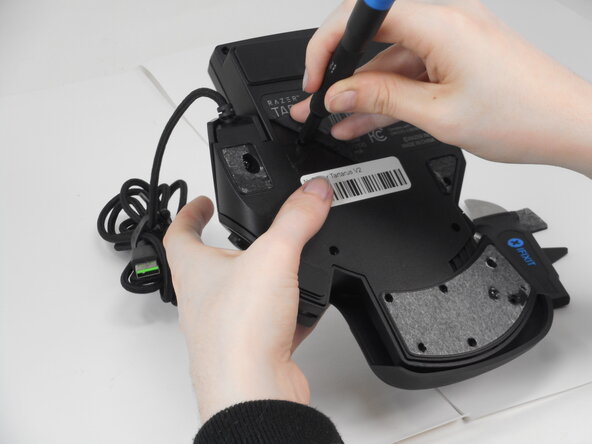
Use a Phillips #0 screwdriver to remove the following screws:
-
Twelve 6.4 mm-long screws
-
Two 3.7 mm-long screws
-
-
-
-
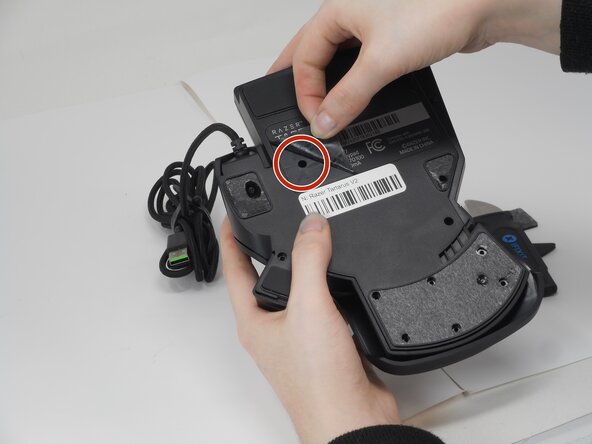
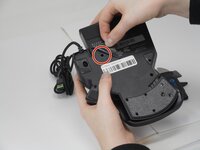
Peel up the bottom left corner of the largest sticker.
-
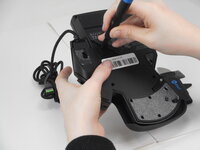
Remove the 6.4 mm-long Phillips #0 screw.
-
-
-
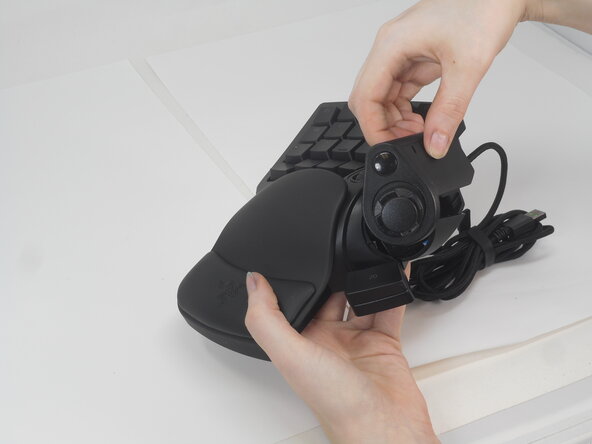
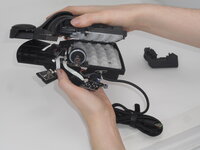
Carefully lift the joystick module up and out.
-
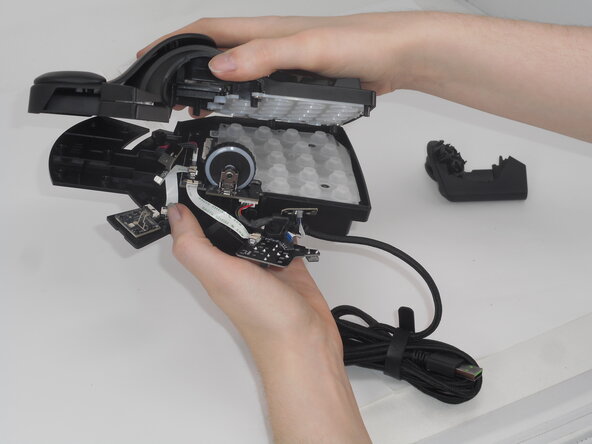
Separate the top and bottom casing of the keypad.
-



 Pergunte ao FixBot




To reassemble your device, follow the above steps in reverse order.
Cancelar: não concluí este guia.
Uma outra pessoa concluiu este guia.

Equipe

University of Memphis, Team 2-1, Sneed Spring 2025 Membro de University of Memphis, Team 2-1, Sneed Spring 2025
UM-SNEED-S25S2G1
3 Membros
Autoria de 8 guias
