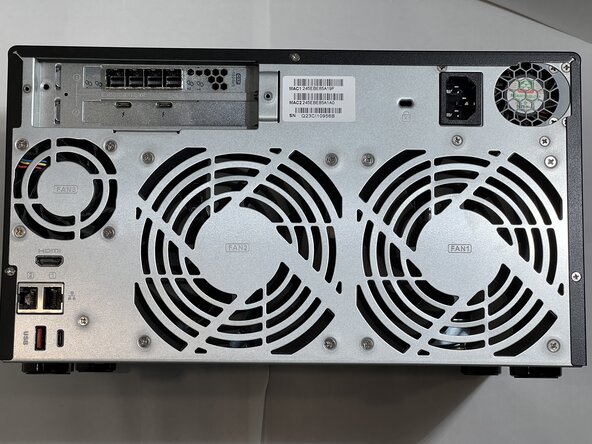
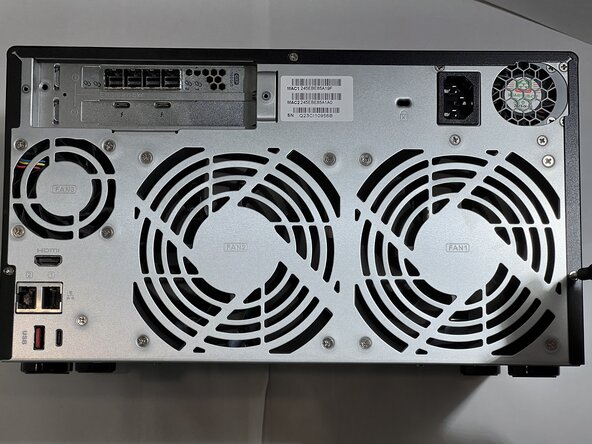
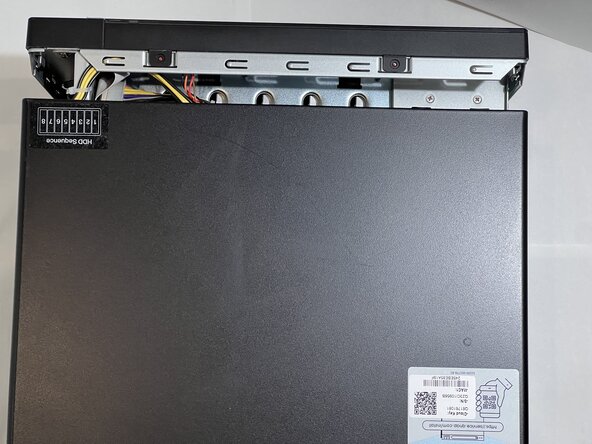
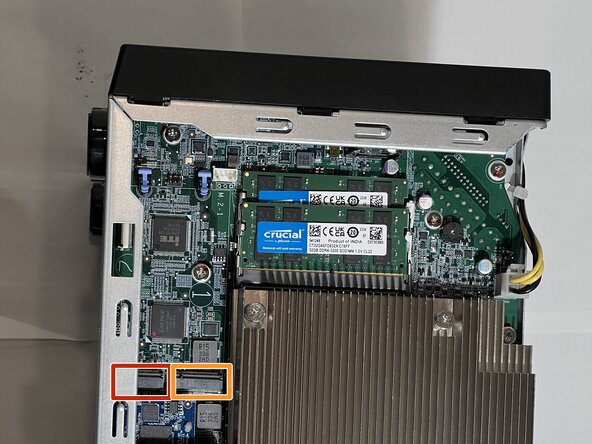
A QNAP TVS-h874T is a Network Attached Storage device.
There are 2 simple fixes that can improve the read and write speed of a NAS, and we will cover both of these in this project.
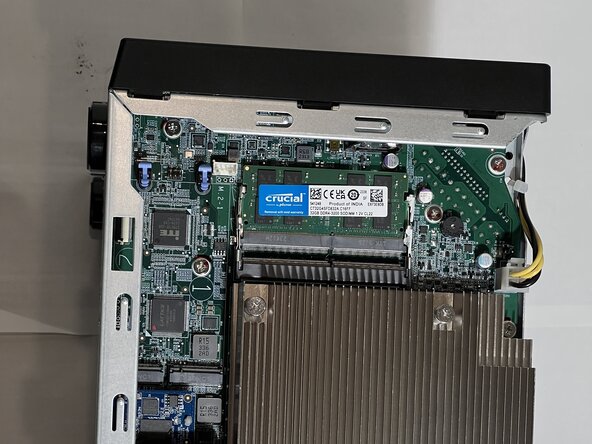
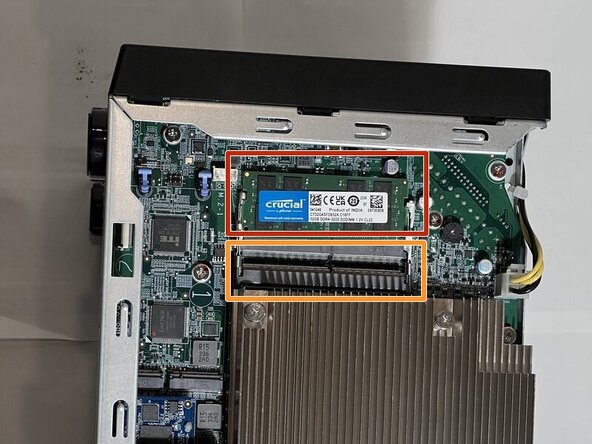
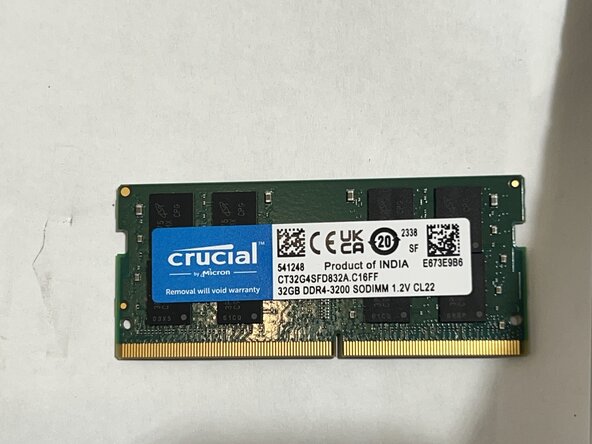
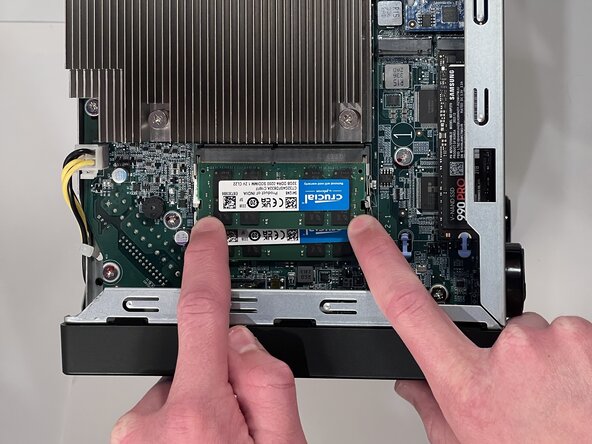
The first improvement is to upgrade it from 16GB or 32GB of RAM to the maximum of 64GB of RAM. This improves the speed of reads and writes by giving the system more memory for caching data.
The second improvement is to had Solid State Disks also known as SSDs. The QNAP TVS-h874T has 2 internal M.2 SSD slots that can be used to add fast read and write caching. The SSDs allow the QNAP to store data that is in demand on the high speed SSD instead of reading from the much slower hard drives that are installed.
This guide will show how to upgrade the RAM and install M.2 SSDs to increase the speed.
Make sure you safely shutdown your QNAP and mark disconnect all cables before attempting this repair.
Ensure the QNAP is safely shut down using the console before starting.
Mark all cables attached to the QNAP.
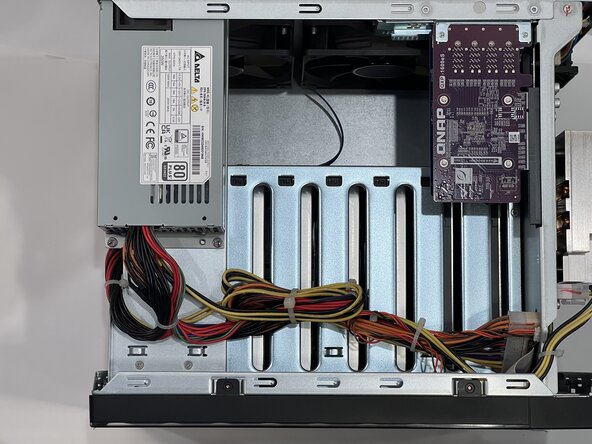
This QNAP has an SAS card, and each cable must go into the correctly numbered port matching the external enclosure, failure to reconnect the cables in the correct orientation may cause data loss.
If the device has any drives installed, mark the bay they were in before removing them, as they must be re-inserted into the correct bay if removed.
Turn the QNAP with the back facing upwards so it is easier to access the screws.
The M.2 socket has a divider that must be aligned.
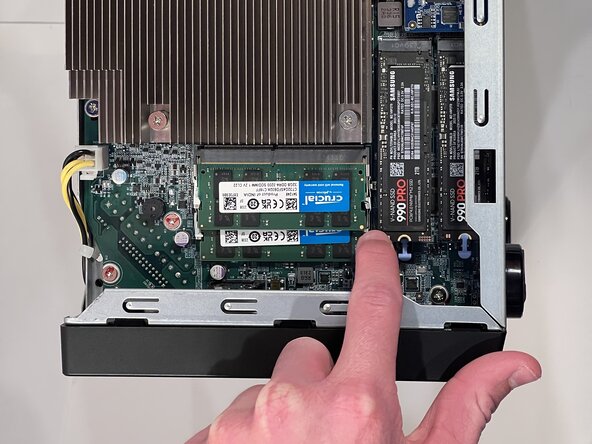
Gently press the M.2 drive down with your finger.
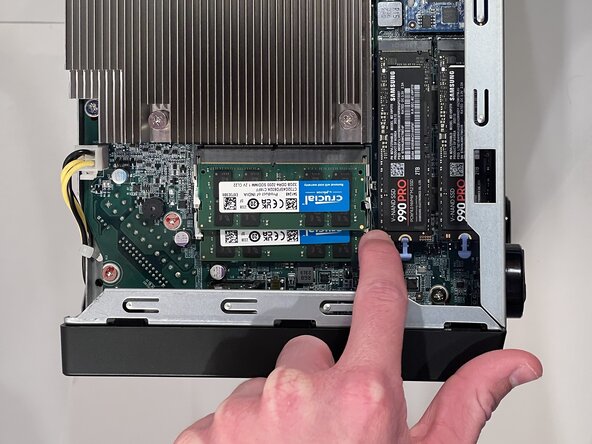
Hold the M.2 drive down with a finger on one corner, and engage the blue latch with the second finger.
The M.2 Drive is retained by a spring, and requires the latch to hold it in place for proper contact.
Inserting and retaining the M.2 drive should not require force, it should slide in easily and require very little pressure to hold it in place while engaging the blue latch.