Introdução
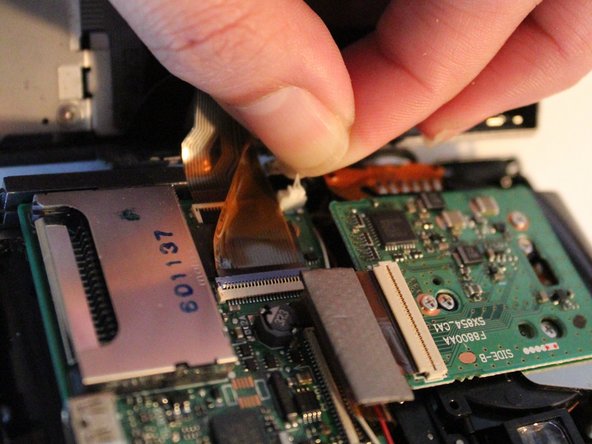
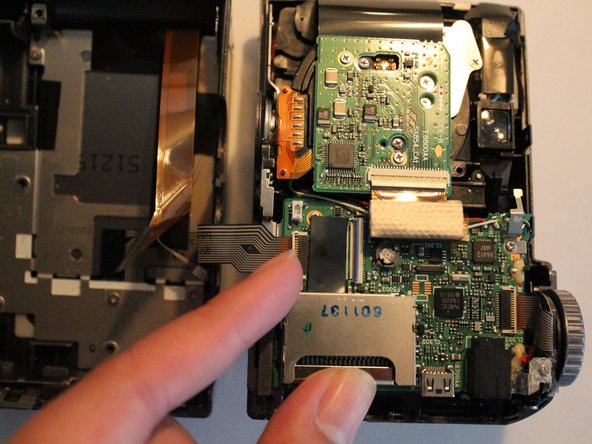
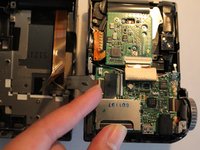
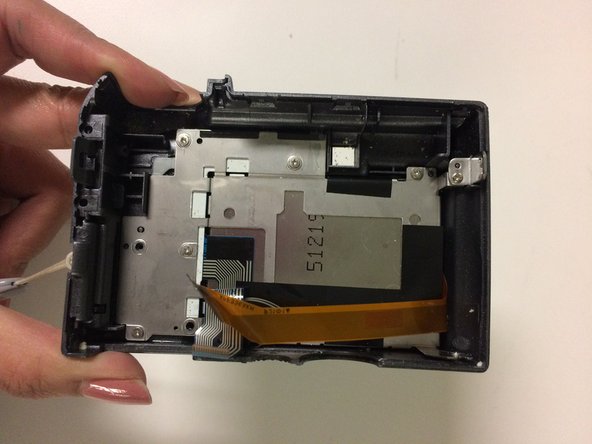
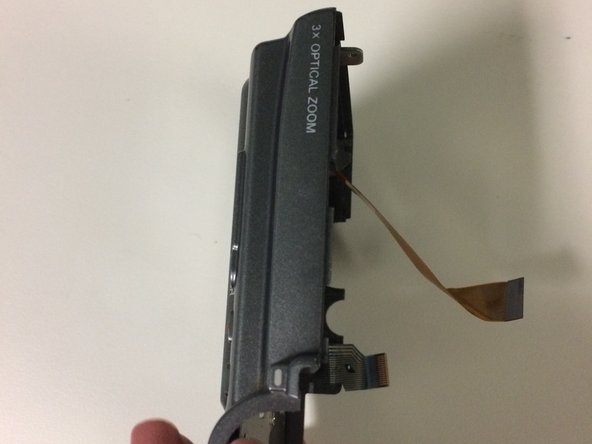
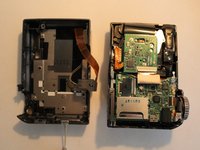
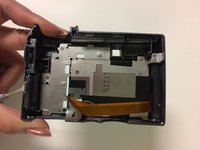
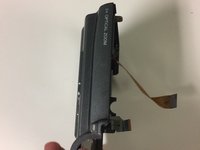
This guide will show you how to take apart and replace your camera's back casing and LCD screen. When following guide steps be gentle with your camera because there are internal ribbons that can easily tear!
O que você precisa
-
-
Remove the 3 mm long screws with a Phillips head screwdriver that has a PH000 size bit.
-
-



Conclusão
To reassemble your device, follow these instructions in reverse order.


Equipe

University of North Texas, Team 1-5, Campbell Fall 2016 Membro de University of North Texas, Team 1-5, Campbell Fall 2016
UNT-CAMPBELL-F16S1G5
2 Membros
Autoria de 6 guias
1Comentário do guia
Is that thin white connector - a powercable to screen led-light? thnx
