Ir para o conteúdo principal
Participe da comunidade de reparos - Criar conta

Nortel Networks i2004 IP Buttons Replacement

O que você precisa

  1. Nortel Networks i2004 IP Buttons Replacement, Back Cover: passo 1, imagem 1 %32 Nortel Networks i2004 IP Buttons Replacement, Back Cover: passo 1, imagem 2 %32 Nortel Networks i2004 IP Buttons Replacement, Back Cover: passo 1, imagem 3 %32
    • Flip the phone over to view the back.

    • Remove the power and phone cords.

    Pergunte ao FixBot

    Comentar

  2. Nortel Networks i2004 IP Buttons Replacement: passo 2, imagem 1 %32
    • Remove the seven 8mm Phillips #2 screws.

    Pergunte ao FixBot

    Comentar

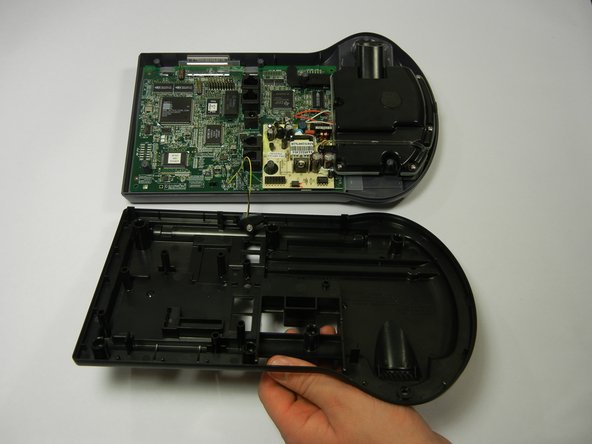
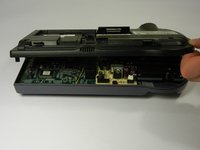
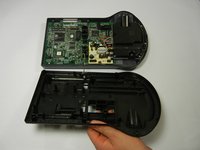
  3. Nortel Networks i2004 IP Buttons Replacement: passo 3, imagem 1 %32 Nortel Networks i2004 IP Buttons Replacement: passo 3, imagem 2 %32
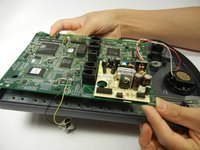
    • Lift up the back cover slowly because there are still wires attached to the circuit board.

    • Lifting the back cover should not require a lot of force; simply lift with your fingertips.

    Pergunte ao FixBot

    Comentar

  4. Nortel Networks i2004 IP Buttons Replacement: passo 4, imagem 1 %32
    • Disconnect the rubber piece by pulling it out of the slot, freeing the back cover completely.

    Pergunte ao FixBot

    Comentar

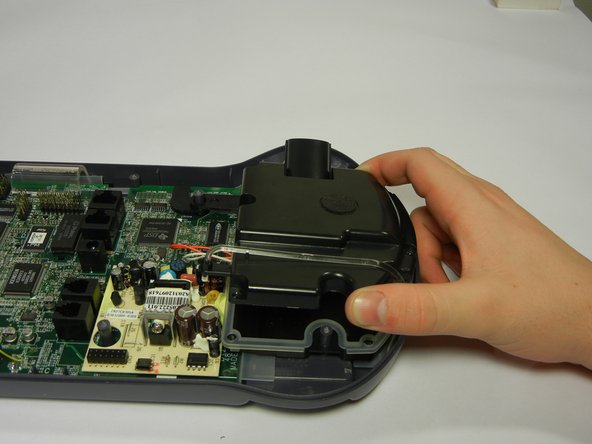
  5. Nortel Networks i2004 IP Buttons Replacement: passo 5, imagem 1 %32 Nortel Networks i2004 IP Buttons Replacement: passo 5, imagem 2 %32
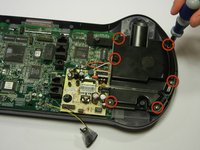
    • Remove the six 8mm Phillips #2 screws.

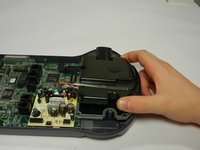
    • Pull the speaker phone cover straight up.

    Pergunte ao FixBot

    Comentar

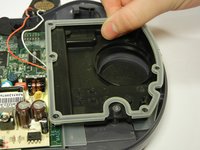
  6. Nortel Networks i2004 IP Buttons Replacement, Circuit Board: passo 6, imagem 1 %32
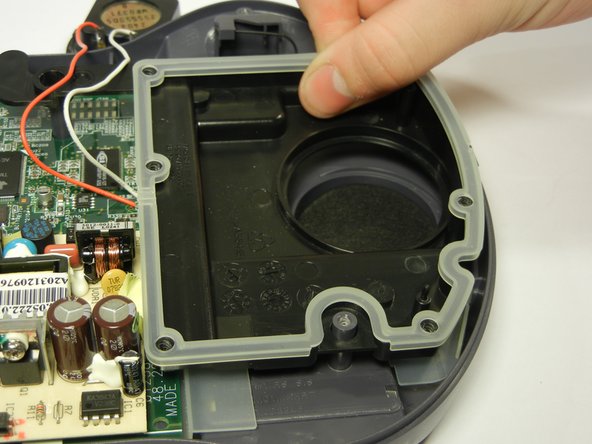
    • Remove the red and white wires from the rubber casing rim.

    Pergunte ao FixBot

    Comentar

  7. Nortel Networks i2004 IP Buttons Replacement: passo 7, imagem 1 %32 Nortel Networks i2004 IP Buttons Replacement: passo 7, imagem 2 %32
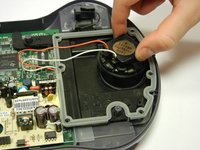
    • Lift out the speaker and set it away from the tray that holds it.

    • Then remove the black plastic tray at the bottom by lifting it straight up.

    Pergunte ao FixBot

    Comentar

  8. Nortel Networks i2004 IP Buttons Replacement: passo 8, imagem 1 %32
    • Remove the two 8mm Phillips #2 screws.

    Pergunte ao FixBot

    Comentar

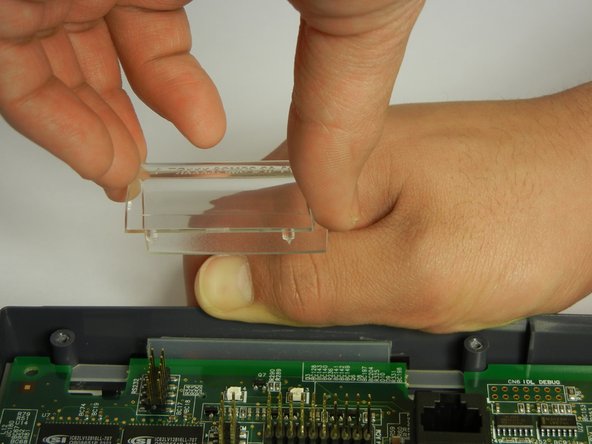
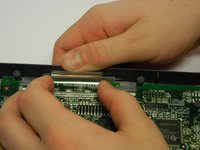
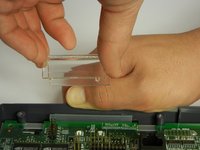
  9. Nortel Networks i2004 IP Buttons Replacement: passo 9, imagem 1 %32 Nortel Networks i2004 IP Buttons Replacement: passo 9, imagem 2 %32
    • Pull the gray plastic casing away from the circuit board as you remove the clear, curved, plastic piece straight up.

    Pergunte ao FixBot

    Comentar

  10. Nortel Networks i2004 IP Buttons Replacement: passo 10, imagem 1 %32 Nortel Networks i2004 IP Buttons Replacement: passo 10, imagem 2 %32 Nortel Networks i2004 IP Buttons Replacement: passo 10, imagem 3 %32
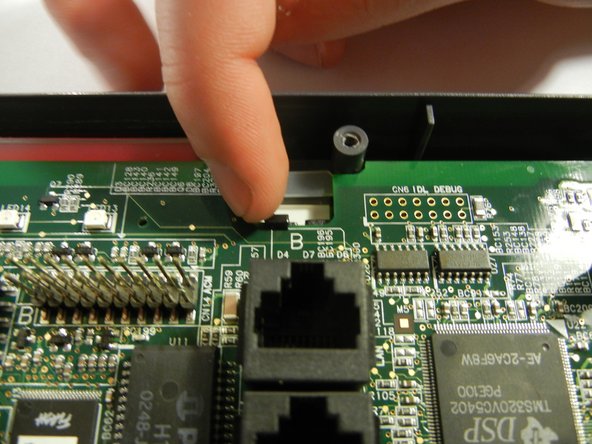
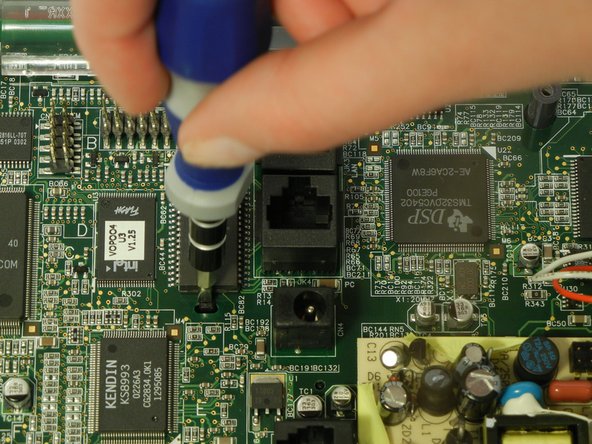
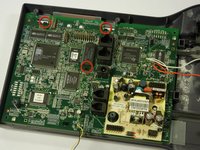
    • There are three clips on the circuit board to un-clip.

    • Unclip both back black clips with your fingertips.

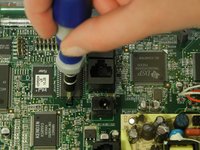
    • Push the middle black clip towards the bottom of the picture with a flathead screwdriver.

    Pergunte ao FixBot

    Comentar

  11. Nortel Networks i2004 IP Buttons Replacement: passo 11, imagem 1 %32 Nortel Networks i2004 IP Buttons Replacement: passo 11, imagem 2 %32
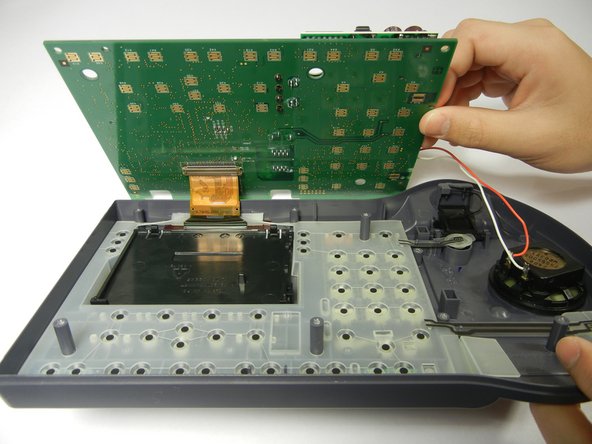
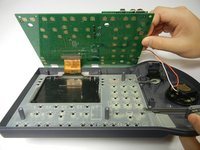
    • There's a brown ribbon still attached to the circuit board and phone case, so don't pull the circuit board completely off just yet.

    • Lift the edge of the circuit board over the phone case and slightly up, so the bottom of circuit board can be viewed.

    Pergunte ao FixBot

    Comentar

  12. Nortel Networks i2004 IP Buttons Replacement: passo 12, imagem 1 %32
    • Push down each brown clip on either side of the brown metal strip using your fingertip.

    • Detach the circuit board from the brown ribbon.

    Pergunte ao FixBot

    Comentar

  13. Nortel Networks i2004 IP Buttons Replacement: passo 13, imagem 1 %32
    • Remove the clear rubber casing.

    • Be careful not to flip over the front phone casing or all of the buttons will fall out.

    Pergunte ao FixBot

    Comentar

  14. Nortel Networks i2004 IP Buttons Replacement, Buttons: passo 14, imagem 1 %32
    • Press the broken button from the front of the phone.

    • Remove the broken button through the back.

    Pergunte ao FixBot

    Comentar

Conclusão

To reassemble your device, follow these instructions in reverse order.

Cancelar: não concluí este guia.

Uma outra pessoa concluiu este guia.

Equipe

Cal Poly, Team 10-35, Amido Winter 2012 Membro de Cal Poly, Team 10-35, Amido Winter 2012

CPSU-AMIDO-W12S10G35

4 Membros

Autoria de 10 guias

0Comentários do guia

Comentar

Visualizações:

Últimas 24 horas: 1

Últimos 7 dias: 5

Últimos 30 dias: 21

Ao todo: 1,296