Introdução
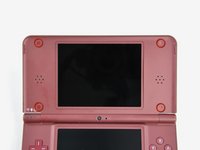
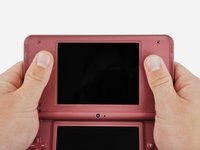
Get a better view of whats going on in your games by replacing a scratched upper screen. This is not the touchscreen.
O que você precisa
-
-
Use a push pin to remove the four plastic screw covers on the front bezel.
-
-
-
-
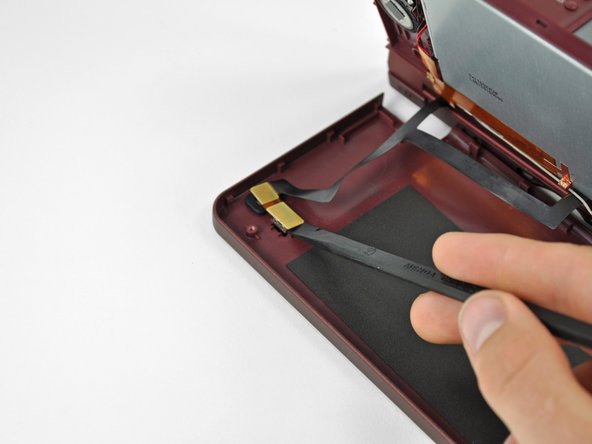
Using the flat end of a spudger, pry the Wi-Fi antenna out of its housing from within the front bezel and move it aside.
-
-
-
Using the flat end of a spudger, pry the left speaker out of its socket on the front bezel.
-
De-route the speaker cable along the top edge of the screen.
-
In the same manner as described above, remove the right speaker from its socket on the front bezel.
-
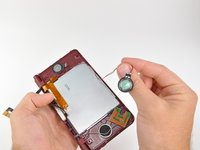
Place both speakers on the back of the upper LCD.
-










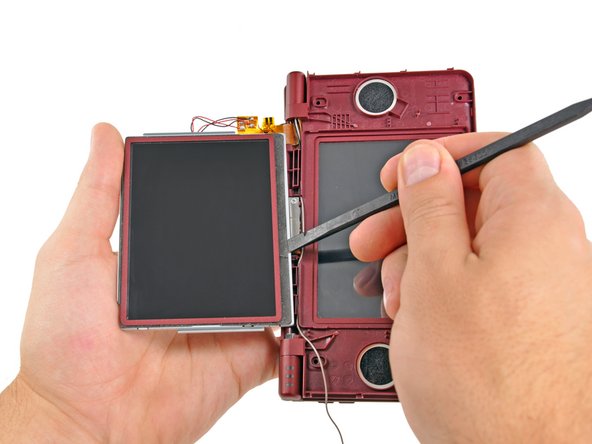


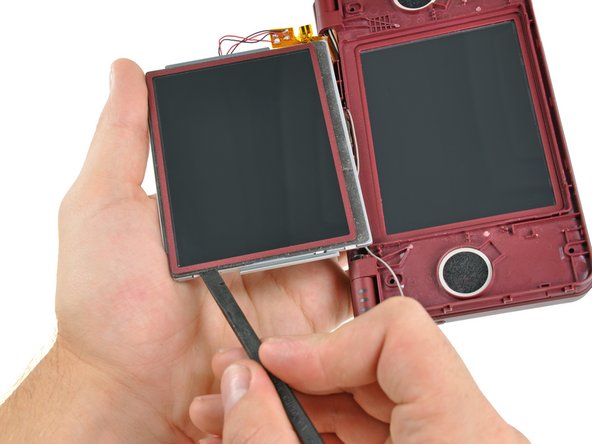


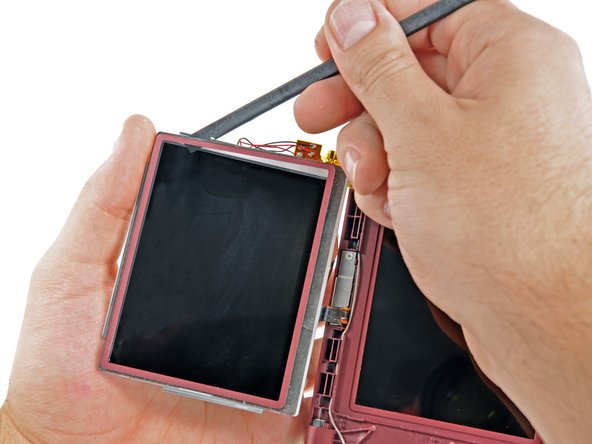


To reassemble your device, follow these instructions in reverse order.
To reassemble your device, follow these instructions in reverse order.
Cancelar: não concluí este guia.
6 outras pessoas executaram este guia.



5 comentários
Yes, you're right. Also there's a gap between steps 7 to 8 because you cannot actually detach the upper screen without disconnect the board cable from the lower screen part.
By the way, I can't quite successfuly open the upper screen part on my dsi xl because it dont seem to give any space between the two covers. Any suggestions?
@Irj7 find the top lcd replacement guide here:
