Introdução
This guide is used to replace the motherboard of the Nest Dropcam Pro if yours has stopped working. Make sure the device is unplugged before opening.
O que você precisa
-
-
Press in the mounting clips on each side of the case to remove the camera from the mount.
 Pergunte ao FixBot
-
-
-
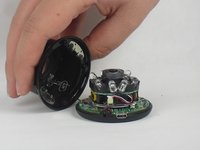
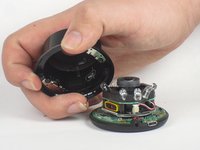
Lift the front of the case slowly, as there is an antenna cable attached to the motherboard.
-
Carefully disconnect the antenna cable from the motherboard. You will feel this cable "pop" out of place when disconnected.
-
-
-
-
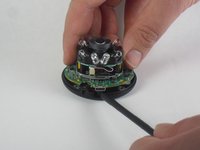
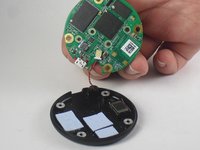
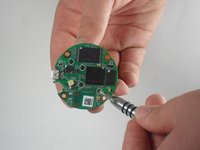
Insert a spudger tool under the micro-USB port and lift to separate the motherboard from the back case.
-
-
-
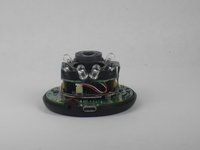
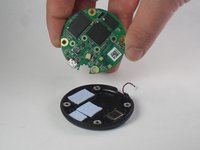
Pull the motherboard away from the back case.
-
Unplug the red and black cable connecting the motherboard to the back case.
-
-
-
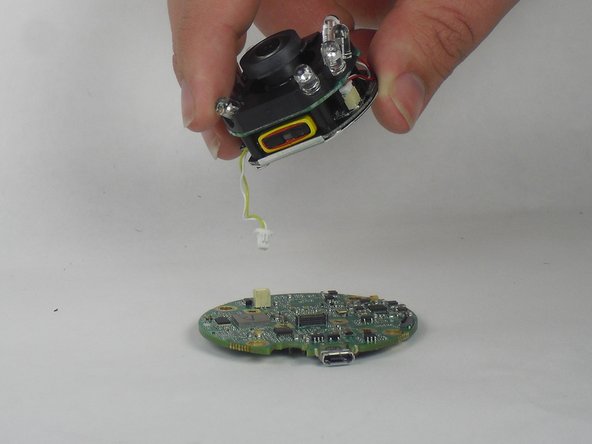
Lift the lens and LED assembly away from the motherboard.
-
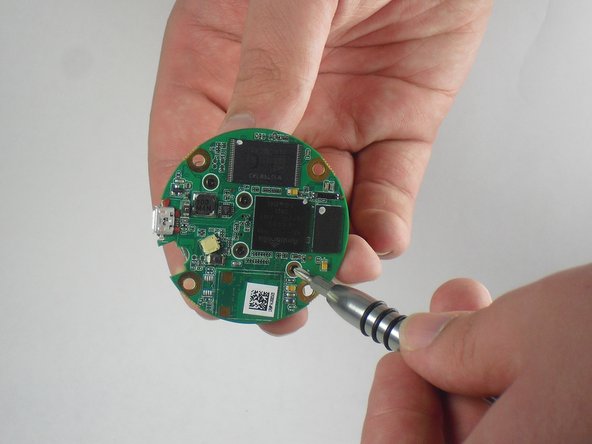
Unplug the yellow and white cable from the motherboard.
-







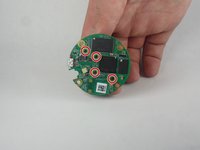

To reassemble your device, follow these instructions in reverse order.
Cancelar: não concluí este guia.
7 outras pessoas executaram este guia.

Equipe

USF Tampa, Team 15-4, Blackwell Fall 2015 Membro de USF Tampa, Team 15-4, Blackwell Fall 2015
USFT-BLACKWELL-F15S15G4
3 Membros
Autoria de 12 guias
7Comentários do guia
where we can get the mother board to replace
I need this too
Where can I get the motherboard
Can't find it either. Silly to write an entire article for credit if parts arent actually available.
searched for the MB online?? Why no mention of where to get it??
