Ir para o conteúdo principal
Participe da comunidade de reparos - Criar conta

Motorola i90c speaker replacement

O que você precisa

  1. Motorola i90c speaker replacement, Battery: passo 1, imagem 1 %32 Motorola i90c speaker replacement, Battery: passo 1, imagem 2 %32 Motorola i90c speaker replacement, Battery: passo 1, imagem 3 %32
    • Slide the notch downward while pulling the back cover off to remove it.

  2. Motorola i90c speaker replacement: passo 2, imagem 1 %32 Motorola i90c speaker replacement: passo 2, imagem 2 %32 Motorola i90c speaker replacement: passo 2, imagem 3 %32
    • Use your fingers to push the battery upward from the bottom.

    • Lift upwards to remove the battery.

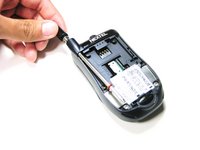
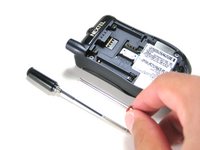
  3. Motorola i90c speaker replacement, Antenna: passo 3, imagem 1 %32 Motorola i90c speaker replacement, Antenna: passo 3, imagem 2 %32
    • Unscrew the antenna in a counter-clockwise fashion.

    • Remove the aluminum cover.

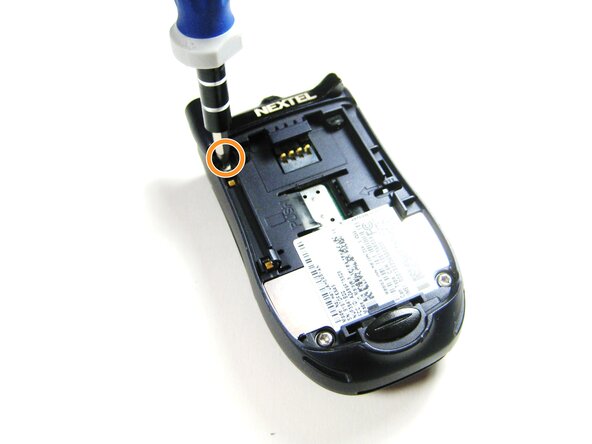
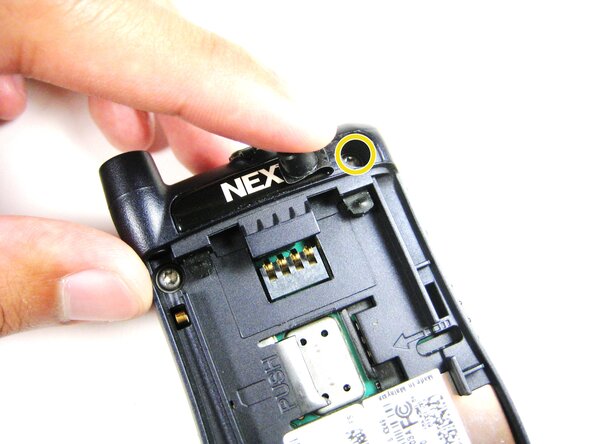
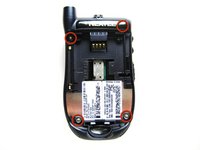
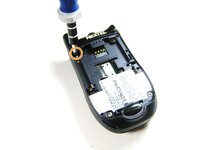
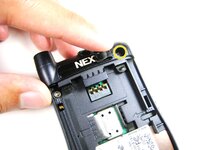
  4. Motorola i90c speaker replacement, Midframe: passo 4, imagem 1 %32 Motorola i90c speaker replacement, Midframe: passo 4, imagem 2 %32 Motorola i90c speaker replacement, Midframe: passo 4, imagem 3 %32
    • Unscrew the 3 screws shown.

    • Lift the right part of the Nextel logo

    • Remove the screw underneath.

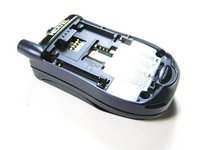
  5. Motorola i90c speaker replacement: passo 5, imagem 1 %32 Motorola i90c speaker replacement: passo 5, imagem 2 %32
    • Forcing the cover off could damage the ribbon cable, so be careful when doing so.

    • Gently lift the back cover off.

  6. Motorola i90c speaker replacement: passo 6, imagem 1 %32 Motorola i90c speaker replacement: passo 6, imagem 2 %32 Motorola i90c speaker replacement: passo 6, imagem 3 %32
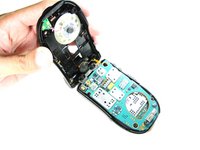
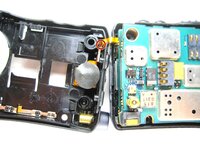
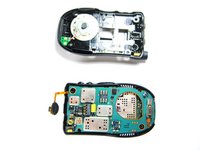
    • Find the connection between the headphone jack and logic board.

    • Begin separating the two pieces, slowly and carefully.

  7. Motorola i90c speaker replacement, Speaker System: passo 7, imagem 1 %32 Motorola i90c speaker replacement, Speaker System: passo 7, imagem 2 %32 Motorola i90c speaker replacement, Speaker System: passo 7, imagem 3 %32
    Ferramenta utilizada neste passo:
    Tweezers
    $4.99
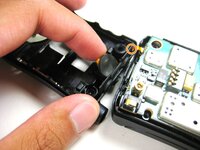
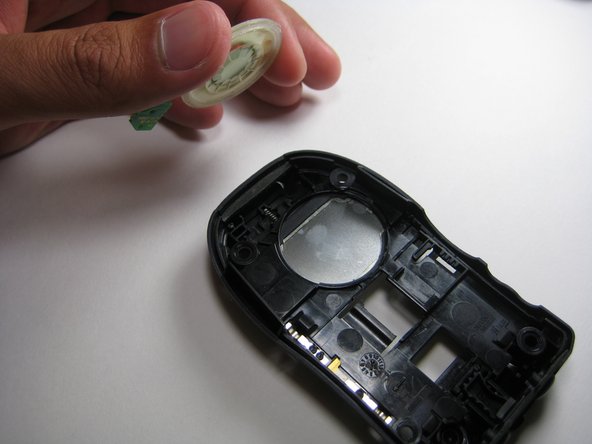
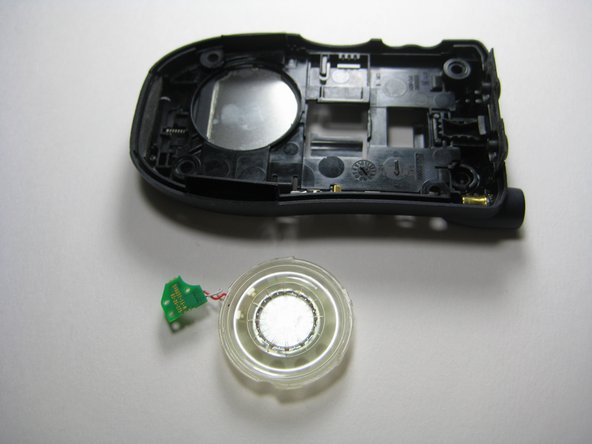
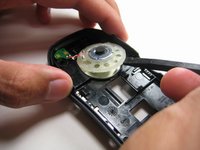
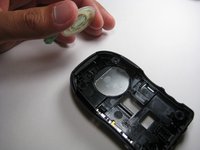
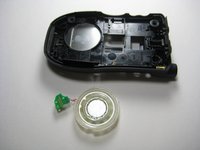
    • Use the prying tools to wedge out the circular part of the speaker system.

    • Carefully pull out the wiring and circuit board attached to the speaker system using a prying tool or tweezers.

Conclusão

To reassemble your device, follow these instructions in reverse order.

Jorge

Membro desde: 04/14/10

4 Reputação

Autoria de 4 guias

Equipe

Cal Poly, Team 29-61, Johann Spring 2010 Membro de Cal Poly, Team 29-61, Johann Spring 2010

CPSU-JOHANN-S10S29G61

4 Membros

Autoria de 6 guias

0Comentários do guia

Comentar

Visualizações:

Últimas 24 horas: 0

Últimos 7 dias: 4

Últimos 30 dias: 14

Ao todo: 1,277