Ir para o conteúdo principal
Participe da comunidade de reparos - Criar conta

Motorola i560 Screen Replacement

O que você precisa

  1. Motorola i560 Screen Replacement, Battery: passo 1, imagem 1 %32
    • Place thumb on the rubber tab on the lower back of the phone.

    • Push away from the phone to release back panel.

    Pergunte ao FixBot

    Comentar

  2. Motorola i560 Screen Replacement: passo 2, imagem 1 %32
    • Lift the back panel of the phone to expose battery (not shown here).

    Pergunte ao FixBot

    Comentar

  3. Motorola i560 Screen Replacement, Motherboard: passo 3, imagem 1 %32
    • Pull the antenna up to reveal two of the six screws.

    Pergunte ao FixBot

    Comentar

  4. Motorola i560 Screen Replacement: passo 4, imagem 1 %32
    • Unscrew all six screws on the back side of the phone using a T-6 bit.

    Pergunte ao FixBot

    Comentar

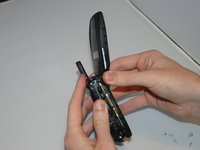
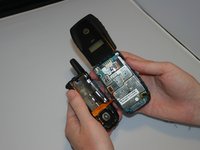
  5. Motorola i560 Screen Replacement: passo 5, imagem 1 %32 Motorola i560 Screen Replacement: passo 5, imagem 2 %32
    • Gently separate the front and back sides of the phone, as shown in the picture.

    • Be careful not to break or bend the ribbon cables.

    Pergunte ao FixBot

    Comentar

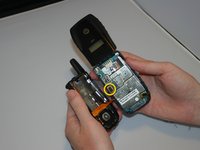
  6. Motorola i560 Screen Replacement: passo 6, imagem 1 %32 Motorola i560 Screen Replacement: passo 6, imagem 2 %32
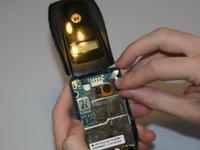
    • Detach the first ribbon cable by unplugging it from the motherboard.

    Pergunte ao FixBot

    Comentar

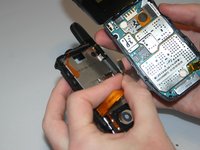
  7. Motorola i560 Screen Replacement: passo 7, imagem 1 %32 Motorola i560 Screen Replacement: passo 7, imagem 2 %32
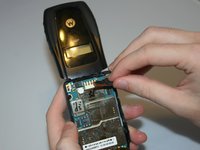
    • Detach the speaker ribbon cable from the motherboard.

    Pergunte ao FixBot

    Comentar

  8. Motorola i560 Screen Replacement: passo 8, imagem 1 %32
    • Remove the motherboard from the front half of the phone by gently shaking it loose. It should come out with little to no trouble.

    Pergunte ao FixBot

    Comentar

  9. Motorola i560 Screen Replacement, Keypad: passo 9, imagem 1 %32
    • Push lightly from the front of the keypad to remove it.

    Pergunte ao FixBot

    Comentar

  10. Motorola i560 Screen Replacement, Screen: passo 10, imagem 1 %32 Motorola i560 Screen Replacement, Screen: passo 10, imagem 2 %32
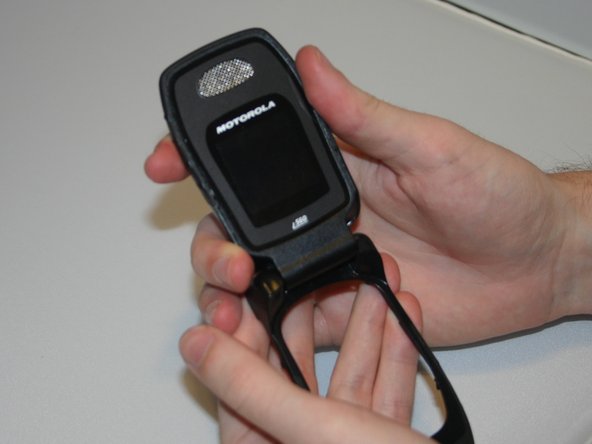
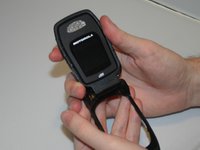
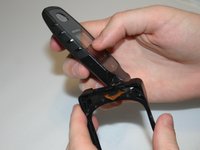
    • By applying force, "pop" the screen out of the connecting hinge frame of the phone.

    Pergunte ao FixBot

    Comentar

  11. Motorola i560 Screen Replacement: passo 11, imagem 1 %32 Motorola i560 Screen Replacement: passo 11, imagem 2 %32
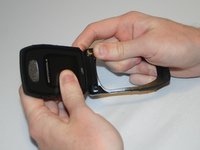
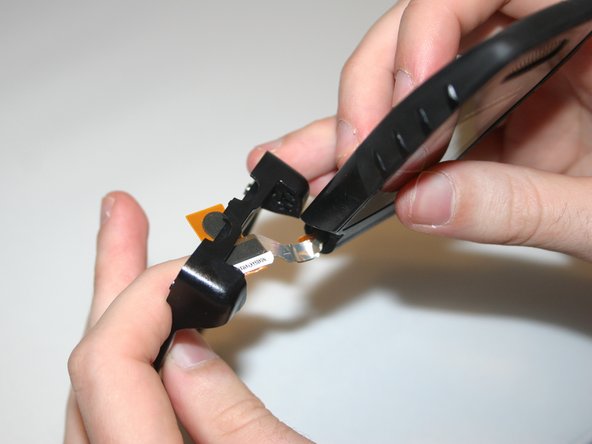
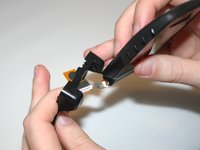
    • Carefully slide the speaker ribbon cable through the slot in the front frame of the phone.

    Pergunte ao FixBot

    Comentar

  12. Motorola i560 Screen Replacement: passo 12, imagem 1 %32
    • After sliding the ribbon cable through the front frame of the phone, the separated screen and phone frame will appear as shown.

    Pergunte ao FixBot

    Comentar

Conclusão

To reassemble your device, follow these instructions in reverse order.

Cancelar: não concluí este guia.

Ariel

Membro desde: 03/11/13

19 Reputação

Autoria de 4 guias

Equipe

Clemson, Team 13-6, Benson Spring 2013 Membro de Clemson, Team 13-6, Benson Spring 2013

CLEM-BENSON-S13S13G6

3 Membros

Autoria de 10 guias

0Comentários do guia

Comentar

Visualizações:

Últimas 24 horas: 0

Últimos 7 dias: 3

Últimos 30 dias: 26

Ao todo: 350