Ir para o conteúdo principal
Participe da comunidade de reparos - Criar conta

Motorola SLVR L9 Keypad Replacement

O que você precisa

  1. Motorola SLVR L9 Keypad Replacement, Battery: passo 1, imagem 1 %32 Motorola SLVR L9 Keypad Replacement, Battery: passo 1, imagem 2 %32
    • Turn the phone over so that the back of the phone is facing up.

    Pergunte ao FixBot

    Comentar

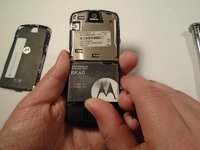
  2. Motorola SLVR L9 Keypad Replacement: passo 2, imagem 1 %32 Motorola SLVR L9 Keypad Replacement: passo 2, imagem 2 %32 Motorola SLVR L9 Keypad Replacement: passo 2, imagem 3 %32
    • Press down on the silver battery cover latch located at the top of the phone.

    • Pull the battery cover down and away from the latch; then lift it up to remove the battery cover.

    Pergunte ao FixBot

    Comentar

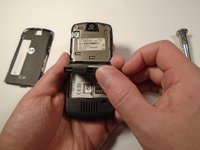
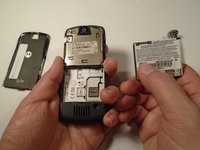
  3. Motorola SLVR L9 Keypad Replacement: passo 3, imagem 1 %32 Motorola SLVR L9 Keypad Replacement: passo 3, imagem 2 %32 Motorola SLVR L9 Keypad Replacement: passo 3, imagem 3 %32
    • To remove the battery, pull the battery up from the bottom center.

    Pergunte ao FixBot

    Comentar

  4. Motorola SLVR L9 Keypad Replacement, Camera Lens Cover: passo 4, imagem 1 %32 Motorola SLVR L9 Keypad Replacement, Camera Lens Cover: passo 4, imagem 2 %32
    • Turn the phone over so that the back of the phone is facing towards you.

    Pergunte ao FixBot

    Comentar

  5. Motorola SLVR L9 Keypad Replacement: passo 5, imagem 1 %32 Motorola SLVR L9 Keypad Replacement: passo 5, imagem 2 %32 Motorola SLVR L9 Keypad Replacement: passo 5, imagem 3 %32
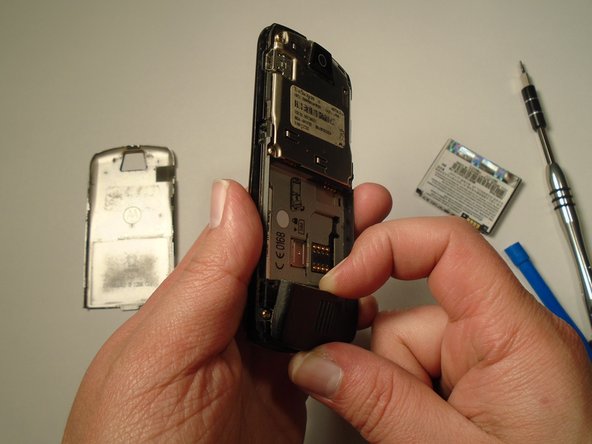
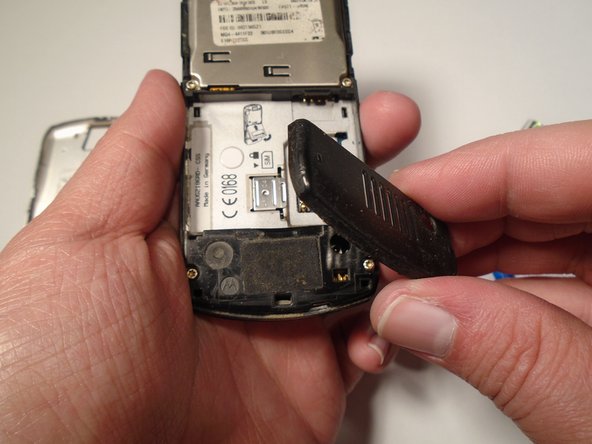
    • Press down on the battery cover latch located at the top of the phone.

    • Pull the battery cover down and away from the latch; then lift it up to remove the battery cover.

    Pergunte ao FixBot

    Comentar

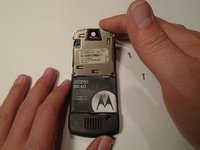
  6. Motorola SLVR L9 Keypad Replacement: passo 6, imagem 1 %32
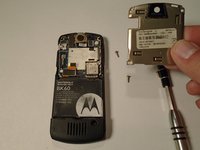
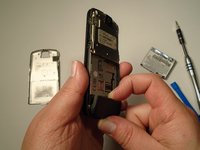
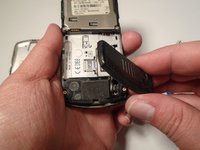
    • Remove the four housing screws (1/8") from each corner of the transceiver PC board shield. Use a screwdriver with a T6 Torx screwdriver head to turn the screws counter-clockwise (left).

    Pergunte ao FixBot

    Comentar

  7. Motorola SLVR L9 Keypad Replacement: passo 7, imagem 1 %32 Motorola SLVR L9 Keypad Replacement: passo 7, imagem 2 %32
    • Once you have removed all of the screws, lift the transceiver PC board shield up to remove it.

    Pergunte ao FixBot

    Comentar

  8. Motorola SLVR L9 Keypad Replacement, Antenna Cover: passo 8, imagem 1 %32 Motorola SLVR L9 Keypad Replacement, Antenna Cover: passo 8, imagem 2 %32 Motorola SLVR L9 Keypad Replacement, Antenna Cover: passo 8, imagem 3 %32
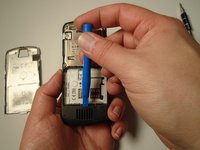
    • Use the plastic opening tool to loosen the cover latch.

    • Once the cover latch has been loosened, gently pull the cover latch off of the device.

    Pergunte ao FixBot

    Comentar

  9. Motorola SLVR L9 Keypad Replacement, Keypad: passo 9, imagem 1 %32
    • Use a screwdriver with a T6 Torx screwdriver head to remove both screws (1/8") from the speaker housing. Turn the screw counter-clockwise (left).

    Pergunte ao FixBot

    Comentar

  10. Motorola SLVR L9 Keypad Replacement: passo 10, imagem 1 %32 Motorola SLVR L9 Keypad Replacement: passo 10, imagem 2 %32 Motorola SLVR L9 Keypad Replacement: passo 10, imagem 3 %32
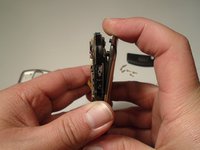
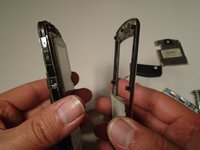
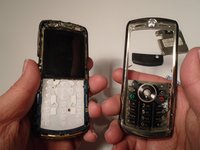
    • Using the grooves around the edge of the phone, gently pull the front plate away from the phone until it is fully removed from the device.

    Pergunte ao FixBot

    Comentar

  11. Motorola SLVR L9 Keypad Replacement: passo 11, imagem 1 %32 Motorola SLVR L9 Keypad Replacement: passo 11, imagem 2 %32
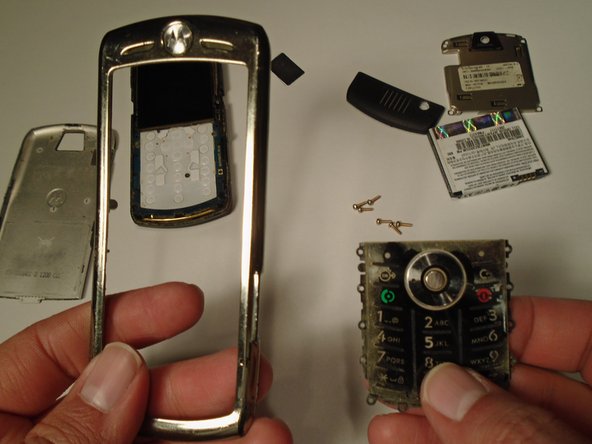
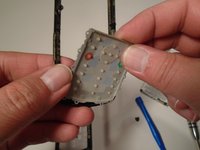
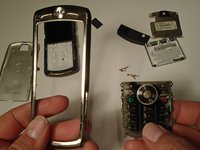
    • Lift the keypad up from the front plate to remove.

    Pergunte ao FixBot

    Comentar

Conclusão

To reassemble your device, follow these instructions in reverse order.

Cancelar: não concluí este guia.

Eric Lopez

Membro desde: 10/13/15

201 Reputação

Autoria de 2 guias

Equipe

0Comentários do guia

Comentar

Visualizações:

Últimas 24 horas: 2

Últimos 7 dias: 5

Últimos 30 dias: 26

Ao todo: 569