Ir para o conteúdo principal
Participe da comunidade de reparos - Criar conta

Motorola 120c Display Replacement

O que você precisa

  1. Motorola 120c Display Replacement, Battery: passo 1, imagem 1 %32 Motorola 120c Display Replacement, Battery: passo 1, imagem 2 %32
    • Hold the phone and pull the back latch down towards the bottom.

    • Remove the back panel by releasing the latch and lifting from the top.

  2. Motorola 120c Display Replacement: passo 2, imagem 1 %32 Motorola 120c Display Replacement: passo 2, imagem 2 %32 Motorola 120c Display Replacement: passo 2, imagem 3 %32
    • Remove the battery by pushing the bottom end towards the top, then lifting up.

  3. Motorola 120c Display Replacement, Motherboard: passo 3, imagem 1 %32 Motorola 120c Display Replacement, Motherboard: passo 3, imagem 2 %32 Motorola 120c Display Replacement, Motherboard: passo 3, imagem 3 %32
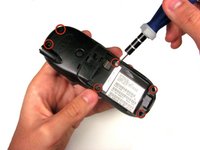
    • Once the battery is out, unscrew the six 7.0 mm screws with T-6 screwdriver.

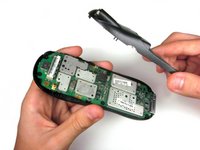
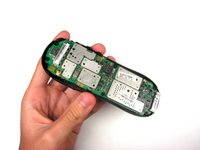
    • Once the screws are removed, simply lift the back panel off

  4. Motorola 120c Display Replacement: passo 4, imagem 1 %32 Motorola 120c Display Replacement: passo 4, imagem 2 %32 Motorola 120c Display Replacement: passo 4, imagem 3 %32
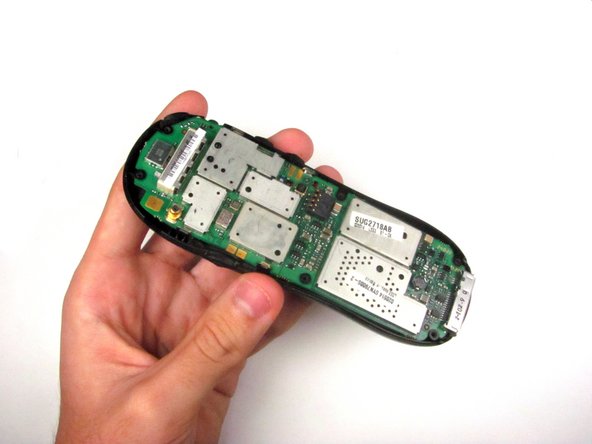
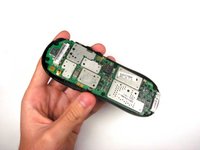
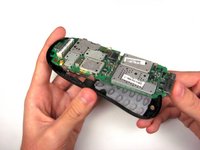
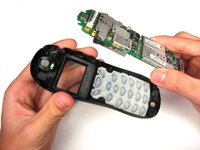
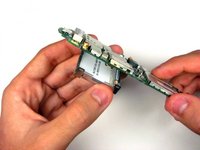
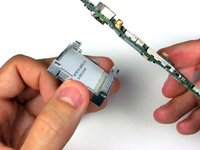
    • Remove the motherboard by lifting it up and out.

  5. Motorola 120c Display Replacement, Display: passo 5, imagem 1 %32
    Ferramenta utilizada neste passo:
    Tweezers
    $4.99
    • Use tweezers to pry off the four clasps that hold the display in place.

  6. Motorola 120c Display Replacement: passo 6, imagem 1 %32 Motorola 120c Display Replacement: passo 6, imagem 2 %32
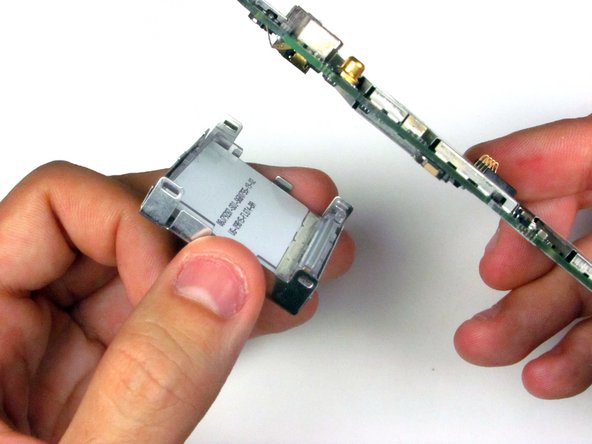
    • Remove the display.

Conclusão

To reassemble your device, follow these instructions in reverse order.

Eric Dazet

Membro desde: 04/10/12

352 Reputação

Autoria de 5 guias

Equipe

Cal Poly, Team 6-21, Amido Spring 2012 Membro de Cal Poly, Team 6-21, Amido Spring 2012

CPSU-AMIDO-S12S6G21

4 Membros

Autoria de 21 guias

0Comentários do guia

Comentar

Visualizações:

Últimas 24 horas: 1

Últimos 7 dias: 8

Últimos 30 dias: 30

Ao todo: 904