Introdução
The interconnect board hosts connections to the logic board, IO board, and both GPUs. Use this guide to remove and replace the interconnect board.
O que você precisa
-
-
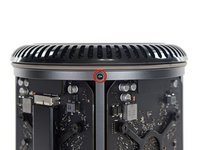
Remove five 5.1 mm T10 Torx screws from around the outer perimeter of the fan assembly.
-
-
-
-
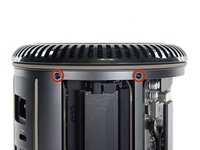
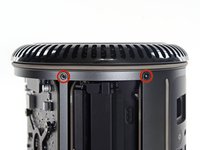
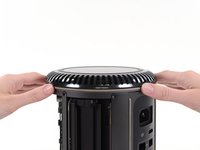
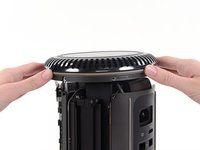
Remove five 5.1 mm T10 Torx screws from the outer perimeter of the lower case.
-
-
-
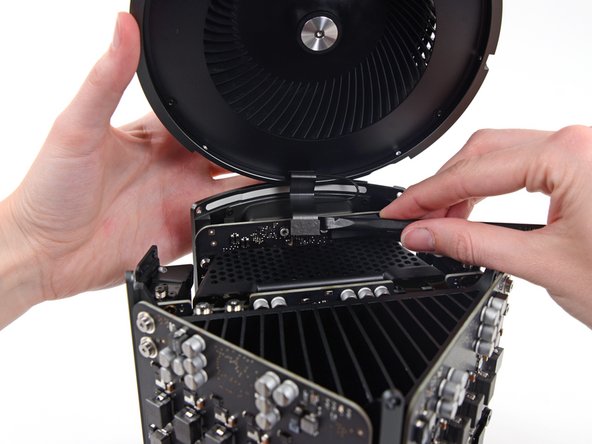
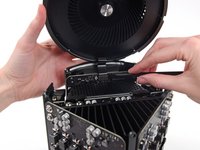
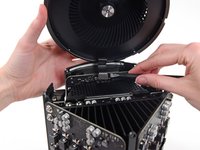
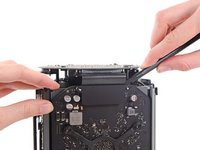
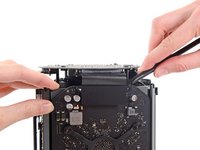
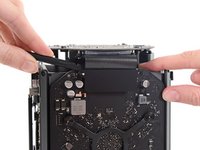
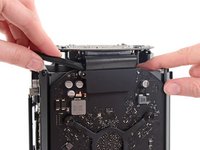
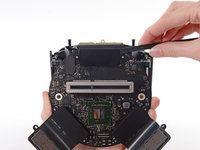
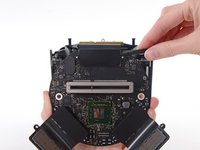
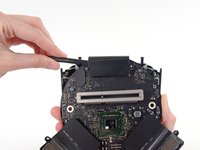
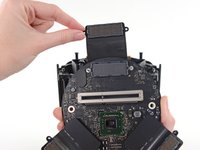
Use the flat end of a spudger and a twisting motion to gently separate one side of the graphics card data connection.
-










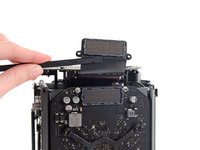


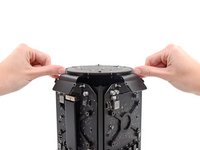
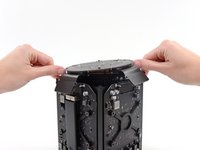
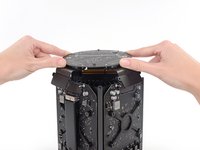




To reassemble your device, follow these instructions in reverse order.
Cancelar: não concluí este guia.
8 outras pessoas executaram este guia.


5Comentários do guia
Why is it necessary to remove the fan?
I'm asking me the same question. Maybe it's for protecting the upper part and to have a stable stand when turning it around to remove the bottom part. I need to access the EFI Chip in the near future, I will see then.
Hola necesito comprar esta placa de interconexión, donde puedo encontrarla? Saludos
excellent, thank you very much, I wanted to ask you where I can get this plate, what is the reference?
