Ir para o conteúdo principal

Logitech K480 Easy-Switch Dial Replacement

O que você precisa

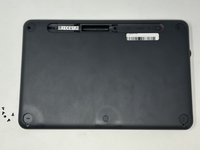
  1. Logitech K480 Easy-Switch Dial Replacement, Back Cover: passo 1, imagem 1 %32
    • Flip the keyboard over.

  2. Logitech K480 Easy-Switch Dial Replacement: passo 2, imagem 1 %32 Logitech K480 Easy-Switch Dial Replacement: passo 2, imagem 2 %32 Logitech K480 Easy-Switch Dial Replacement: passo 2, imagem 3 %32
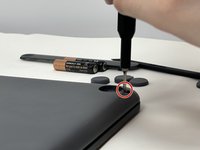
    • Remove the four rubber feet with a spudger.

  3. Logitech K480 Easy-Switch Dial Replacement: passo 3, imagem 1 %32 Logitech K480 Easy-Switch Dial Replacement: passo 3, imagem 2 %32 Logitech K480 Easy-Switch Dial Replacement: passo 3, imagem 3 %32
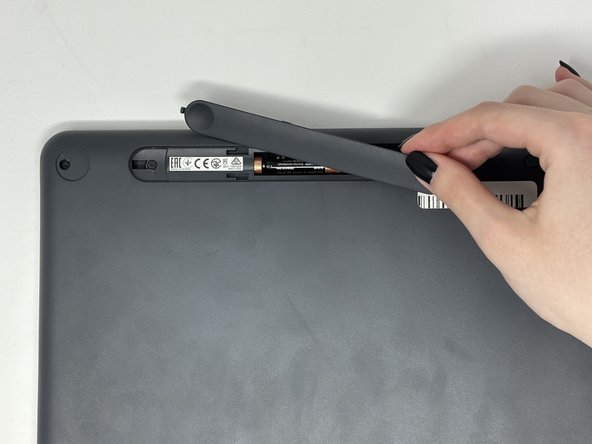
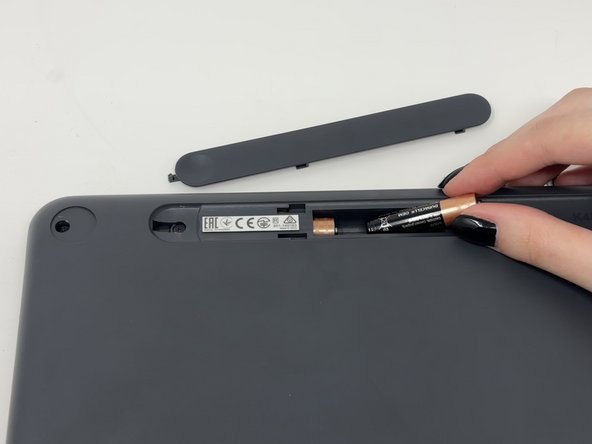
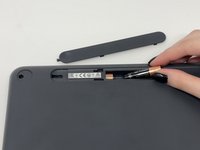
    • Slide open battery panel.

    • Remove the batteries.

  4. Logitech K480 Easy-Switch Dial Replacement: passo 4, imagem 1 %32 Logitech K480 Easy-Switch Dial Replacement: passo 4, imagem 2 %32
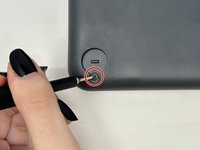
    • Remove the three 4 mm screws under the rubber feet using a Phillips #0 screwdriver.

  5. Logitech K480 Easy-Switch Dial Replacement: passo 5, imagem 1 %32 Logitech K480 Easy-Switch Dial Replacement: passo 5, imagem 2 %32
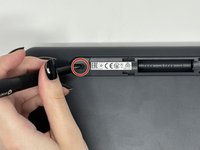
    • Remove the two 4 mm screws from beneath the battery cover using a Phillips #0 screwdriver.

  6. Logitech K480 Easy-Switch Dial Replacement: passo 6, imagem 1 %32 Logitech K480 Easy-Switch Dial Replacement: passo 6, imagem 2 %32 Logitech K480 Easy-Switch Dial Replacement: passo 6, imagem 3 %32
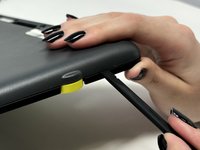
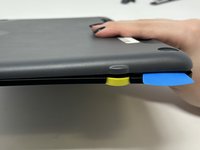
    • Starting by the dial, slide the spudger between the front and back panels until it lifts and snaps.

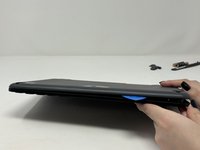
    • Slide a blue pick in to keep the pieces apart while you work on other areas.

    • Continue prying along the edges until you have enough opened that you can pull both pieces apart gently with your hands.

    • The loud snaps are the clips that hold the pieces together. They're not breaking and you do not need to be alarmed.

  7. Logitech K480 Easy-Switch Dial Replacement, Metal Plate: passo 7, imagem 1 %32 Logitech K480 Easy-Switch Dial Replacement, Metal Plate: passo 7, imagem 2 %32 Logitech K480 Easy-Switch Dial Replacement, Metal Plate: passo 7, imagem 3 %32
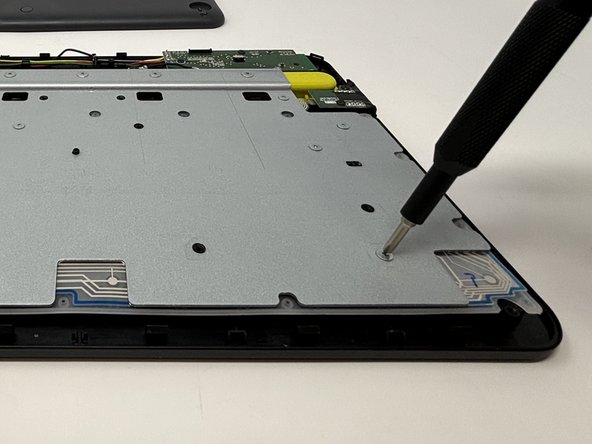
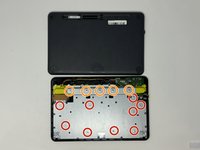
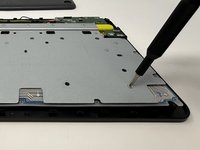
    • Remove the eight 3 mm screws using a Phillips #00 screwdriver

    • Remove the five 2 mm silver screws from the metal plate using a Phillips #00 screwdriver.

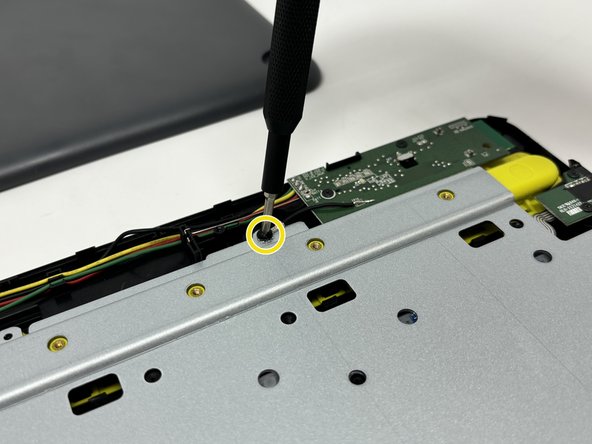
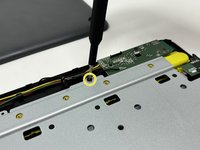
    • Remove the single 4 mm black screw by the motherboard using a Phillips #00 screwdriver.

  8. Logitech K480 Easy-Switch Dial Replacement: passo 8, imagem 1 %32 Logitech K480 Easy-Switch Dial Replacement: passo 8, imagem 2 %32
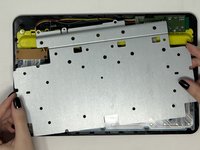
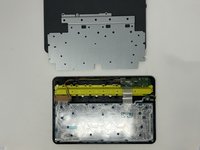
    • Lift up and remove the metal plate.

  9. Logitech K480 Easy-Switch Dial Replacement, Easy-Switch Dial: passo 9, imagem 1 %32
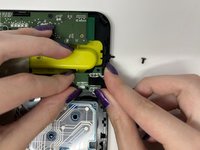
    • Remove the two black 4 mm screws from the dial motherboard located on the upper right corner of the device with the Phillips #00 screwdriver.

  10. Logitech K480 Easy-Switch Dial Replacement: passo 10, imagem 1 %32 Logitech K480 Easy-Switch Dial Replacement: passo 10, imagem 2 %32
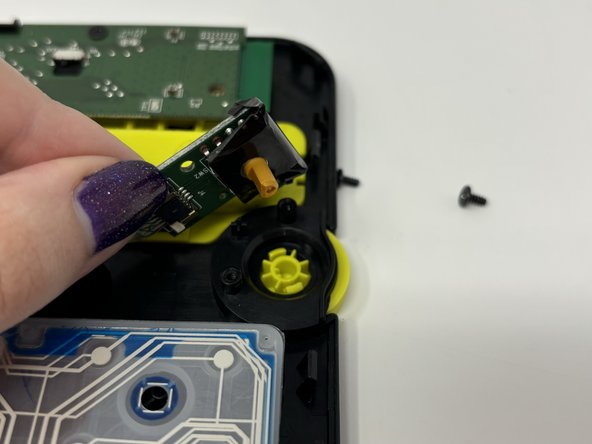
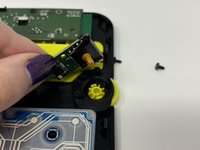
    • Lift the Easy-Switch motherboard up to pop it out from the dial.

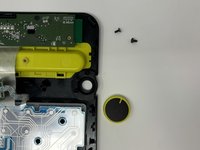
  11. Logitech K480 Easy-Switch Dial Replacement: passo 11, imagem 1 %32 Logitech K480 Easy-Switch Dial Replacement: passo 11, imagem 2 %32 Logitech K480 Easy-Switch Dial Replacement: passo 11, imagem 3 %32
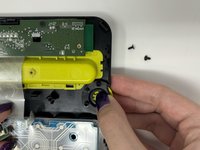
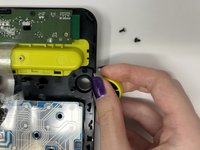
    • Pop out the Easy-Switch dial by gently pressing your finger on the underside of of the dial.

Conclusão

To reassemble your device, follow these instructions in reverse order.

Uma outra pessoa concluiu este guia.

Marie Sewell

Membro desde: 09/04/24

309 Reputação

Autoria de 2 guias

Equipe

1Comentário do guia

Very good tutorial, it's a shame we don't know where to get the Logitech K480 Easy-Switch Dial part. Sincerely.

Herve SPADACINI - Responder

Comentar

Visualizações:

Últimas 24 horas: 0

Últimos 7 dias: 3

Últimos 30 dias: 28

Ao todo: 342