Introdução
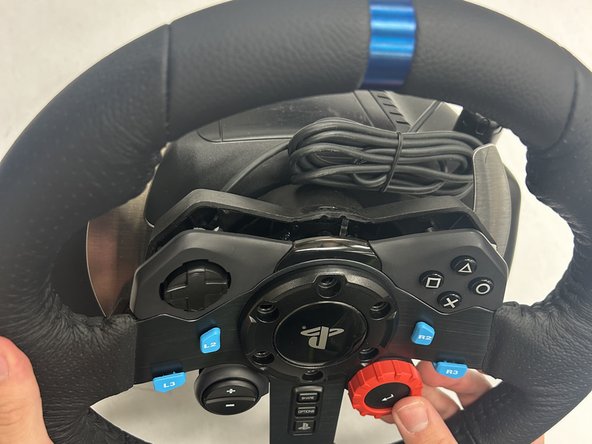
This guide explains how to remove and replace the buttons on the Logitech G29 Driving Force wheel.
If the buttons are malfunctioning, disassembling the wheel may help identify the issue and allow for an effective repair—potentially saving the device from being discarded.
The procedure is straightforward and requires minimal disassembly.
O que você precisa
-
-
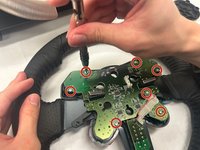
Remove the six black screws holding the Playstation center cap using the Hex 4.0 bit.
-
-
-
Ferramenta utilizada neste passo:Tweezers$3.99
-
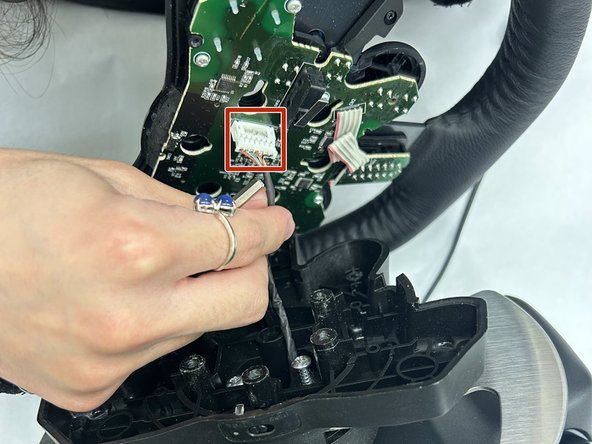
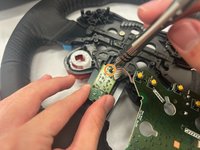
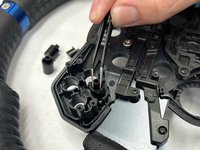
Once the PCB is out, the triangle, square, circle, x button will be exposed. Use the angled tweezers to remove all four buttons.
-
-
-
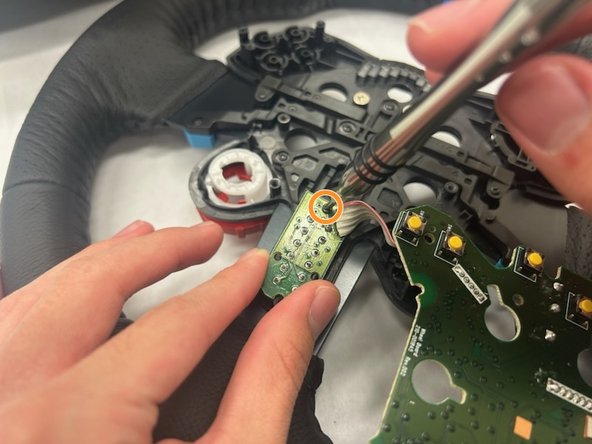
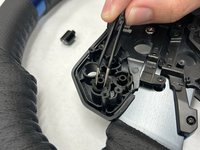
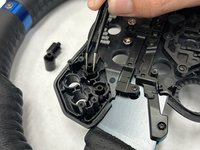
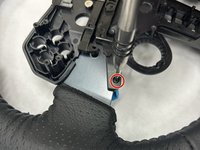
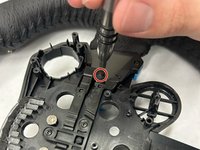
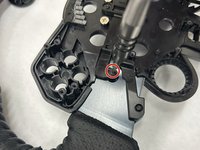
Remove the four black screws holding the four buttons in place using a Phillips #00 screwdriver. These are located directly under the buttons. The whole housing is not required to come out since only the blue buttons need to come out. Once the screws are removed the buttons will fall out.
-









To reassemble your device, follow these instructions in reverse order.



Equipe

IUPUI, Team 1-3, Harley Fall 2023 Membro de IUPUI, Team 1-3, Harley Fall 2023
IUPUI-HARLEY-F23S1G3
4 Membros
Autoria de 3 guias
