Ir para o conteúdo principal
Participe da comunidade de reparos - Criar conta

Lenovo ThinkPad T440p Keyboard Replacement

O que você precisa

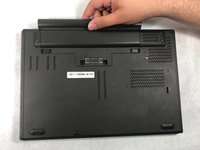
  1. Lenovo ThinkPad T440p Keyboard Replacement, Battery: passo 1, imagem 1 %32
    • Flip the laptop so that the back is facing up.

    Pergunte ao FixBot
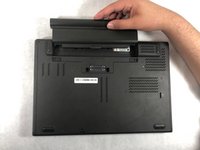
  2. Lenovo ThinkPad T440p Keyboard Replacement: passo 2, imagem 1 %32 Lenovo ThinkPad T440p Keyboard Replacement: passo 2, imagem 2 %32
    • Slide the battery latches to the unlocked position.

    Pergunte ao FixBot

  3. Lenovo ThinkPad T440p Keyboard Replacement: passo 3, imagem 1 %32 Lenovo ThinkPad T440p Keyboard Replacement: passo 3, imagem 2 %32
    • Slide the battery pack out of the battery slot.

    Pergunte ao FixBot

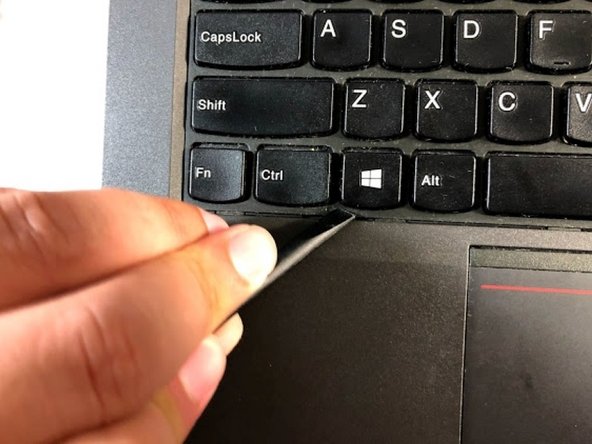
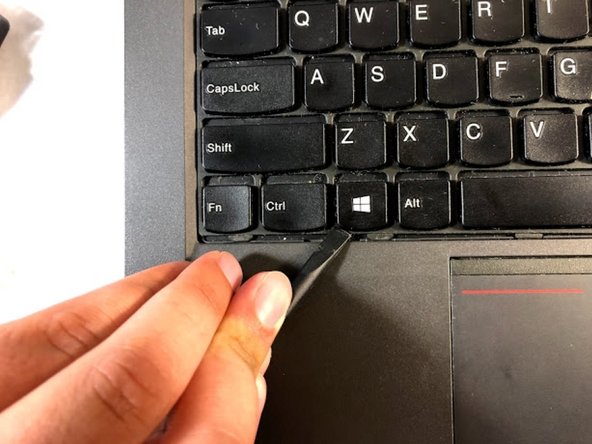
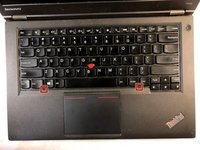
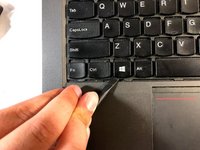
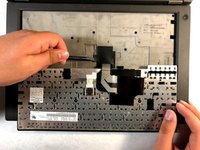
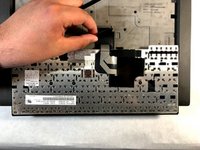
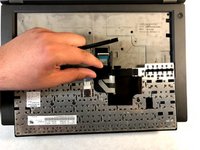
  4. Lenovo ThinkPad T440p Keyboard Replacement, Keyboard: passo 4, imagem 1 %32 Lenovo ThinkPad T440p Keyboard Replacement, Keyboard: passo 4, imagem 2 %32 Lenovo ThinkPad T440p Keyboard Replacement, Keyboard: passo 4, imagem 3 %32
    • Using the spudger, move the plastic protector by pressing it down and forward in order to uncover the screws.

    Pergunte ao FixBot

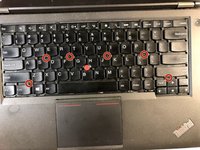
  5. Lenovo ThinkPad T440p Keyboard Replacement: passo 5, imagem 1 %32 Lenovo ThinkPad T440p Keyboard Replacement: passo 5, imagem 2 %32
    • Don't remove the screws; just loosen them.

    • Unscrew the six screws that are attached to the keyboard by using a Phillips #00 screwdriver.

    Pergunte ao FixBot
  6. Lenovo ThinkPad T440p Keyboard Replacement: passo 6, imagem 1 %32 Lenovo ThinkPad T440p Keyboard Replacement: passo 6, imagem 2 %32 Lenovo ThinkPad T440p Keyboard Replacement: passo 6, imagem 3 %32
    • Use the spudger to lift the keyboard.

    Pergunte ao FixBot
  7. Lenovo ThinkPad T440p Keyboard Replacement: passo 7, imagem 1 %32 Lenovo ThinkPad T440p Keyboard Replacement: passo 7, imagem 2 %32
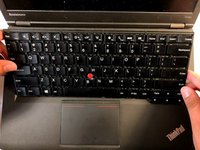
    • Turn the keyboard over.

    Pergunte ao FixBot
  8. Lenovo ThinkPad T440p Keyboard Replacement: passo 8, imagem 1 %32 Lenovo ThinkPad T440p Keyboard Replacement: passo 8, imagem 2 %32 Lenovo ThinkPad T440p Keyboard Replacement: passo 8, imagem 3 %32
    • Use the spudger to detach the plastic protection.

    Pergunte ao FixBot
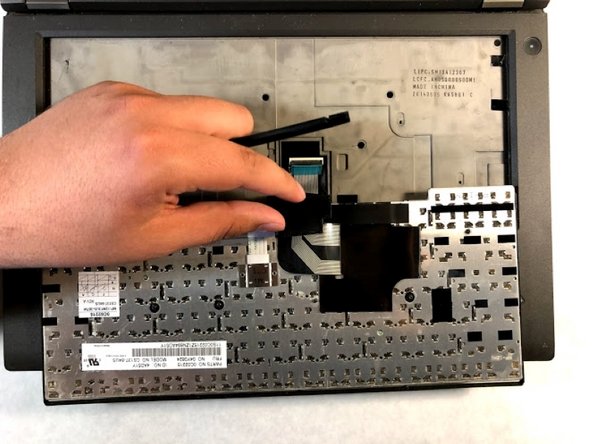
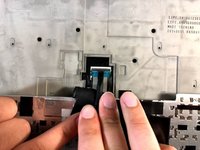
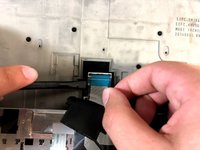
  9. Lenovo ThinkPad T440p Keyboard Replacement: passo 9, imagem 1 %32 Lenovo ThinkPad T440p Keyboard Replacement: passo 9, imagem 2 %32 Lenovo ThinkPad T440p Keyboard Replacement: passo 9, imagem 3 %32
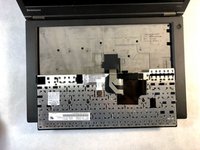
    • Use the spudger to disconnect the cables.

    Pergunte ao FixBot
  10. Lenovo ThinkPad T440p Keyboard Replacement: passo 10, imagem 1 %32
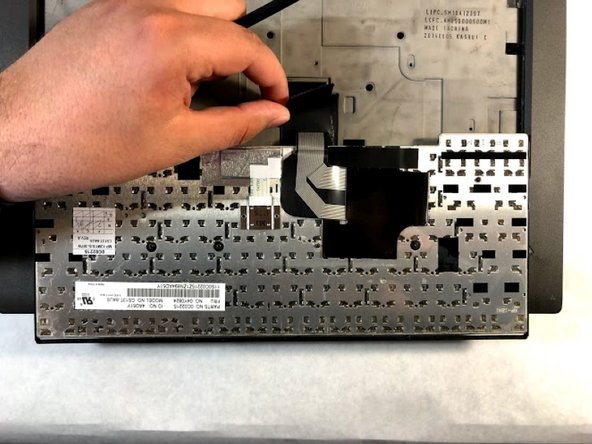
    • Remove the keyboard.

    Pergunte ao FixBot
Conclusão

To reassemble your device, follow these instructions in reverse order.

11 outras pessoas executaram este guia.

Christian Abad

Membro desde: 03/20/19

1.679 Reputação

Autoria de 7 guias

Equipe

1Comentário do guia

Thanks for the guide. I hate this part lol.
is it true if I slip and knock keys off, they can’t be lit in? I’m told this and it seems true :(

Josh Tree - Responder Compartilhar

Comentar

Visualizações:

Últimas 24 horas: 1

Últimos 7 dias: 8

Últimos 30 dias: 88

Ao todo: 8,727