Introdução
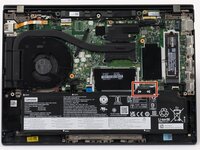
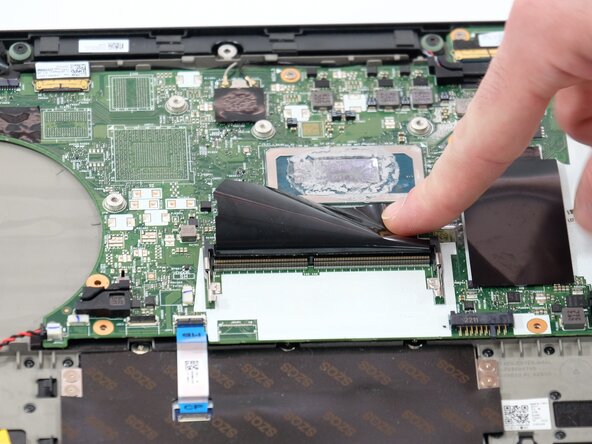
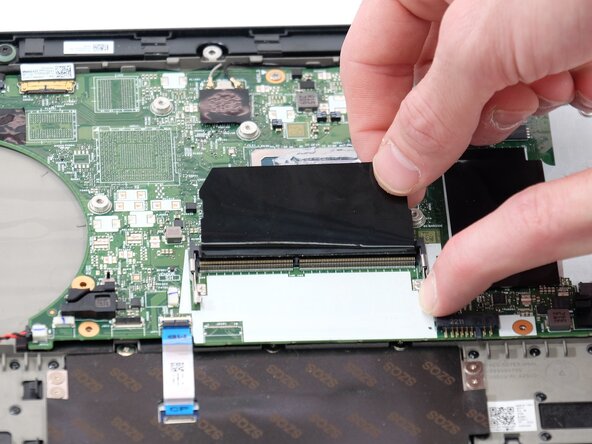
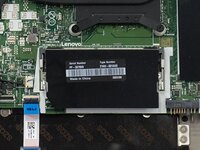
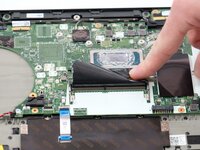
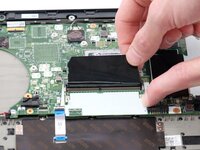
In this guide, we are adding or, in other cases, changing the RAM out for the Lenovo ThinkPad T14 Gen 3. The RAM helps to store data and instructions that the computer needs to use while it is running. Without this, it would significantly slow down its performance.
Before you begin this repair, make sure to power off and unplug your laptop.
O que você precisa
-
-
Use a Phillips #1 screwdriver to loosen the seven captive screws securing the back panel.
-
-
-
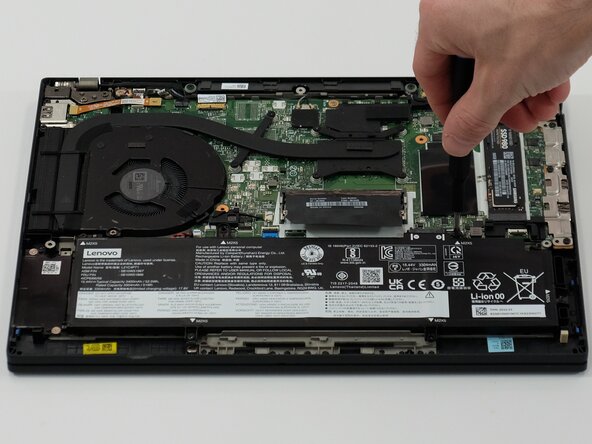
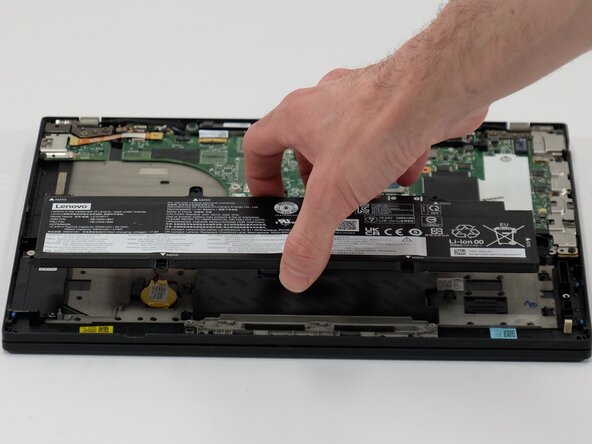
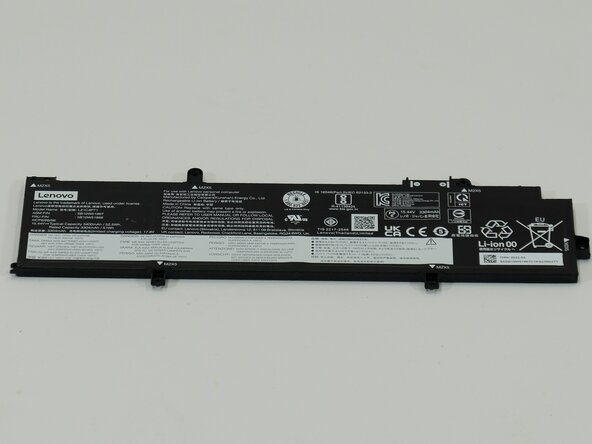
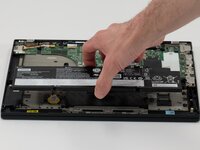
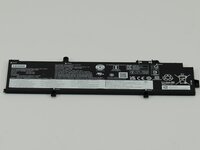
Use a JIS #1 screwdriver to remove six M2 x 5 mm screws that hold the battery in place.
-
-







To reassemble your device, follow these instructions in reverse order. Take your e-waste to an R2 or e-Stewards certified recycler.
Cancelar: não concluí este guia.
3 outras pessoas executaram este guia.

Equipe

Linn Benton Community College, Team 1-2, Karnes Spring 2025 Membro de Linn Benton Community College, Team 1-2, Karnes Spring 2025
LBCC-KARNES-S25S1G2
3 Membros
Autoria de 15 guias
