Introdução
This guide will aid the user in the replacement of the power switch for this device. The power switch is the plastic part that is seen outside of the device. This guide is meant to be used if the part is damaged in some way. If the power switch is not responding, there is probably an issue with the motherboard of the device and simply replacing the part may not fix the problem.
O que você precisa
-
-
Flip the device so that the bottom is facing upwards. Using thumb, push the tab on the bottom in the direction indicated by the arrow and then lift the unhinged part of the tab.
 Pergunte ao FixBot
-
-
-
-
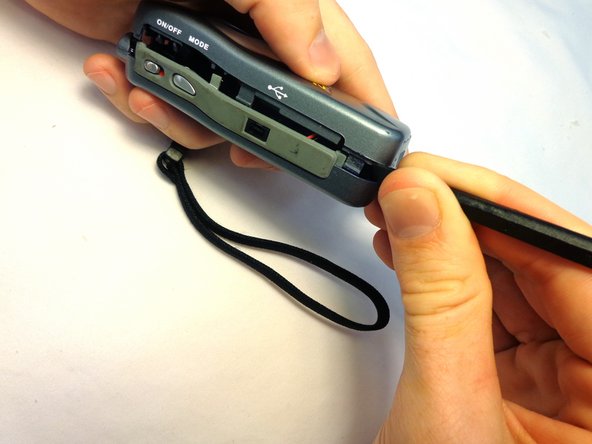
Carefully insert the flat end of the spudger into the seam on the top side of the device. Carefully twist the spudger to open the device. Repeat this step at incremental locations around the seam of the device until the two case halves separate.
-
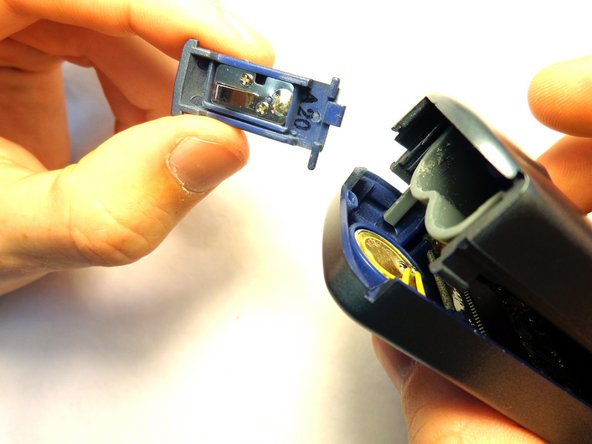
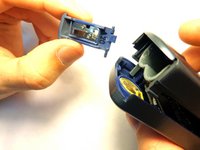
Before completely separating the two halves, separate the case from the battery compartment cover, pulling the case apart. Take care not to break the plastic hinge as the battery compartment cover is removed.
-
-
Ferramenta utilizada neste passo:Tweezers$4.99
-
Gently seperate the two halves of the device.
-
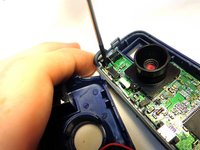
To remove the circuit board from the right section of the device, unscrew the two 5.6 mm Phillips #00 screws.
-
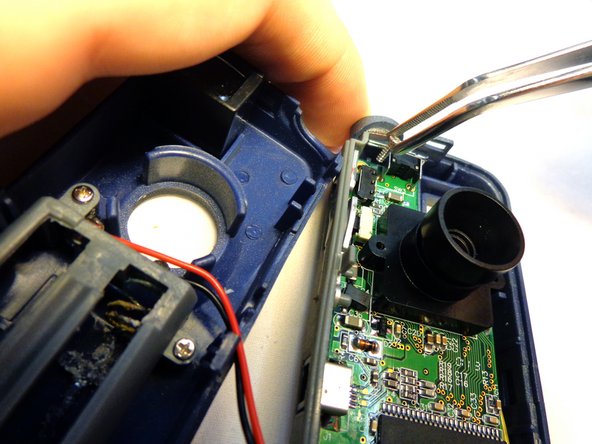
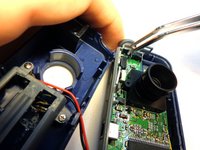
When the screws have been fully unscrewed, use the tweezers to remove them from the device.
-
-
-
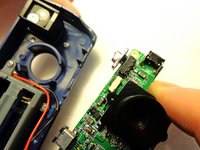
Carefully lift the circuit board from the casing. Be sure to not detach the wires from the circuit board or the case.
-
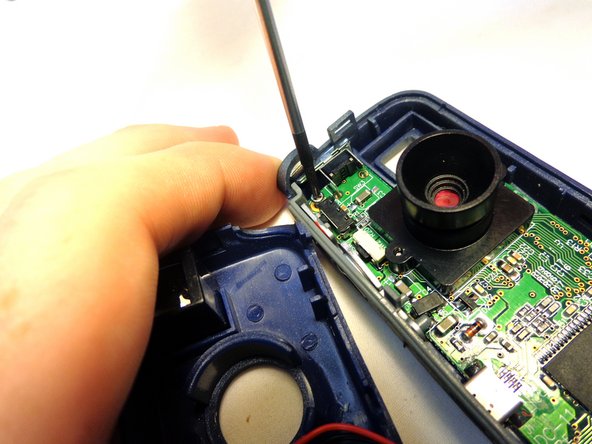
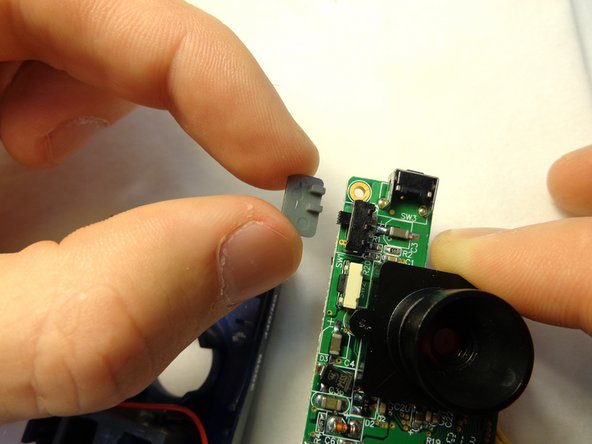
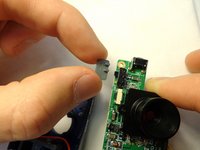
The power switch is located on the upper left side of the board. Pull the switch sideways from the circuit board to remove it.
-




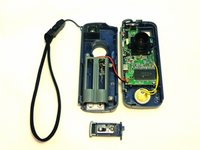

To reassemble your device, follow these instructions in reverse order.

Equipe

Clemson, Team 12-3, Benson Spring 2013 Membro de Clemson, Team 12-3, Benson Spring 2013
CLEM-BENSON-S13S12G3
3 Membros
Autoria de 7 guias
