Ir para o conteúdo principal

Instant Pot 60 EPC Pressure Sensor Replacement

O que você precisa

  1. Instant Pot 60 EPC Pressure Sensor Replacement, Pressure Sensor: passo 1, imagem 1 %32 Instant Pot 60 EPC Pressure Sensor Replacement, Pressure Sensor: passo 1, imagem 2 %32 Instant Pot 60 EPC Pressure Sensor Replacement, Pressure Sensor: passo 1, imagem 3 %32
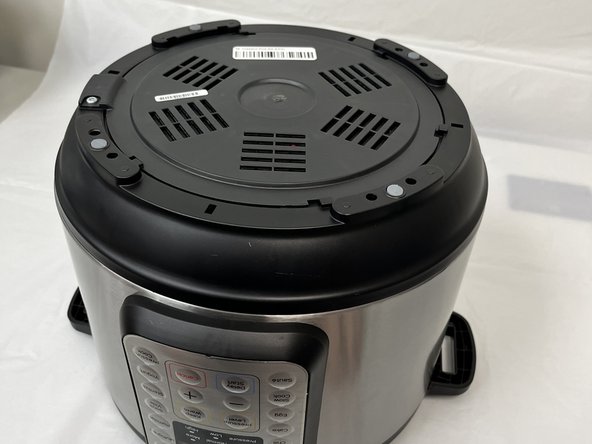
    • Ensure the device is unplugged and cool before beginning.

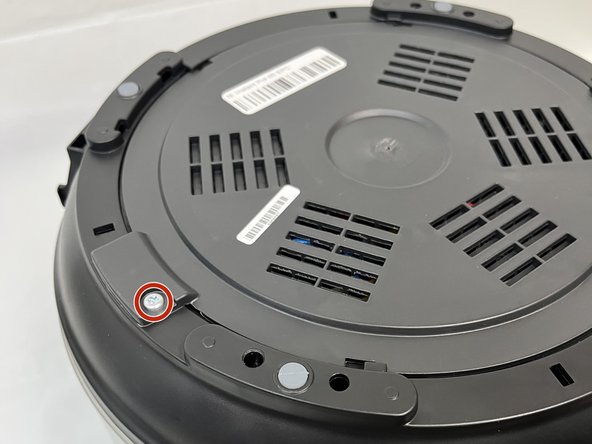
    • Remove the lid and inner pot from the Instant Pot and turn the body upside down.

    • Remove the single Torx screw.

  2. Instant Pot 60 EPC Pressure Sensor Replacement: passo 2, imagem 1 %32 Instant Pot 60 EPC Pressure Sensor Replacement: passo 2, imagem 2 %32
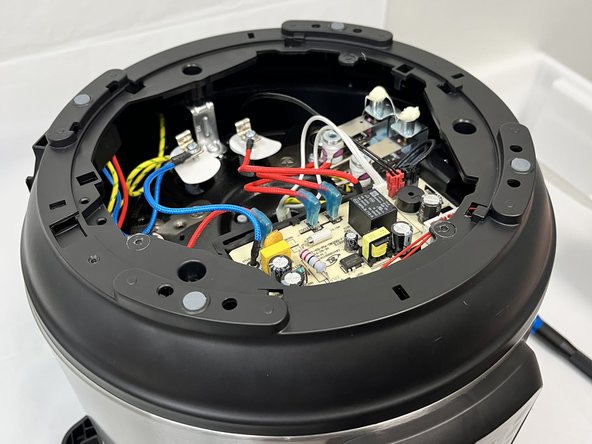
    • Turn the bottom face counterclockwise and remove it.

  3. Instant Pot 60 EPC Pressure Sensor Replacement: passo 3, imagem 1 %32 Instant Pot 60 EPC Pressure Sensor Replacement: passo 3, imagem 2 %32 Instant Pot 60 EPC Pressure Sensor Replacement: passo 3, imagem 3 %32
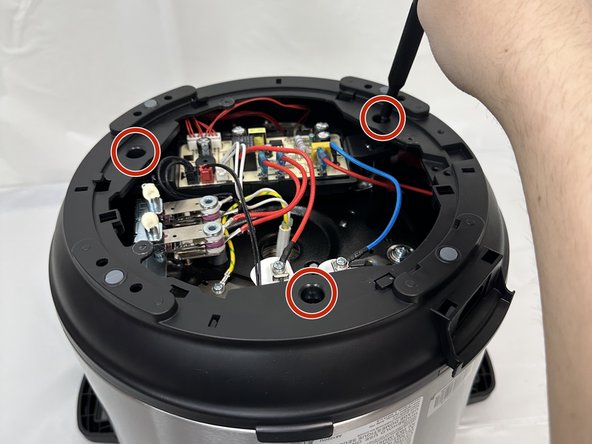
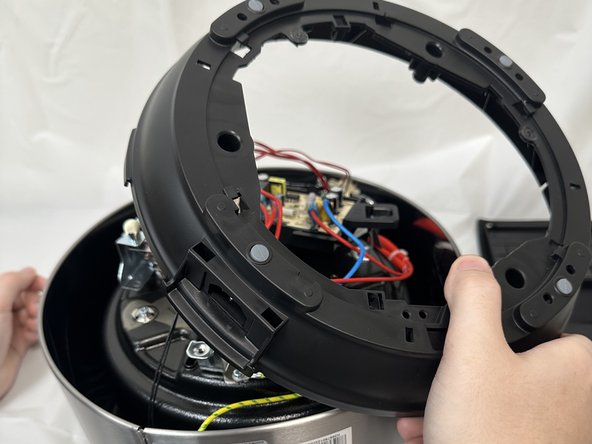
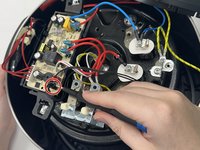
    • In order to reach the pressure sensor you'll need to remove the secondary frame.

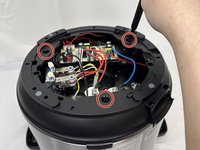
    • Remove the three Phillips screws securing the frame.

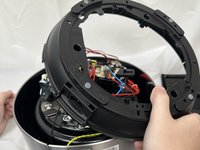
    • Lift the frame, twist and set next to the body. Take care not to damage any of the attached wiring.

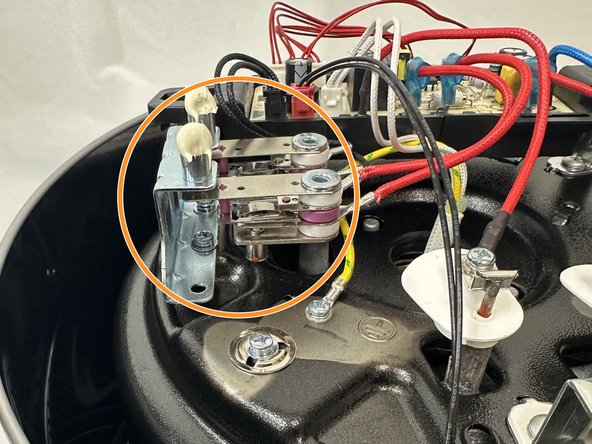
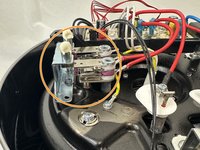
    • Locate the sensor. It has been highlighted in the final image.

  4. Instant Pot 60 EPC Pressure Sensor Replacement: passo 4, imagem 1 %32 Instant Pot 60 EPC Pressure Sensor Replacement: passo 4, imagem 2 %32
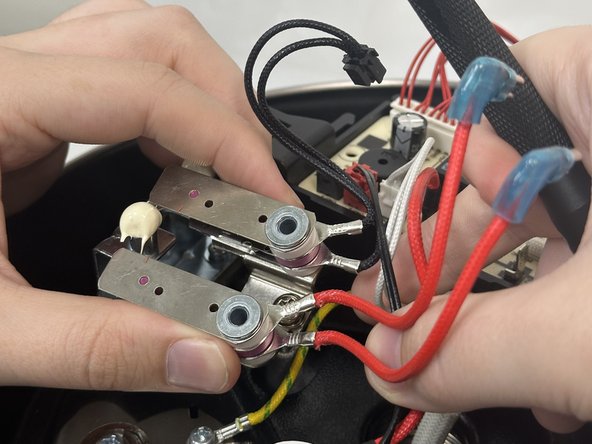
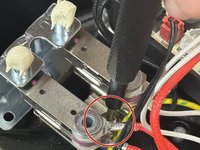
    • To remove the sensor, unscrew the main screw between the sensor and slide out.

  5. Instant Pot 60 EPC Pressure Sensor Replacement: passo 5, imagem 1 %32 Instant Pot 60 EPC Pressure Sensor Replacement: passo 5, imagem 2 %32 Instant Pot 60 EPC Pressure Sensor Replacement: passo 5, imagem 3 %32
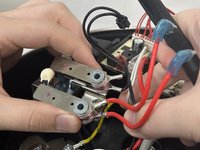
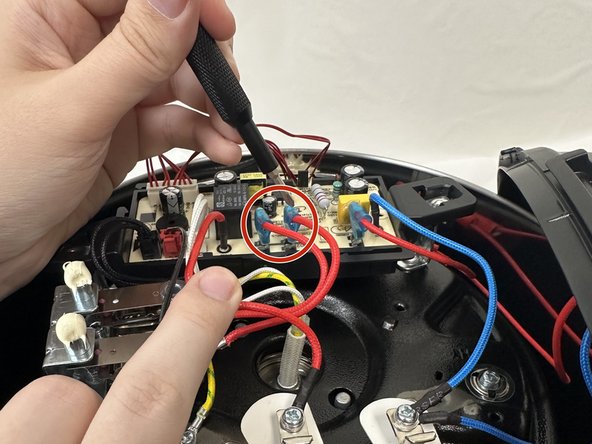
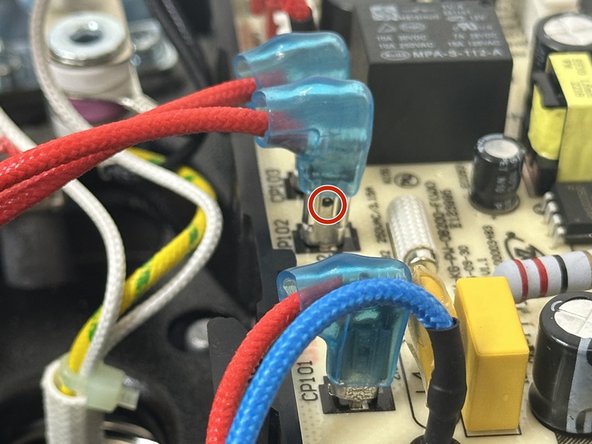
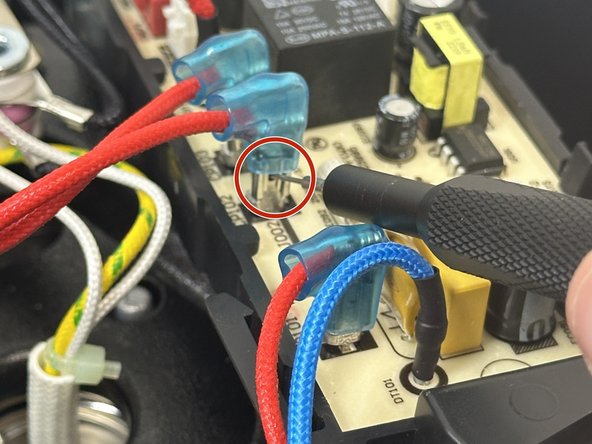
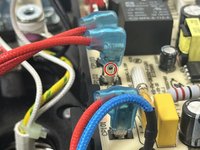
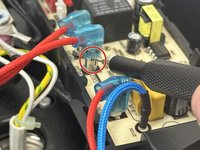
    • To remove the leads connecting the sensor to the motherboard you will need to unclip them.

    • In order to do so, slide the blue covering up to expose the small hole in the lead.

    • Place a SIM card punch into the hole to unsecure the leads and pull them up. If a SIM card punch is not avaliable then a paperclip or earring should suffice.

  6. Instant Pot 60 EPC Pressure Sensor Replacement: passo 6, imagem 1 %32 Instant Pot 60 EPC Pressure Sensor Replacement: passo 6, imagem 2 %32
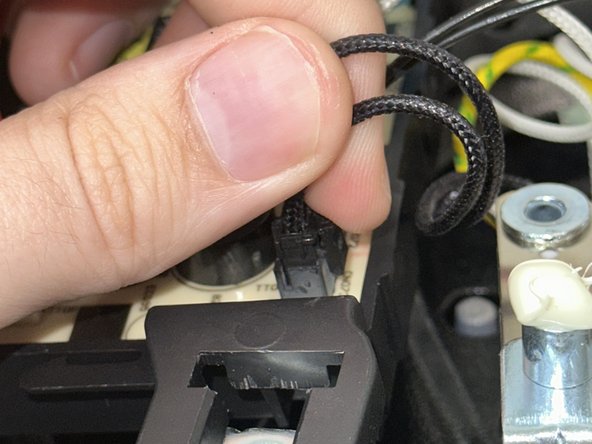
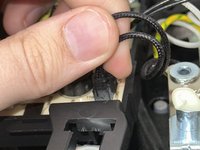
    • There will be a secondary lead that is black connecting the sensor the the motherboard.

    • In order to remove that lead just squeeze and pull up.

  7. Instant Pot 60 EPC Pressure Sensor Replacement: passo 7, imagem 1 %32
    • Instant Pot does not provide a new sensor with the device, so it will have to be purchased from a secondary source.

Conclusão

To reassemble your device, follow these instructions in reverse order.

4 outras pessoas executaram este guia.

1Comentário do guia

My pro plus comes with only one sensor. Where can I find it's replacement?

Dr. Khalid S - Responder

Comentar

Visualizações:

Últimas 24 horas: 2

Últimos 7 dias: 18

Últimos 30 dias: 71

Ao todo: 562