Introdução
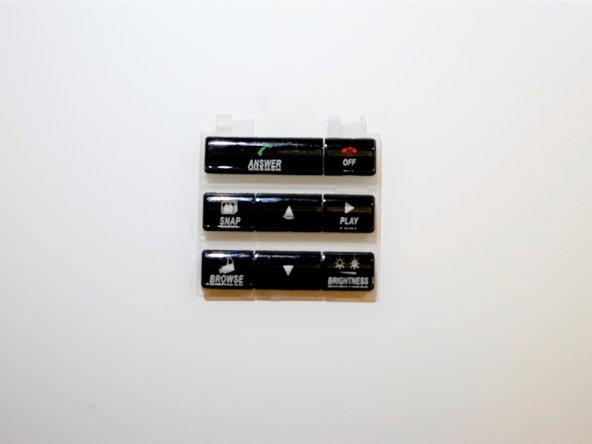
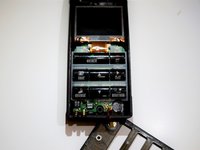
If the keypad has stuck buttons or is unresponsive, you'll need to remove it and clean it or replace it entirely. Follow this guide to do so.
O que você precisa
-
-
Remove the battery cover by pushing downwards and sliding the cover away from the device.
 Pergunte ao FixBot
-
-
-
Use a TA20 screwdriver to remove the screw in the center of the battery slot.
-
-
-
-
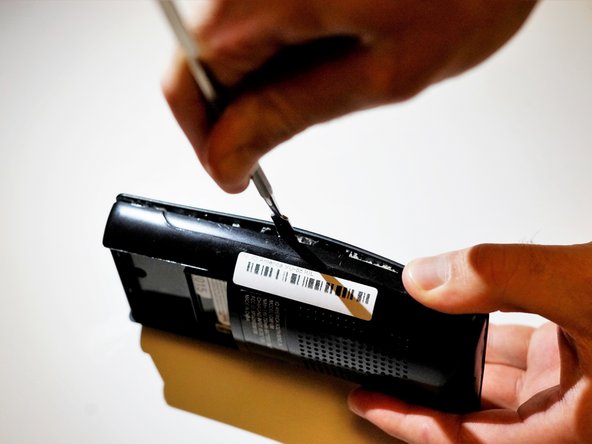
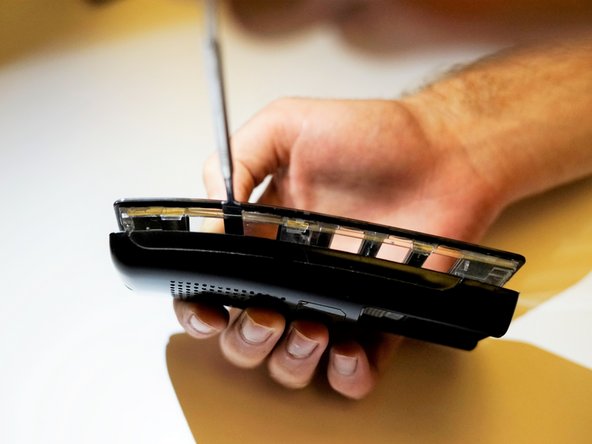
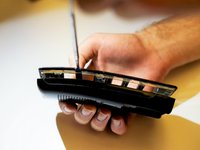
Carefully wedge the flat metal spudger between the two sides of the remote until they separate. An intermediate amount of force will be needed to separate the pieces.
-



To reassemble your device, follow these instructions in reverse order.

Equipe

UC Santa Barbara, Team S1-G3, Weedon Fall 2017 Membro de UC Santa Barbara, Team S1-G3, Weedon Fall 2017
UCSB-WEEDON-F17S1G3
5 Membros
Autoria de 6 guias
