Ir para o conteúdo principal
Participe da comunidade de reparos - Criar conta

How to identify your iPhone

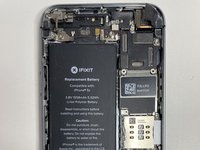
  1. How to identify your iPhone, iPhone 5: passo 1, imagem 1 %32 How to identify your iPhone, iPhone 5: passo 1, imagem 2 %32 How to identify your iPhone, iPhone 5: passo 1, imagem 3 %32
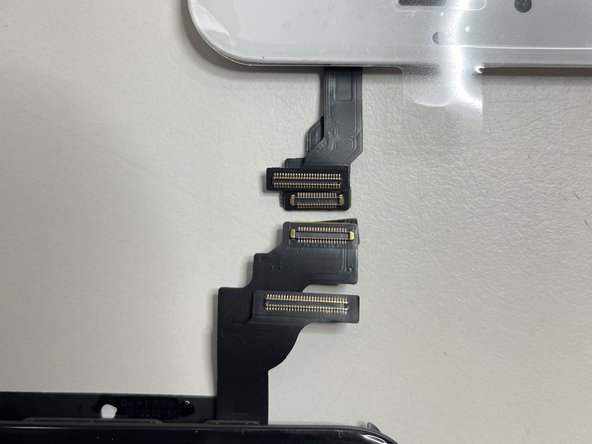
    • iPhone 5 has two parallel, horizontal screen connectors in the top right.. The larger, top one is the Digitizer connector, and the bottom, smaller one is the LCD connector. The vertical connection is used for camera and speaker functionality.

    Pergunte ao FixBot

    Comentar

  2. How to identify your iPhone, iPhone 5c: passo 2, imagem 1 %32 How to identify your iPhone, iPhone 5c: passo 2, imagem 2 %32 How to identify your iPhone, iPhone 5c: passo 2, imagem 3 %32
    • iPhone 5c has it's LCD and digitizer connectors in the top right. It has a horizontal digitizer connecter and a vertical LCD connecter to it's top left.

    Pergunte ao FixBot

    Comentar

  3. How to identify your iPhone, Difference between 5 and 5c: passo 3, imagem 1 %32
    • The main difference between the 5s and 5c is the 5s (left) is a thinner display than the 5c (right). The other smaller difference is that the digitizer connection is slightly larger.

    Pergunte ao FixBot

    Comentar

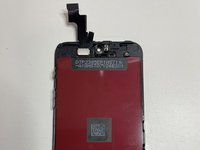
  4. How to identify your iPhone, iPhone 5s: passo 4, imagem 1 %32 How to identify your iPhone, iPhone 5s: passo 4, imagem 2 %32 How to identify your iPhone, iPhone 5s: passo 4, imagem 3 %32
    • The iPhone 5s has connectors that are similar to 5c where there is a horizontal LCD and a vertical digitizer.

    Pergunte ao FixBot

    Comentar

  5. How to identify your iPhone, Difference between the 5 and 5s: passo 5, imagem 1 %32
    • The iPhone 5 has two vertical connectors and the iPhone 5s has a horizontal and a vertical connector.

    Pergunte ao FixBot

    Comentar

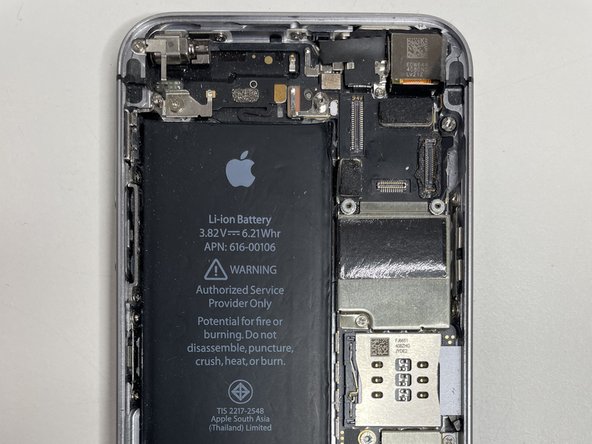
  6. How to identify your iPhone, iPhone SE: passo 6, imagem 1 %32 How to identify your iPhone, iPhone SE: passo 6, imagem 2 %32
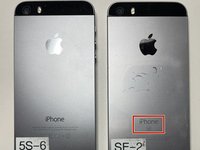
    • iPhone SE is very similar to iPhone 5s.

    • You can tell between the iPhone SE and iPhone 5s by checking the back of the phone.

    Pergunte ao FixBot

    Comentar

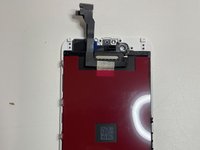
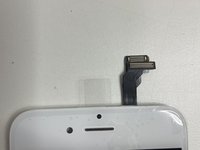
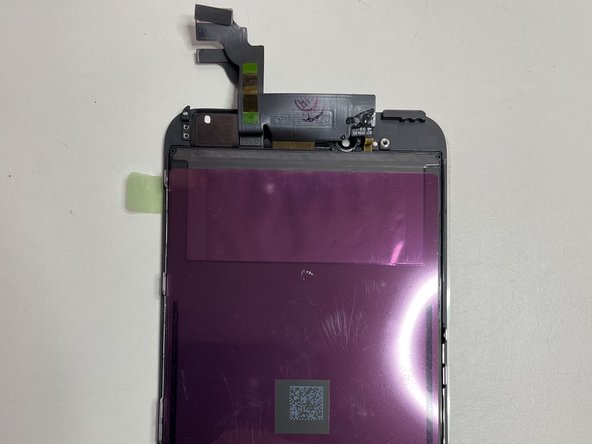
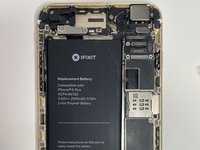
  7. How to identify your iPhone, iPhone 6: passo 7, imagem 1 %32 How to identify your iPhone, iPhone 6: passo 7, imagem 2 %32 How to identify your iPhone, iPhone 6: passo 7, imagem 3 %32
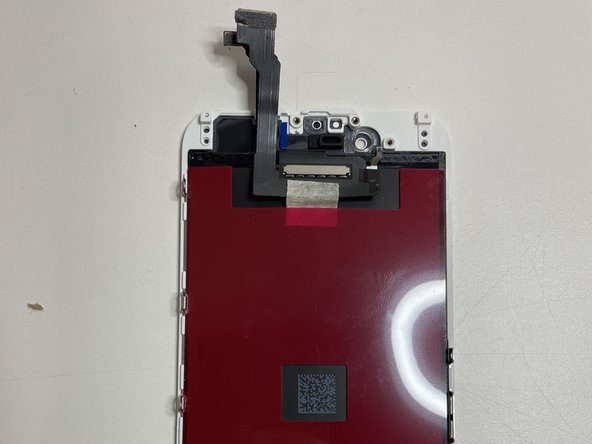
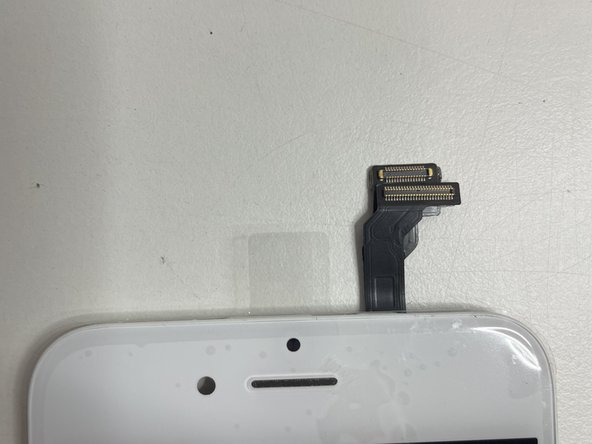
    • iPhone 6 has two parallel horizontal connectors in the top right. Following the same convention as the 5 series.

    Pergunte ao FixBot

    Comentar

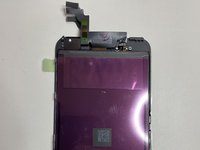
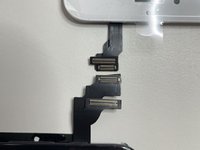
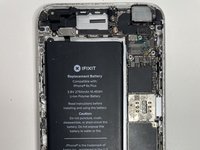
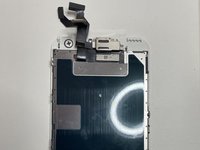
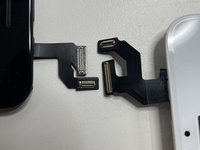
  8. How to identify your iPhone, iPhone 6 Plus: passo 8, imagem 1 %32 How to identify your iPhone, iPhone 6 Plus: passo 8, imagem 2 %32 How to identify your iPhone, iPhone 6 Plus: passo 8, imagem 3 %32
    • The iPhone 6 Plus is very similar to the iPhone 6 except it's larger, and the connectors are longer.

    Pergunte ao FixBot

    Comentar

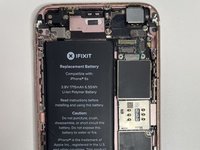
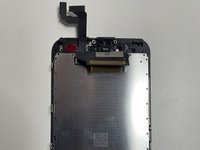
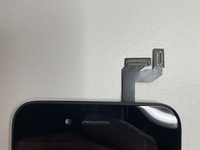
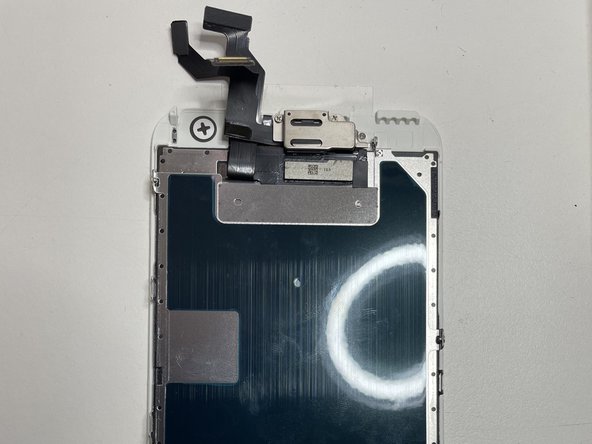
  9. How to identify your iPhone, iPhone 6s: passo 9, imagem 1 %32 How to identify your iPhone, iPhone 6s: passo 9, imagem 2 %32 How to identify your iPhone, iPhone 6s: passo 9, imagem 3 %32
    • The iPhone 6s has vertical and horizontal connectors as well as an identifying mark on the back of the phone designating it as an s

    Pergunte ao FixBot

    Comentar

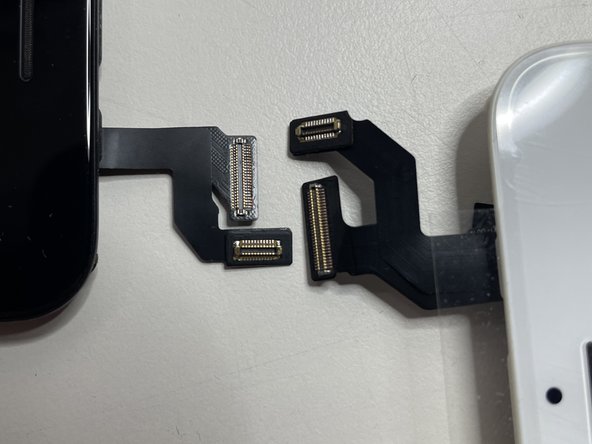
  10. How to identify your iPhone, Difference between 6 and 6s: passo 10, imagem 1 %32
    • The main way to tell between the 6 and 6s is to check the back of the phone. If you don't already have it open.

    Pergunte ao FixBot

    Comentar

  11. How to identify your iPhone, iPhone 6s Plus: passo 11, imagem 1 %32 How to identify your iPhone, iPhone 6s Plus: passo 11, imagem 2 %32 How to identify your iPhone, iPhone 6s Plus: passo 11, imagem 3 %32
    • The iPhone 6s Plus is very similar to the 6s, except that the connectors are longer, and the screen is much larger.

    Pergunte ao FixBot

    Comentar

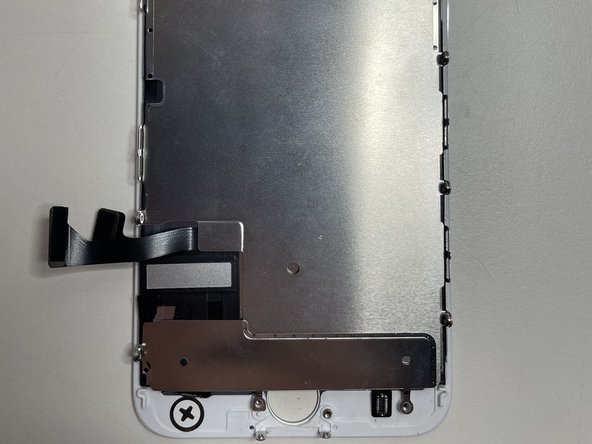
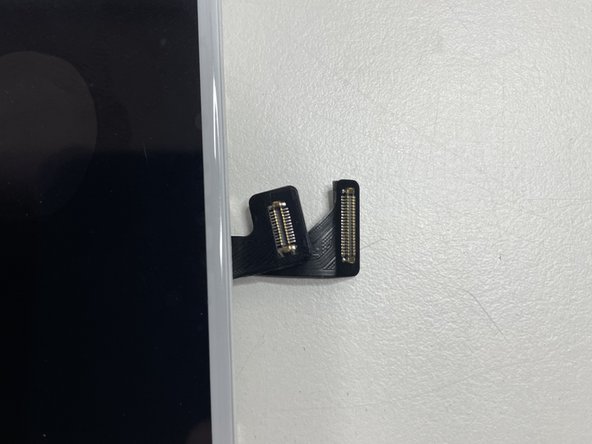
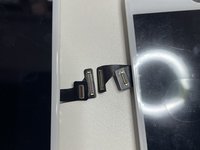
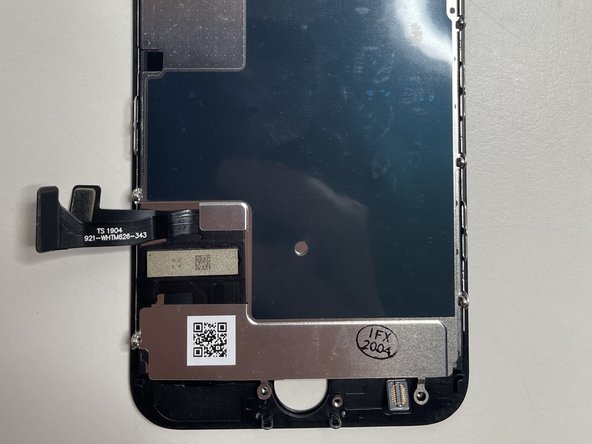
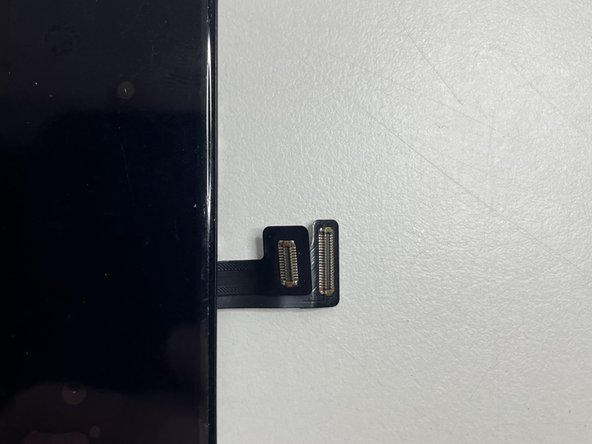
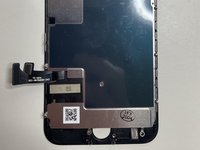
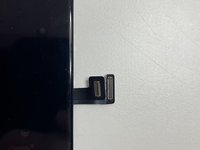
  12. How to identify your iPhone, iPhone 7: passo 12, imagem 1 %32 How to identify your iPhone, iPhone 7: passo 12, imagem 2 %32 How to identify your iPhone, iPhone 7: passo 12, imagem 3 %32
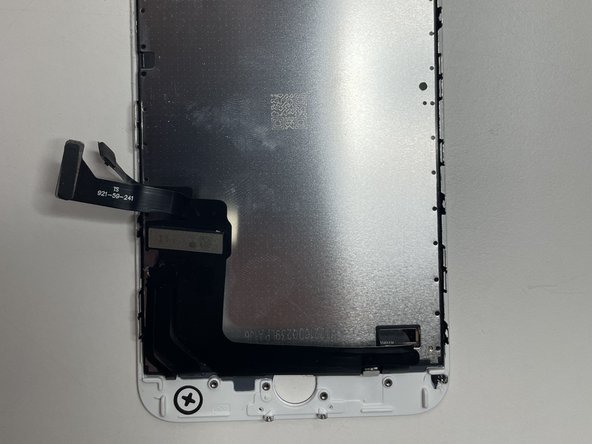
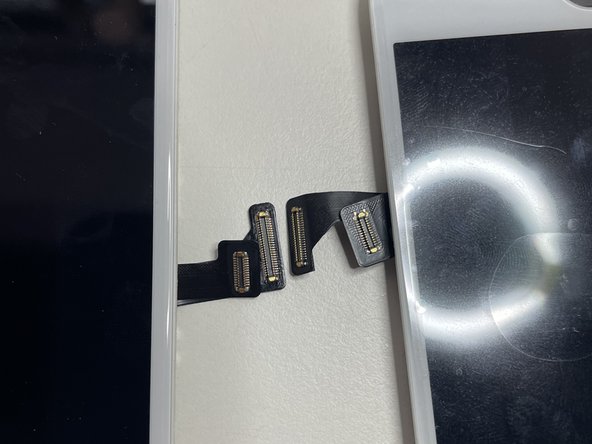
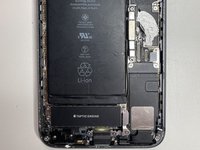
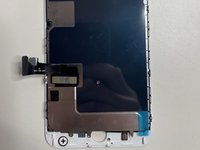
    • iPhone 7 has its connectors near the bottom right.

    Pergunte ao FixBot

    Comentar

  13. How to identify your iPhone, iPhone 7 Plus: passo 13, imagem 1 %32 How to identify your iPhone, iPhone 7 Plus: passo 13, imagem 2 %32 How to identify your iPhone, iPhone 7 Plus: passo 13, imagem 3 %32
    • iPhone 7 Plus is the same as the iPhone 7, except the screen and connectors are larger.

    Pergunte ao FixBot

    Comentar

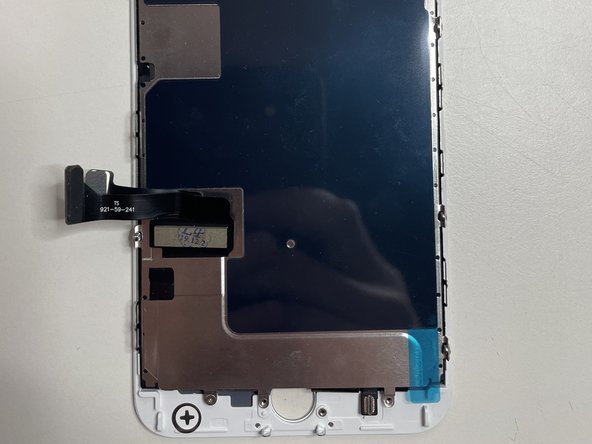
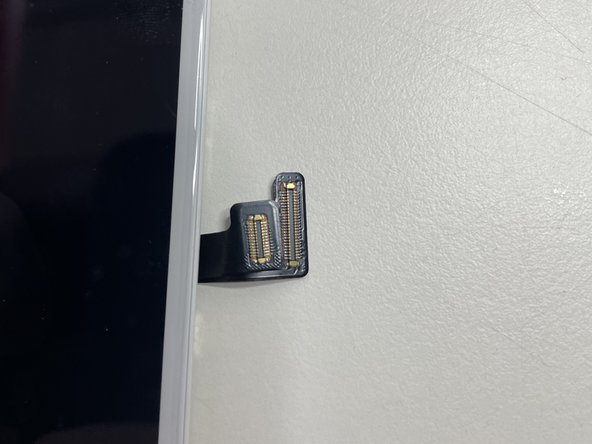
  14. How to identify your iPhone, iPhone 8: passo 14, imagem 1 %32 How to identify your iPhone, iPhone 8: passo 14, imagem 2 %32 How to identify your iPhone, iPhone 8: passo 14, imagem 3 %32
    • iPhone 8 has its connectors in the same orientation as the iPhone 7 and are the same size.

    Pergunte ao FixBot

    Comentar

  15. How to identify your iPhone, iPhone 8 Plus: passo 15, imagem 1 %32 How to identify your iPhone, iPhone 8 Plus: passo 15, imagem 2 %32 How to identify your iPhone, iPhone 8 Plus: passo 15, imagem 3 %32
    • The iPhone 8 Plus is the same as the iPhone 8, except the screen and connectors are larger.

    Pergunte ao FixBot

    Comentar

  16. How to identify your iPhone, Main differences between iPhone 7 and iPhone 8: passo 16, imagem 1 %32 How to identify your iPhone, Main differences between iPhone 7 and iPhone 8: passo 16, imagem 2 %32
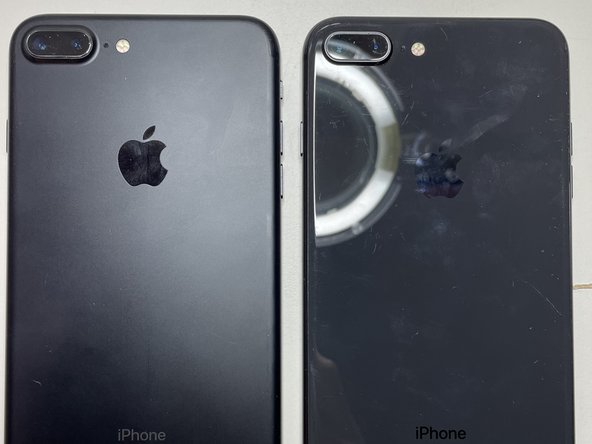
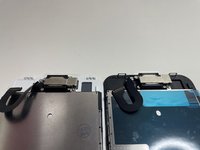
    • iPhone 7 and 8 are very similar except for the following differences:

    • The top brackets of the iPhone 7 are plastic and are metal for the iPhone 8. This makes changing screens considerably easier.

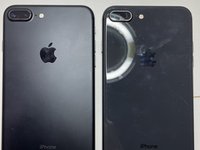
    • The back of the iPhone 7 is Aluminum whereas the back of the iPhone 8 is glass to facilitate wireless charging.

    Pergunte ao FixBot

    Comentar

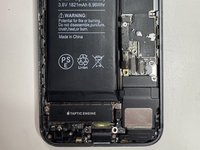
  17. How to identify your iPhone, iPhone X: passo 17, imagem 1 %32 How to identify your iPhone, iPhone X: passo 17, imagem 2 %32 How to identify your iPhone, iPhone X: passo 17, imagem 3 %32
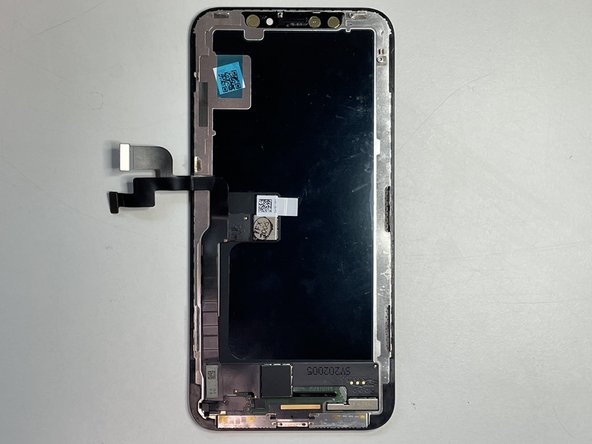
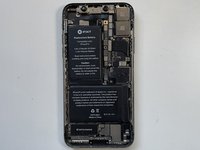
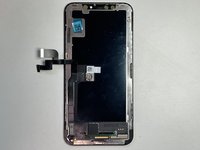
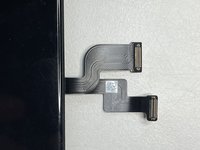
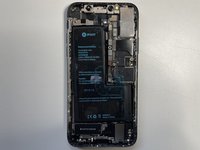
    • The iPhone X has two battery cells perpendicular to each other.

    Pergunte ao FixBot

    Comentar

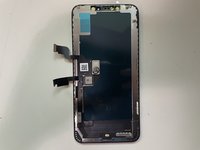
  18. How to identify your iPhone, iPhone Xs: passo 18, imagem 1 %32 How to identify your iPhone, iPhone Xs: passo 18, imagem 2 %32 How to identify your iPhone, iPhone Xs: passo 18, imagem 3 %32
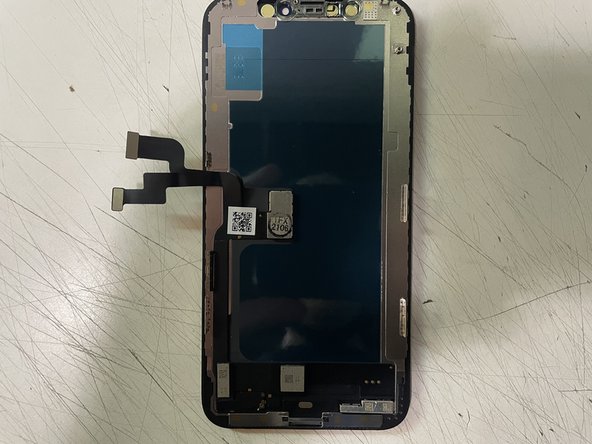
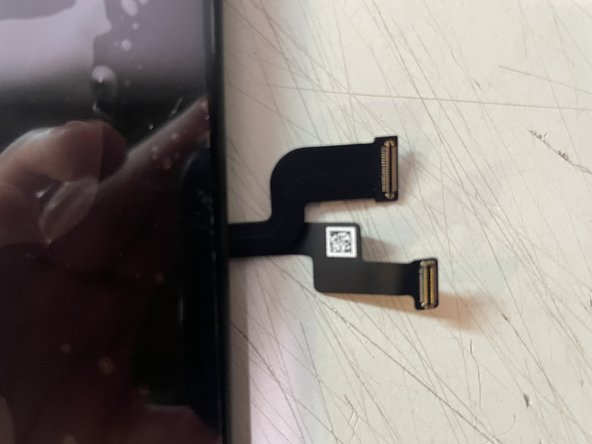
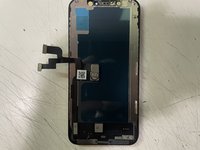
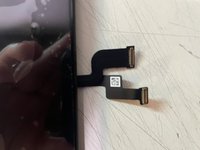
    • The iPhone XS has a gold square to the right of the camera bracket.

    Pergunte ao FixBot

    Comentar

  19. How to identify your iPhone: passo 19, imagem 1 %32
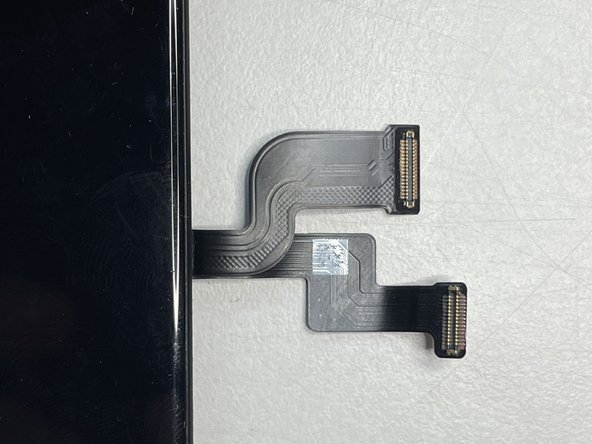
    • The iPhone X (Left) and Xs (Right) are extremely similar the only discernible way to tell the difference is to take a look at the back of the display. Look to the right of the camera bracket. The Xs will have a gold square and that is the only discernible difference.

    Pergunte ao FixBot

    Comentar

  20. How to identify your iPhone, iPhone XS Max: passo 20, imagem 1 %32 How to identify your iPhone, iPhone XS Max: passo 20, imagem 2 %32 How to identify your iPhone, iPhone XS Max: passo 20, imagem 3 %32
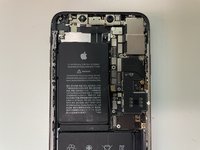
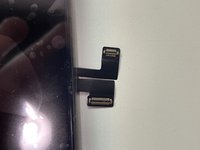
    • The Xs Max is just a larger version of the Xs just as the 11 pro has the 11 pro max.

    Pergunte ao FixBot

    Comentar

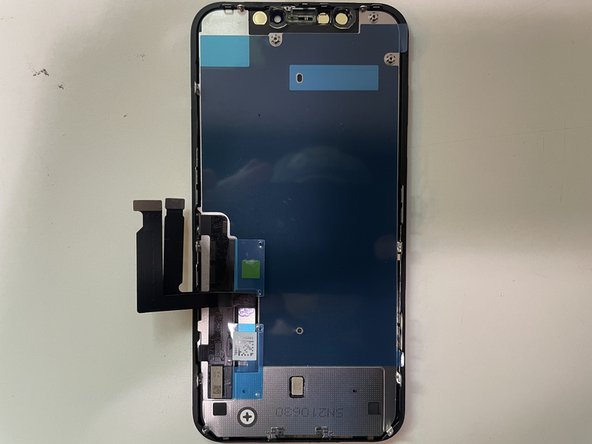
  21. How to identify your iPhone, iPhone XR: passo 21, imagem 1 %32 How to identify your iPhone, iPhone XR: passo 21, imagem 2 %32 How to identify your iPhone, iPhone XR: passo 21, imagem 3 %32
    • Insert wisdom here.

    Pergunte ao FixBot

    Comentar

  22. How to identify your iPhone, iPhone 11: passo 22, imagem 1 %32 How to identify your iPhone, iPhone 11: passo 22, imagem 2 %32 How to identify your iPhone, iPhone 11: passo 22, imagem 3 %32
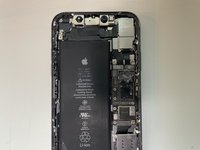
    • Insert wisdom here.

    Pergunte ao FixBot

    Comentar

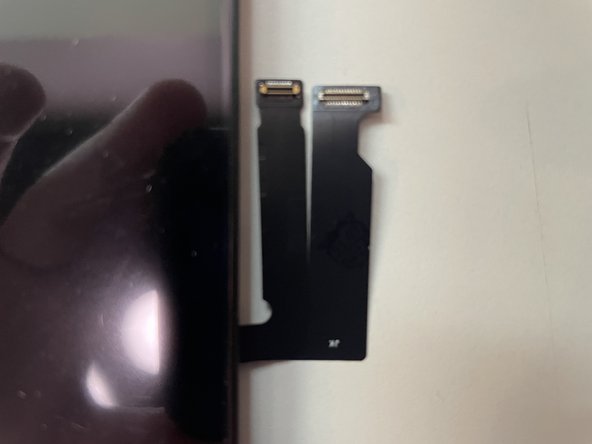
  23. How to identify your iPhone: passo 23, imagem 1 %32
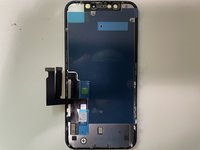
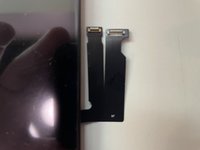
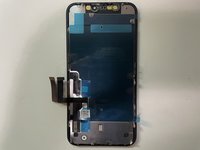
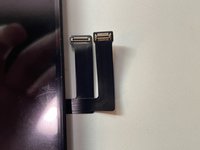
    • The XR (Left) and 11 (Right) are extremely similar design the only real difference is that their cables are swapped. They are both the LCD version of that generation.

    Pergunte ao FixBot

    Comentar

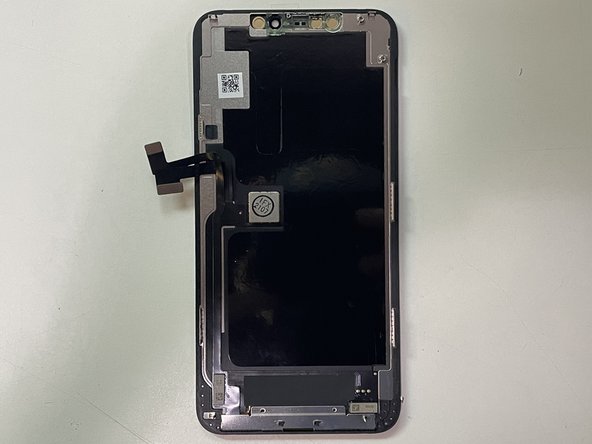
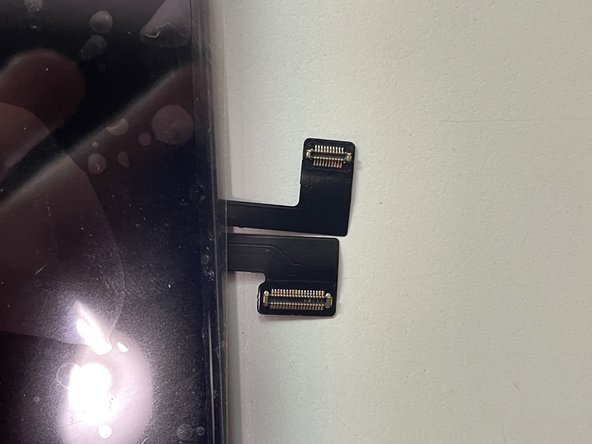
  24. How to identify your iPhone, iPhone 11 Pro: passo 24, imagem 1 %32 How to identify your iPhone, iPhone 11 Pro: passo 24, imagem 2 %32 How to identify your iPhone, iPhone 11 Pro: passo 24, imagem 3 %32
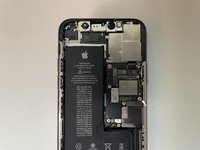
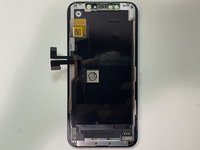
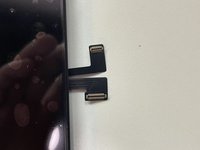
    • Insert wisdom here.

    Pergunte ao FixBot

    Comentar

  25. How to identify your iPhone, iPhone 11 Pro Max: passo 25, imagem 1 %32 How to identify your iPhone, iPhone 11 Pro Max: passo 25, imagem 2 %32 How to identify your iPhone, iPhone 11 Pro Max: passo 25, imagem 3 %32
    • Insert wisdom here.

    Pergunte ao FixBot

    Comentar

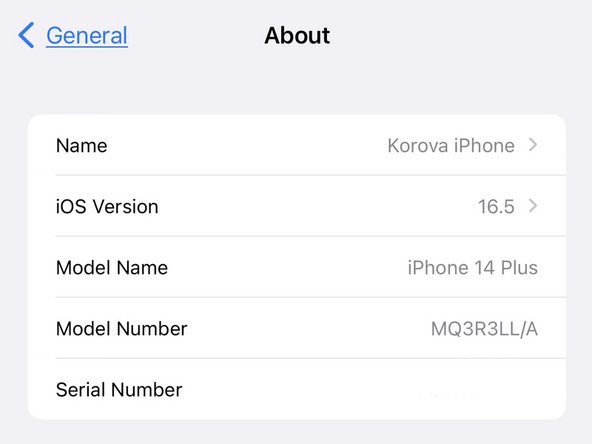
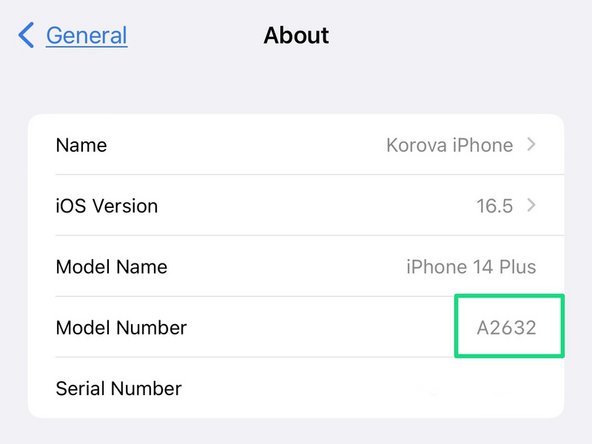
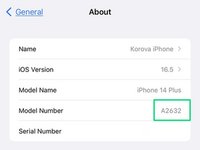
  26. How to identify your iPhone, If your iPhone is Working: passo 26, imagem 1 %32 How to identify your iPhone, If your iPhone is Working: passo 26, imagem 2 %32
    • Open Settings.

    • Go to General.

    • Go to About.

    • The Model Number is listed as a part number. Tap it to display the "A" Model ID.

    Pergunte ao FixBot

    Comentar

Linha de Chegada

Cancelar: não concluí este guia.

3 outras pessoas executaram este guia.

Karl Thaler

Membro desde: 11/02/20

741 Reputação

Autoria de 1 guia

0Comentários do guia

Comentar

Visualizações:

Últimas 24 horas: 3

Últimos 7 dias: 29

Últimos 30 dias: 120

Ao todo: 2,122