Ir para o conteúdo principal

How to Open the Left Handle of the Backbone One

O que você precisa

  1. How to Open the Left Handle of the Backbone One, Unfasten the screws: passo 1, imagem 1 %32
    • Use a Phillips screwdriver to remove the four 5.9 mm-long screws.

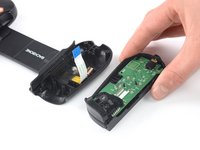
  2. How to Open the Left Handle of the Backbone One, Rotate the upper cover: passo 2, imagem 1 %32 How to Open the Left Handle of the Backbone One, Rotate the upper cover: passo 2, imagem 2 %32 How to Open the Left Handle of the Backbone One, Rotate the upper cover: passo 2, imagem 3 %32
    • Lift up the upper part of the controller.

    • Swing over the upper cover and place it on the controller case.

    • Take care that the interconnecting cable has no tension.

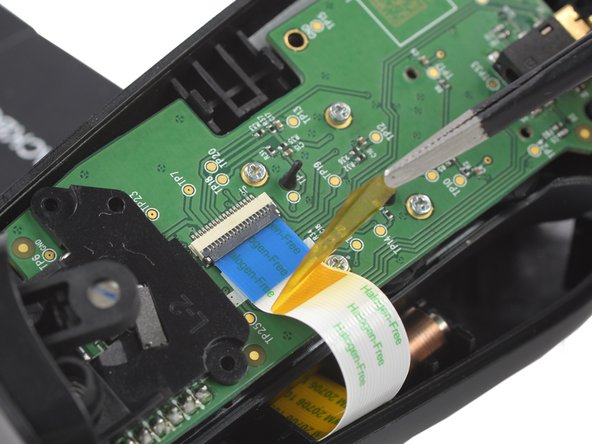
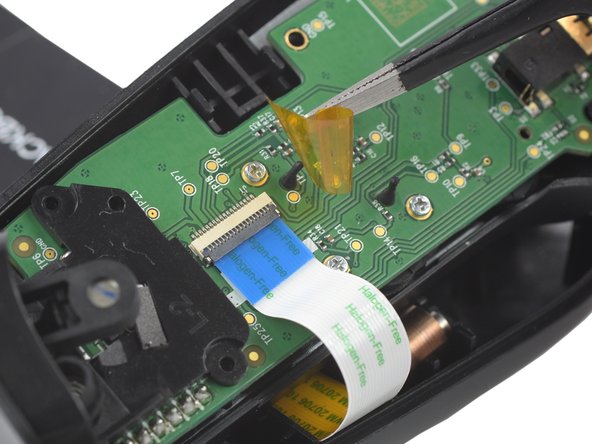
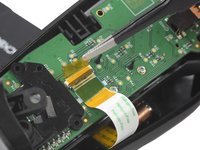
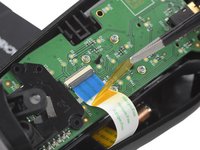
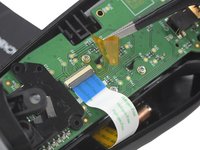
  3. How to Open the Left Handle of the Backbone One, Remove the protective tape: passo 3, imagem 1 %32 How to Open the Left Handle of the Backbone One, Remove the protective tape: passo 3, imagem 2 %32 How to Open the Left Handle of the Backbone One, Remove the protective tape: passo 3, imagem 3 %32
    Ferramenta utilizada neste passo:
    Tweezers
    $4.99
    • Use a pair of tweezers to remove the yellow protective tape which is placed over the interconnect cable connector.

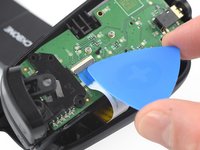
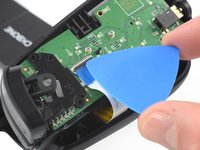
  4. How to Open the Left Handle of the Backbone One, Open the ZIF connector: passo 4, imagem 1 %32 How to Open the Left Handle of the Backbone One, Open the ZIF connector: passo 4, imagem 2 %32
    • Use the tip of an opening pick to open the gray flap of the ZIF connector by pushing it upwards.

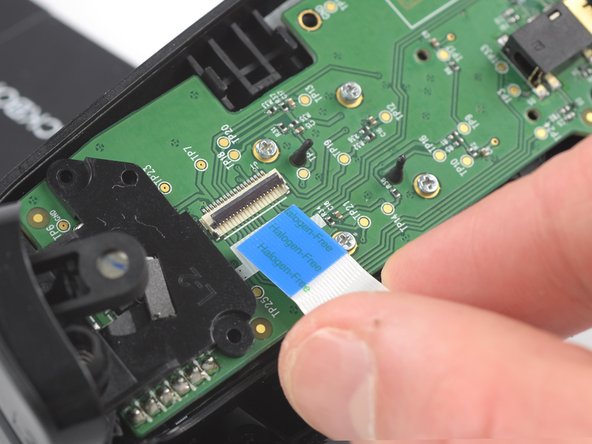
  5. How to Open the Left Handle of the Backbone One, Disconnect the interconnect cable: passo 5, imagem 1 %32 How to Open the Left Handle of the Backbone One, Disconnect the interconnect cable: passo 5, imagem 2 %32
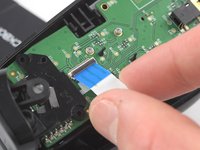
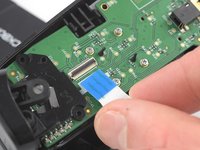
    • Use your fingers to disconnect the interconnect cable from its connector.

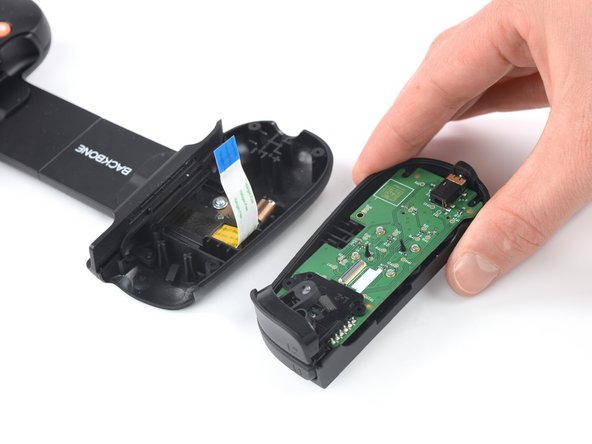
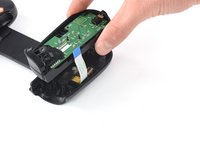
  6. How to Open the Left Handle of the Backbone One: passo 6, imagem 1 %32 How to Open the Left Handle of the Backbone One: passo 6, imagem 2 %32
    • Remove the upper half of the left controller assembly.

Conclusão

To reassemble your device, follow these instructions in reverse order.

Opening didn’t go as planned? Answers community for help.

Adriana Zwink

Membro desde: 12/18/19

62.406 Reputação

Autoria de 167 guias

Equipe

iFixit Membro de iFixit

Staff

123 Membros

Autoria de 23.735 guias

2Comentários do guia

Did this work for you?

Shawn Gallant - Responder

Did this work for you?

Shawn Gallant - Responder

Comentar

Visualizações:

Últimas 24 horas: 1

Últimos 7 dias: 6

Últimos 30 dias: 34

Ao todo: 1,642