Introdução
This guide will exhibit the steps necessary to replace the battery on your General Electric Create Jason Wu.
O que você precisa
-
-
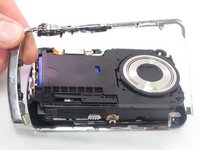
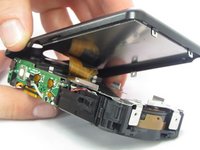
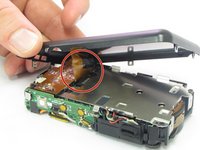
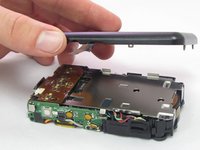
Begin by removing the 5 screws (located: 2 screws on either side and 1 screw on the bottom) using the PH000 head in the Precision Phillips Screwdriver.
-
-
-
-
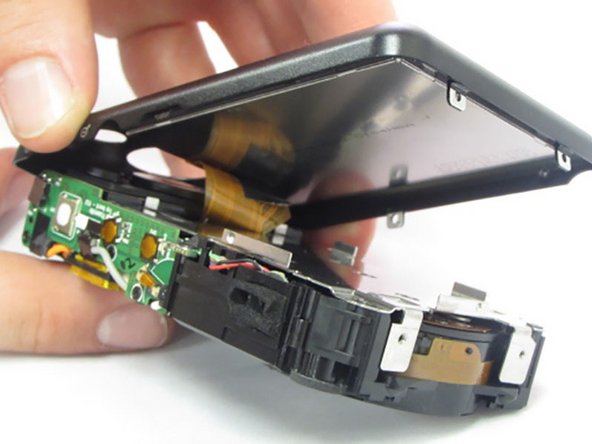
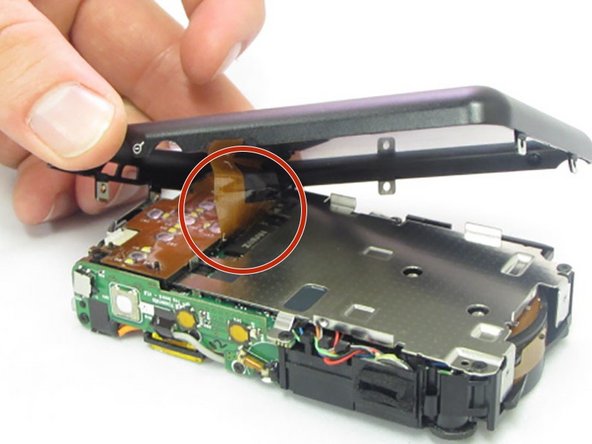
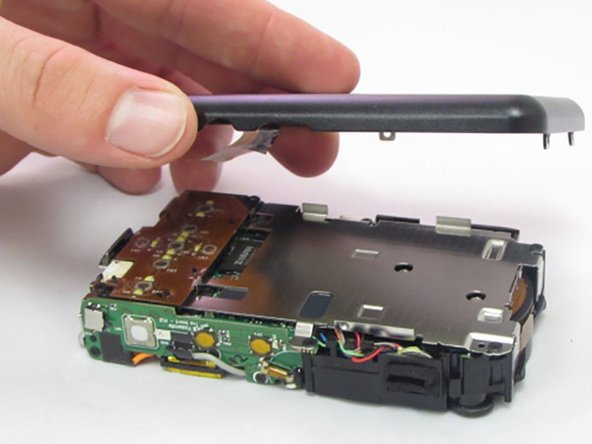
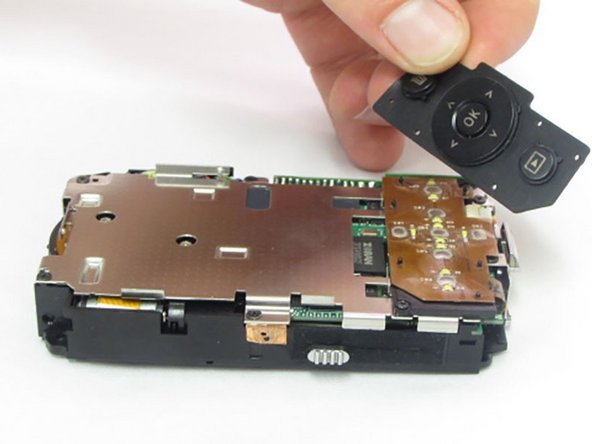
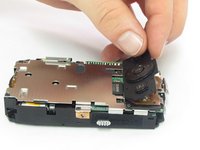
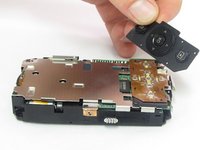
After the casing is removed, use your fingers to carefully lift up on the rubber pad, if it didn't already fall out during step 4.
-
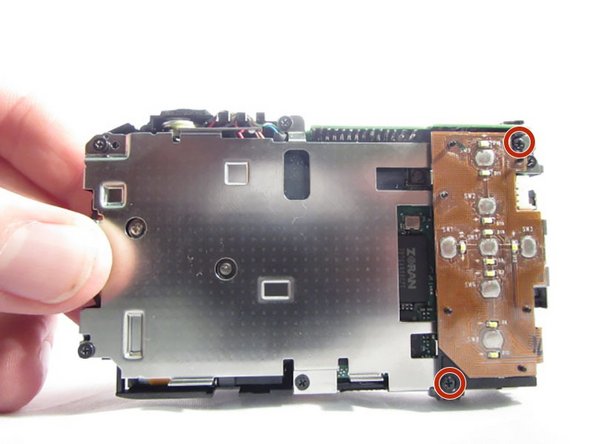
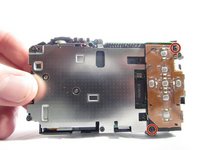
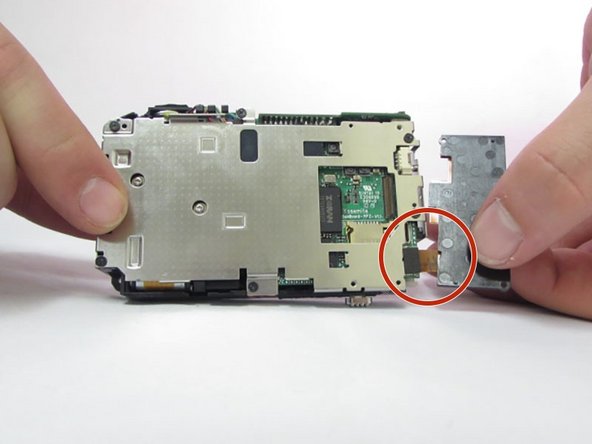
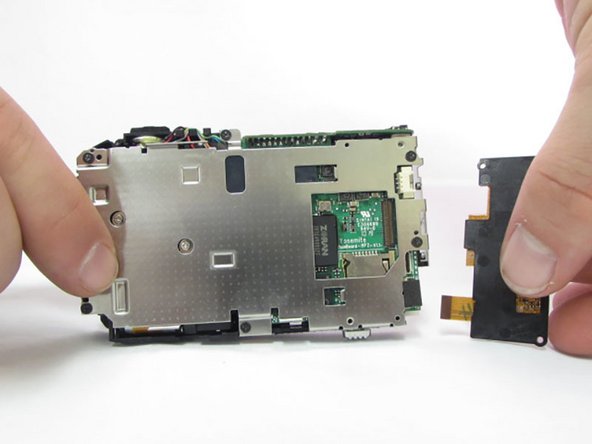
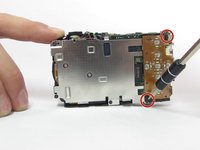
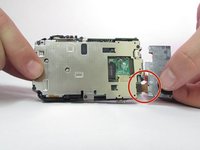
After the pad is removed, the 2 Phillips head screws holding the control board will be exposed.
-
-
-
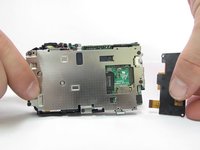
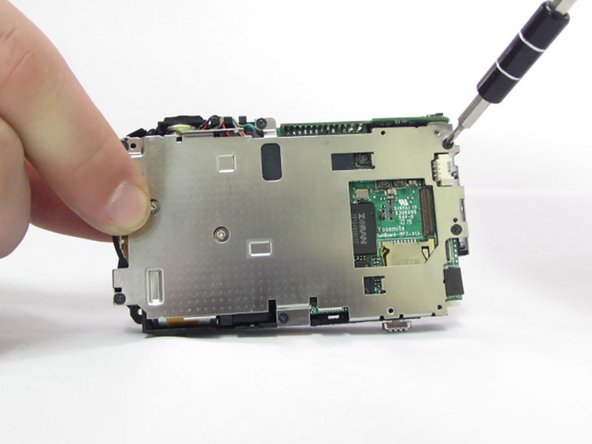
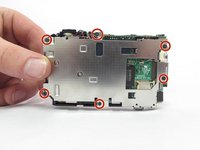
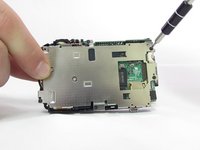
Locate the six 1.5mm Phillips screws that are holding on the interior camera frame.
-
Using the Phillips precision screwdriver and the PH000 Phillips bit, remove the 6 screws.
-
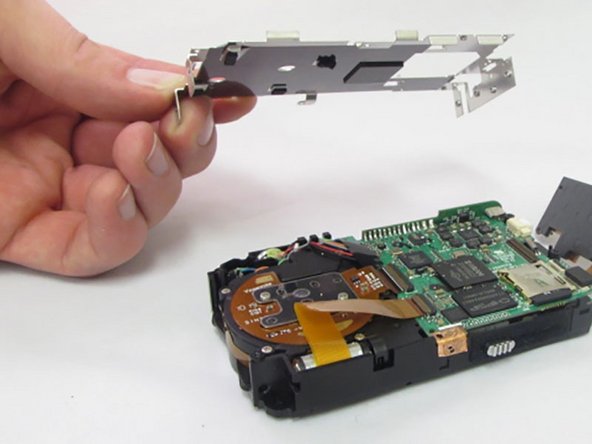
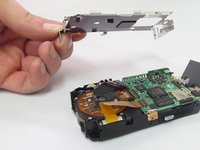
With the screws removed, the interior frame will no longer be fastened to the camera body and can be lifted up and away.
-
-
Ferramenta utilizada neste passo:Tweezers$4.99
-
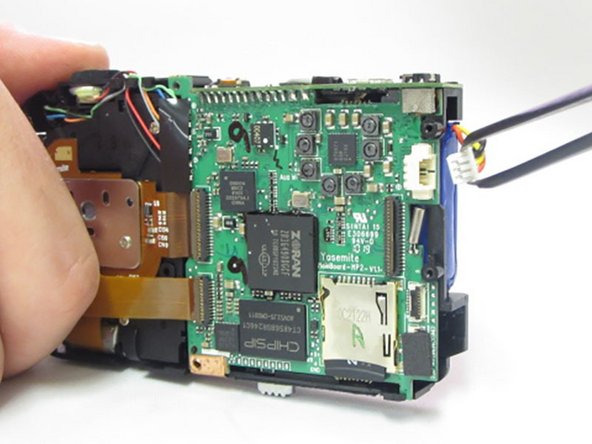
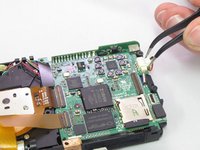
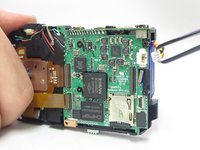
Using the Curved Precision Tweezers, detach battery plug from socket.
-
-
Ferramenta utilizada neste passo:Flathead 3/32" or 2.5 mm Screwdriver$5.49
-
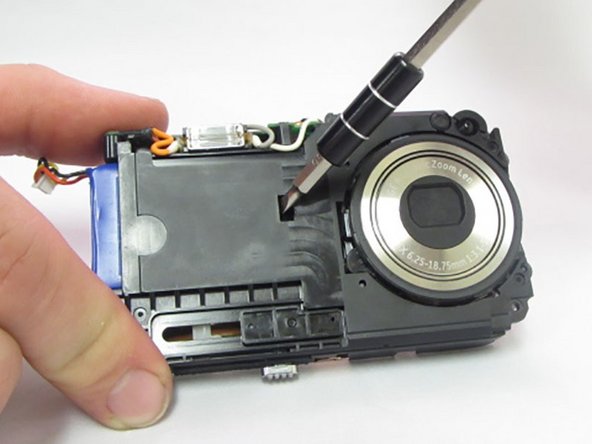
Swap the 3.0 Flathead bit into the precision screw driver.
-
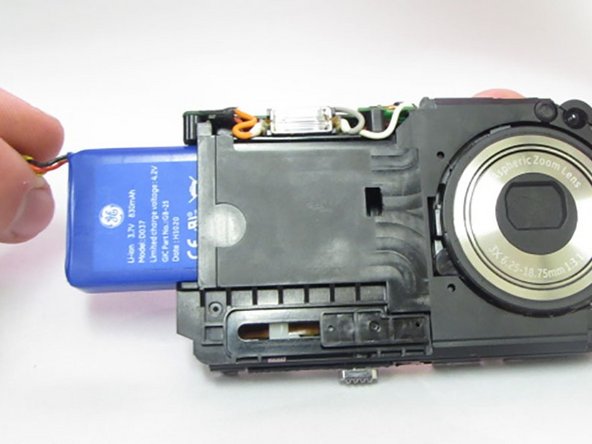
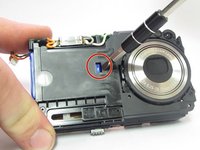
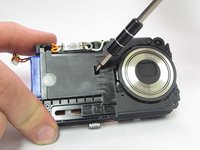
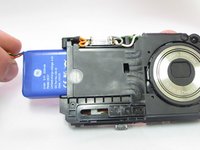
On the front of the camera locate the small rectangular slot where the battery is exposed.
-
Use the flathead bit to gently pry on the battery to start pushing it out of the camera, allowing it to become loose.
-


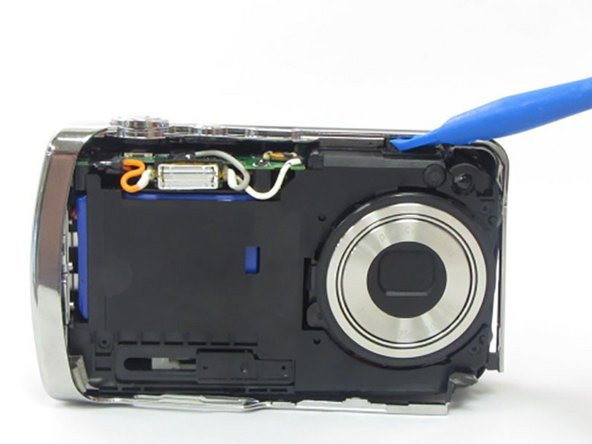
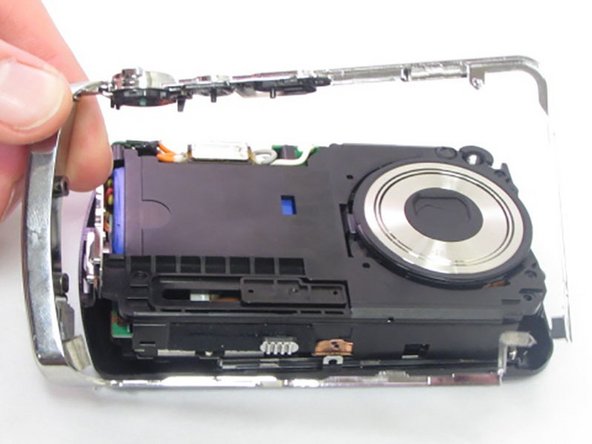







To reassemble your device, follow these instructions in reverse order.
Cancelar: não concluí este guia.
2 outras pessoas executaram este guia.



Equipe

Eastern Washington University, Team 2-6, Crane Winter 2017 Membro de Eastern Washington University, Team 2-6, Crane Winter 2017
EWU-CRANE-W17S2G6
4 Membros
Autoria de 7 guias
4Comentários do guia
Hi, when reassembling, do you need to re glue the ribbon that was taken out in step 4.
Regards
Paul
Hi,
Do you know where I can find the battery ?
