Ir para o conteúdo principal
Participe da comunidade de reparos - Criar conta

Game Boy Color Speaker Replacement

O que você precisa

  1. Game Boy Color Speaker Replacement, Speaker: passo 1, imagem 1 %32 Game Boy Color Speaker Replacement, Speaker: passo 1, imagem 2 %32 Game Boy Color Speaker Replacement, Speaker: passo 1, imagem 3 %32
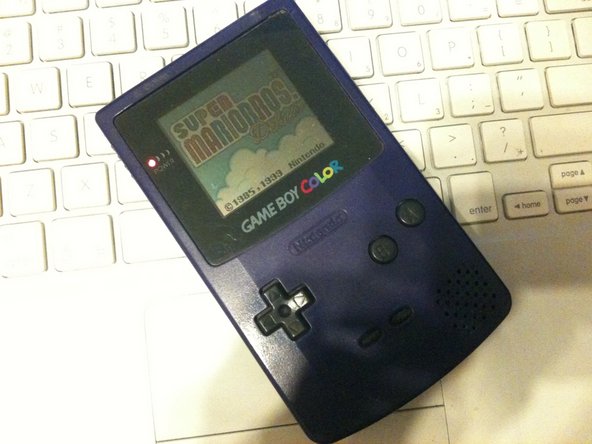
    • Take out the cartridge and batteries if there are any, very simple

  2. Game Boy Color Speaker Replacement: passo 2, imagem 1 %32
    • now to remove the 6 triwing screws from the rear of the handheld

    • if you cant find a triwing a small flathead will work

  3. Game Boy Color Speaker Replacement: passo 3, imagem 1 %32 Game Boy Color Speaker Replacement: passo 3, imagem 2 %32
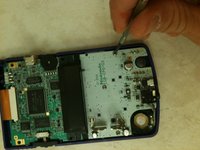
    • Though it may seem like you can get to the speaker now, its still inaccessible

    • you still need to remove three phillips head screws and lift the logicboard

  4. Game Boy Color Speaker Replacement: passo 4, imagem 1 %32
    • now simply desolder the old speaker and solder the new one in place

Conclusão

To reassemble your device, follow these instructions in reverse order.

2 outras pessoas executaram este guia.

Cody

Membro desde: 08/11/11

169 Reputação

Autoria de 1 guia

0Comentários do guia

Comentar

Visualizações:

Últimas 24 horas: 4

Últimos 7 dias: 23

Últimos 30 dias: 74

Ao todo: 8,013