Ir para o conteúdo principal

Fossil Q Venture Gen 3 Battery Replacement

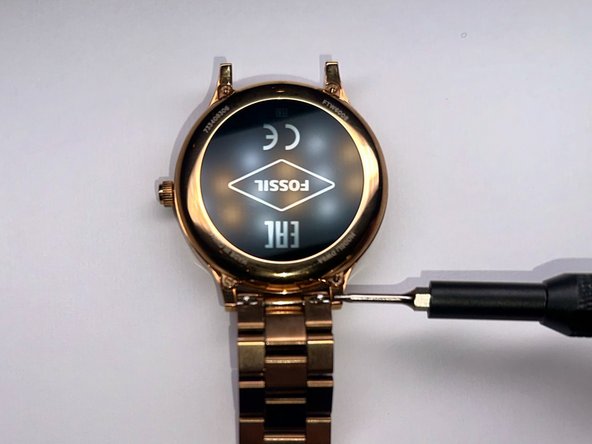
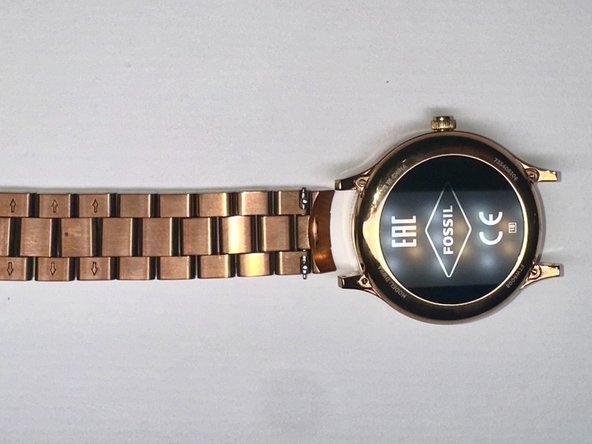
  1. Fossil Q Venture Gen 3 Battery Replacement, Battery: passo 1, imagem 1 %32 Fossil Q Venture Gen 3 Battery Replacement, Battery: passo 1, imagem 2 %32 Fossil Q Venture Gen 3 Battery Replacement, Battery: passo 1, imagem 3 %32
    • First, use a screwdriver to remove the band from the device.

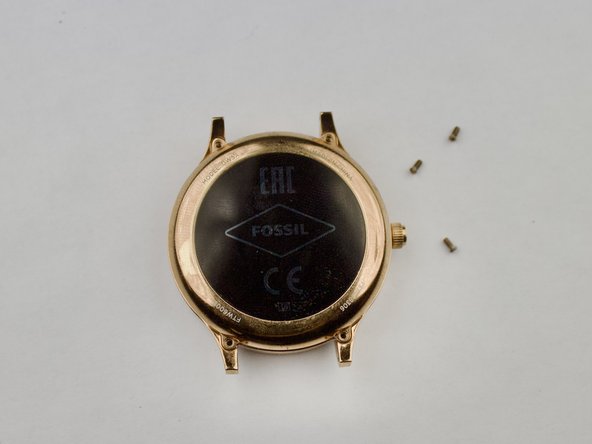
  2. Fossil Q Venture Gen 3 Battery Replacement: passo 2, imagem 1 %32 Fossil Q Venture Gen 3 Battery Replacement: passo 2, imagem 2 %32 Fossil Q Venture Gen 3 Battery Replacement: passo 2, imagem 3 %32
    • Once you remove the band, take a screwdriver and remove the four screws holding the backplate in place.

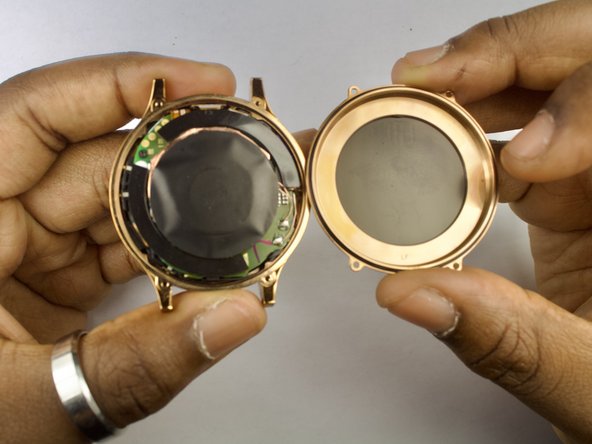
  3. Fossil Q Venture Gen 3 Battery Replacement: passo 3, imagem 1 %32 Fossil Q Venture Gen 3 Battery Replacement: passo 3, imagem 2 %32 Fossil Q Venture Gen 3 Battery Replacement: passo 3, imagem 3 %32
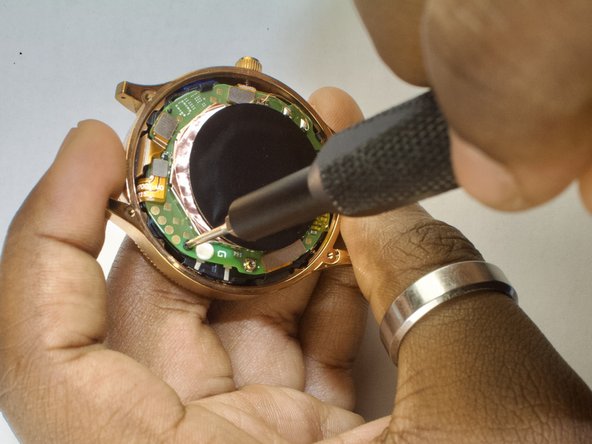
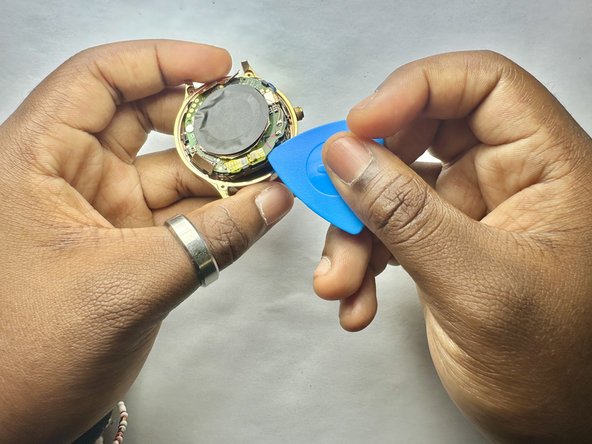
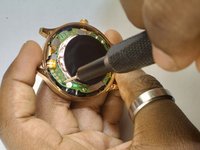
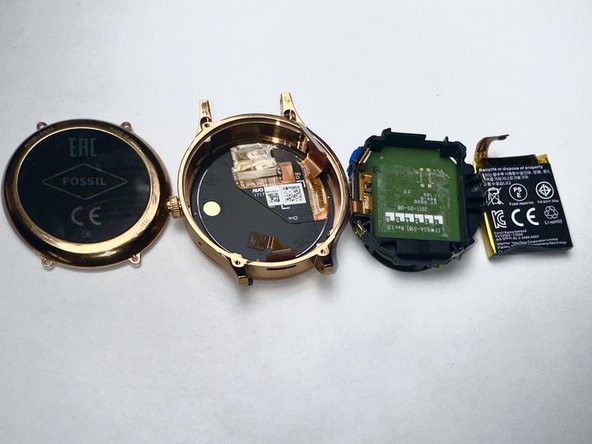
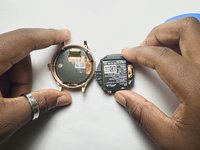
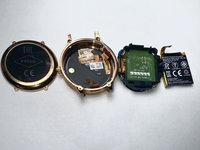
    • The inside of the watch will be exposed. Now, you can disconnect all the golden connections (battery, display, etc) and carefully loosen the battery housing from the shell.

  4. Fossil Q Venture Gen 3 Battery Replacement: passo 4, imagem 1 %32 Fossil Q Venture Gen 3 Battery Replacement: passo 4, imagem 2 %32 Fossil Q Venture Gen 3 Battery Replacement: passo 4, imagem 3 %32
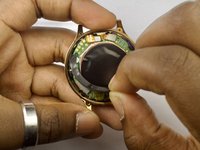
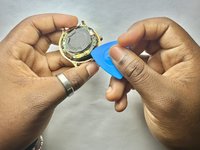
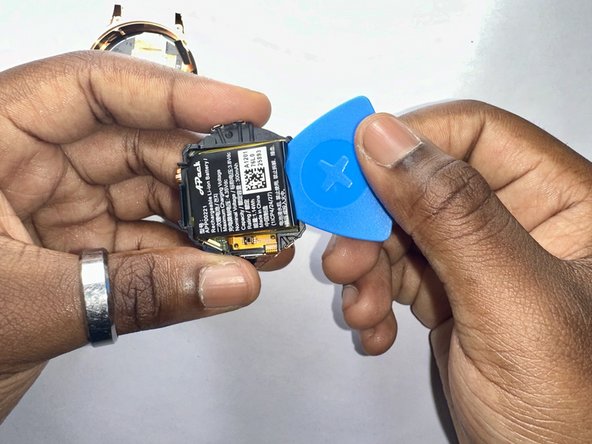
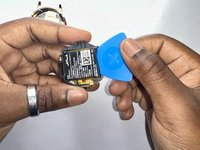
    • When the board is removed, the battery will be stuck in place with an adhesive inside the black plastic housing. Pry the battery out gently to remove it from the board.

Conclusão

To reassemble your device, follow these instructions in reverse order.

2 outras pessoas executaram este guia.

Chris Brunston

Membro desde: 09/09/24

183 Reputação

Autoria de 1 guia

Equipe

CSU Los Angeles, Team 2-1, Kershman Fall 2024 Membro de CSU Los Angeles, Team 2-1, Kershman Fall 2024

CSULA-KERSHMAN-F24S2G1

5 Membros

Autoria de 2 guias

0Comentários do guia

Comentar

Visualizações:

Últimas 24 horas: 0

Últimos 7 dias: 6

Últimos 30 dias: 34

Ao todo: 897